Trying to work out how long an ESP32 will run from a battery can get confusing fast, especially when you have not even built the project yet.
This calculator is designed so you do not need to know things like active current or deep-sleep current just to get started. Pick the development board you are using, choose the type of project that sounds closest to yours, tell it how often the ESP32 wakes up and enter your battery details.
The easiest way to use the calculator
If you are still planning the project, start with Planning estimate. This is the mode I expect most hobbyists to use first.
You choose your development board and then pick something that sounds like the project you are building, such as a sensor that wakes up and sends data over Wi-Fi or LoRa. The calculator uses a rough starting profile behind the scenes and clearly labels the result as an estimate.
If you have already built the project and measured how much power it uses, choose Measured project for a better estimate. There is also an Advanced power model if you want to fine-tune the calculation later.
Why the exact board matters
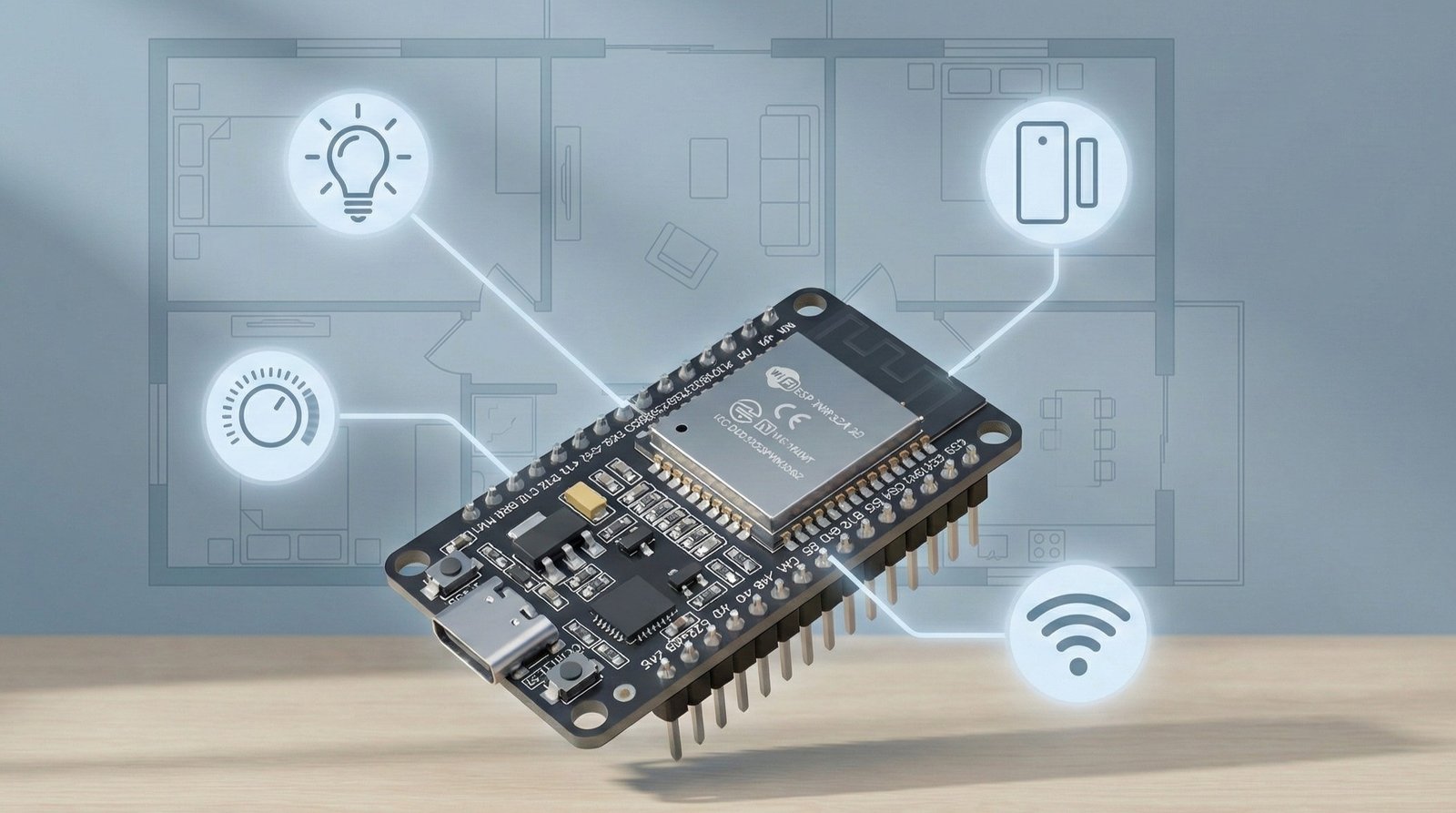
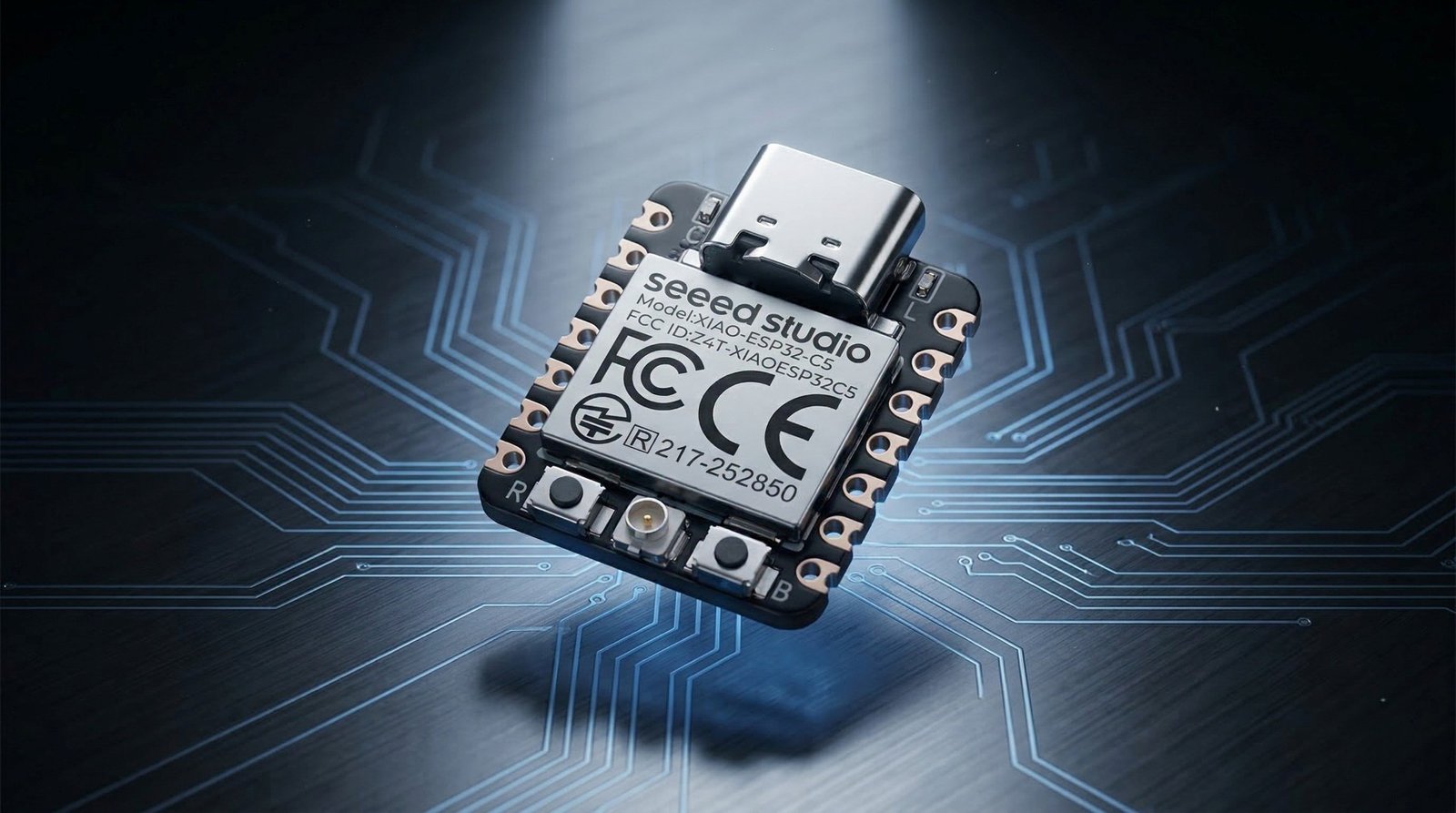
Two ESP32 boards can use very different amounts of power, even if they use a similar chip. That is especially noticeable while they are asleep.
The rest of the board matters too, along with any sensors or other hardware you connect to it. That is why a real board figure is more useful than a number for the ESP32 chip on its own.
For boards where reliable manufacturer power data is available, the calculator uses it as a starting point. If your board is not listed, you can use the broad planning estimate or enter awake and sleep figures if you already know them.
If low power is a big part of your build, my low-power board comparison is also worth a look.
What if I do not know how long the ESP32 stays awake?
If you are planning a new build, you probably will not know this either. Leave the suggested value in place and treat the result as an early estimate.
Once the project is running, it is much easier to check. You can time the period from boot until the code enters deep sleep, or log timestamps at the start and end of the wake cycle.
For a deeper explanation of wake cycles and why they matter, see my ESP32 deep sleep guide.
Battery type and capacity
The simple setup starts with a 1-cell Li-ion/LiPo battery. If you are using a different battery or battery pack through a regulator or converter, which is the small power circuit that changes the battery voltage, choose Other battery and enter its voltage. The calculator will allow for some power being lost along the way.
If you choose What battery size do I need?, you do not enter a battery capacity at all. Instead, tell the calculator how long you want the project to run and it works backwards to estimate the capacity you should be aiming for.
The battery option only helps with the calculation. Before connecting a battery, always check how your particular board is meant to be powered.
Why the result says “about”
A planning estimate should not pretend to know the exact day your battery will go flat. If the calculator says About 11 months, that is more useful than showing something like 10 months and 27 days when the input values themselves are only estimates.
The main result is intentionally rounded. If you want to see the exact numbers used by the calculation, open Show calculation details.
What can change the real battery life?
- The exact development board you are using
- How long the project stays awake each time
- How often it wakes up
- Wi-Fi, LoRa, Bluetooth, Zigbee or Thread use
- Sensors or other parts that stay powered while the ESP32 sleeps
- Battery quality, age and temperature
- Power lost through a regulator or converter
The calculator includes a real-world buffer so the main result is not based purely on the best-case maths.
How to measure your project later
If you want a better estimate once the hardware is running, measure how much power the whole project uses.
Take one reading while the project is awake and another while it is asleep. A normal multimeter is fine for steady readings, although very short Wi-Fi or radio bursts can be harder to catch.
A real project example
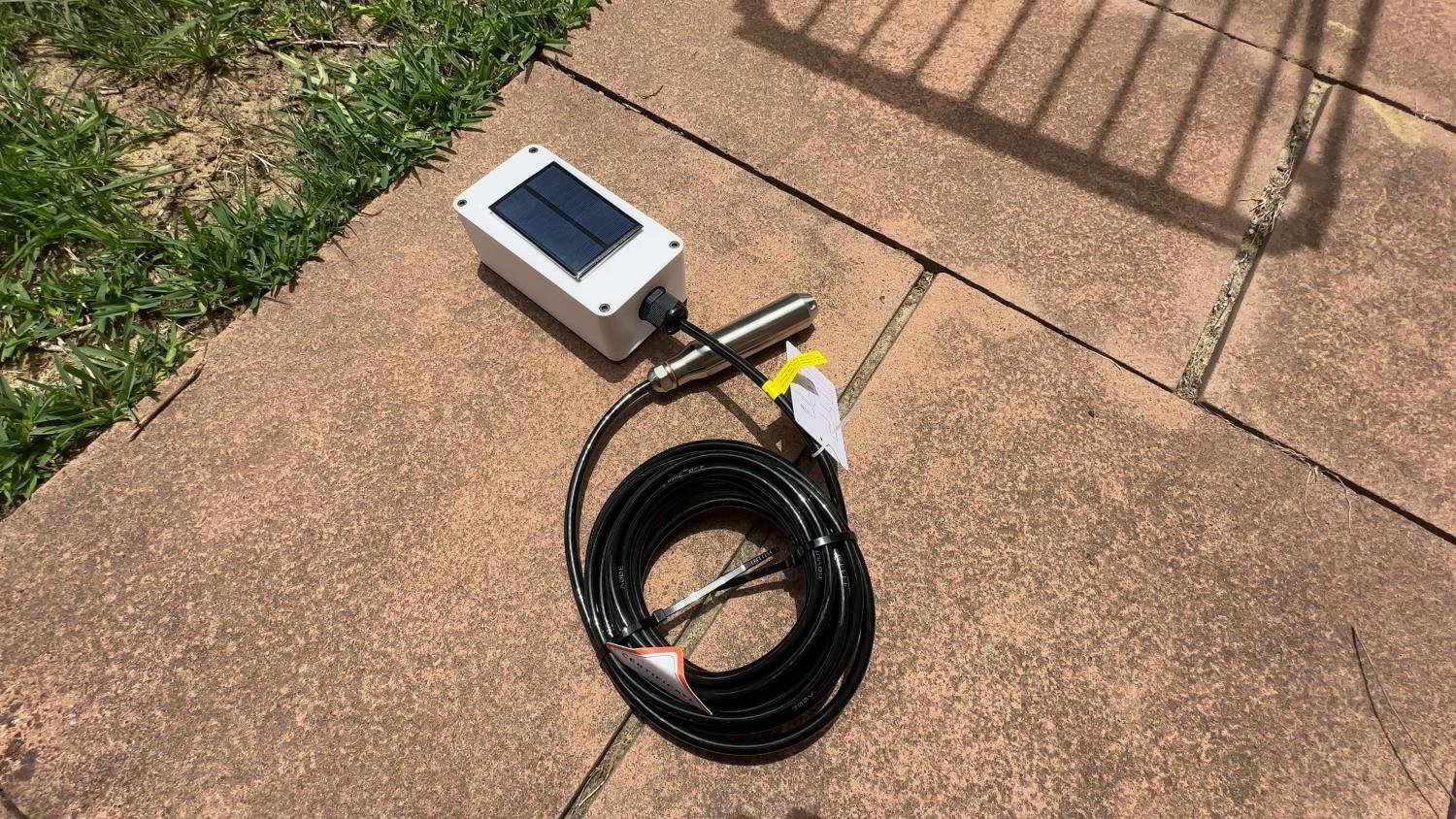
My LoRa water-tank sensor is exactly the sort of project this calculator is aimed at. The node wakes up, powers and reads the sensor, sends the result, then spends most of its time asleep.
That is where a calculator like this becomes useful. You can see whether changing from a 30-minute update to a 10-minute update matters, what happens if the wake period gets longer, or roughly how much battery capacity you need before building the final enclosure.
If you are building something similar outdoors, my guide to powering DIY outdoor sensors covers the wider power setup. Once you have a daily power-use figure, the solar and battery sizing calculator can estimate the panel and battery you need. For single-cell Li-ion solar charging, I also have a CN3791 solar charger guide.
Frequently asked questions
What if my ESP32 board is not listed?
Choose My board isn’t listed / I’m not sure for a rough estimate. If you already know the board’s awake and sleep current, you can enter those figures instead.
Do I need to know the active current?
No. Planning estimate mode is specifically designed for people who do not know it yet. If you measure the project later, switch to Measured project mode.
How accurate is the result?
It is useful for planning and comparing different setups, but it is still an estimate. Real measurements from the complete project will always be better than a planning profile.
Does a bigger battery always fix poor battery life?
No. If the board is using too much power while asleep or waking up much more often than necessary, fixing that can make a bigger difference than simply fitting a larger battery.