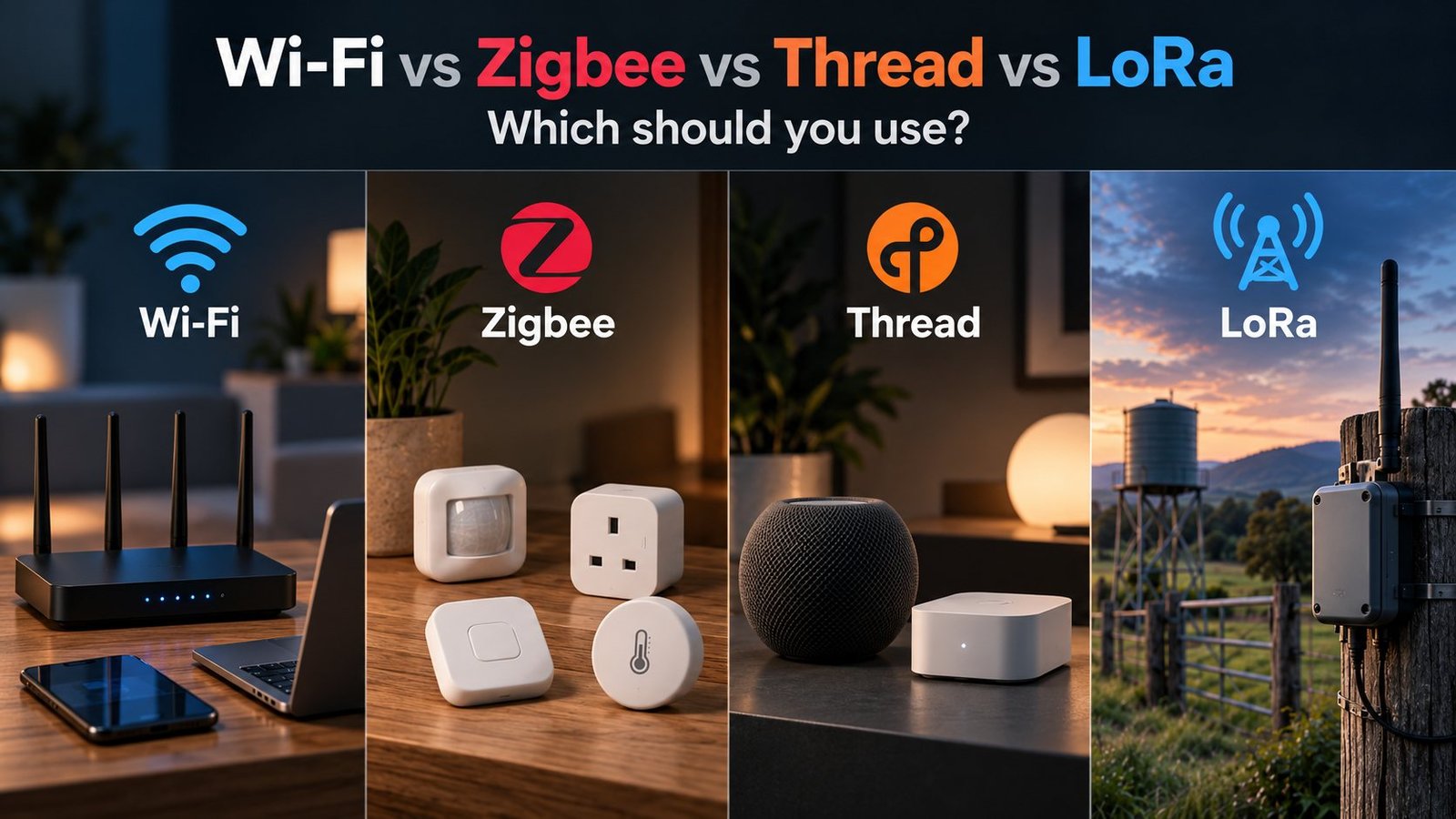
If you are building a smart home or putting together a DIY sensor, choosing the radio can be just as important as choosing the sensor or microcontroller.
Wi-Fi is usually the easiest place to start. Zigbee is a great fit for low-power smart home devices. Thread gives low-power devices an IP-based mesh and is increasingly tied to Matter. LoRa is in a different category again, trading speed for much longer range.
I use more than one of these because they solve different problems. A powered ESPHome device in the house does not need the same network as a battery sensor on a water tank hundreds of metres away. Trying to force everything onto one protocol usually creates more problems than it solves.
The useful comparison is not just range or battery life. It is which network fits the device, the power source and where it needs to work. Z-Wave, Matter, Bluetooth and Wi-Fi HaLow also come up in the same conversation, so I have included them where they matter.
The quick answer
- Use Wi-Fi for powered devices that are already within good Wi-Fi coverage, especially ESPHome nodes, cameras and anything that needs more bandwidth.
- Use Zigbee for battery sensors, buttons, plugs, lights and other smart home devices where low power and a mature mesh ecosystem matter.
- Use Thread when you want an IP-based low-power mesh, particularly for Matter-over-Thread devices and newer smart home hardware.
- Use LoRa when range matters far more than bandwidth, such as water tanks, gates, sheds, weather stations and other sensors well beyond normal home Wi-Fi or Zigbee coverage.
For most Home Assistant setups, the best answer is a mix rather than picking one winner.
Wi-Fi vs Zigbee vs Thread vs LoRa at a glance
| Technology | Best suited to | Network style | Power profile | Bandwidth | Extra infrastructure |
|---|---|---|---|---|---|
| Wi-Fi | Powered devices, ESPHome, cameras, higher-data devices | Devices connect to an access point | Usually the highest of these four, but deep sleep can work well | High | Wi-Fi network |
| Zigbee | Smart home sensors, buttons, plugs and lights | Coordinator with routers and end devices | Very good for sleepy battery devices | Low | Zigbee coordinator or hub |
| Thread | Low-power IP devices and Matter-over-Thread | IPv6 mesh | Very good for sleepy battery devices | Low | Thread Border Router |
| LoRa | Remote sensors and property-scale links | Point-to-point, custom network, or another protocol built on top | Excellent for infrequent telemetry when designed well | Very low | Depends on the network design |
Those descriptions are deliberately broad. Range, battery life and reliability depend heavily on antenna placement, transmit settings, obstacles, packet frequency and the hardware you choose.
First, these technologies are not all the same thing
A lot of protocol comparisons become confusing because they mix radios, networking protocols and application standards together.
Matter is not another radio competing with Wi-Fi, Zigbee or Thread. Matter is an application-layer standard. A Matter device can communicate over technologies such as Wi-Fi, Thread or Ethernet, while Bluetooth LE is commonly used during commissioning.
Thread is the network underneath many low-power Matter devices. That is why a product can be both a Matter device and a Thread device at the same time.
LoRa and LoRaWAN are also not interchangeable terms. LoRa is the long-range radio technology. LoRaWAN is a networking protocol built on top of LoRa and normally uses gateways that relay messages between end devices and a central network server. Raw LoRa can also be used without LoRaWAN for point-to-point links or custom systems.
Projects such as MeshCore and Meshtastic also use LoRa radios, but they are not LoRaWAN networks. They build their own messaging and routing behaviour on top of LoRa. If that is the direction you are heading, my MeshCore guide goes into that side of LoRa in more detail.
Wi-Fi: still the easiest option for many DIY devices
For an ESP32 sitting inside normal Wi-Fi coverage, Wi-Fi is hard to beat for convenience. You already have the infrastructure, the device gets normal IP connectivity, and tools such as ESPHome make it very easy to expose sensors and controls to Home Assistant.
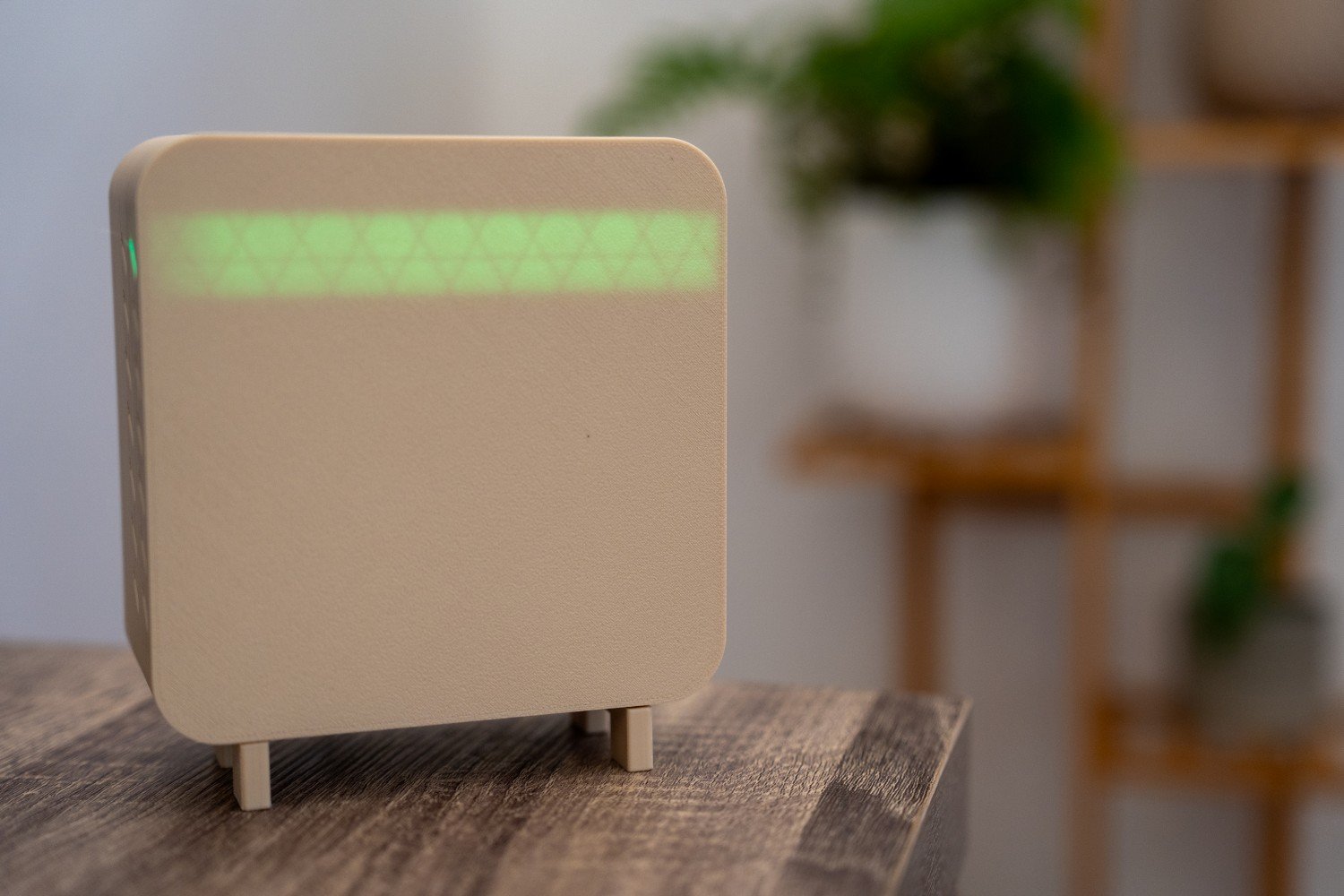
That is why Wi-Fi remains my default for plenty of powered DIY devices. If I am building an air quality sensor, display, relay controller or another node that has permanent power and decent wireless coverage, I usually need a good reason not to use it.
Where Wi-Fi works well
- Powered ESP32 and ESPHome devices
- Cameras and devices that need more bandwidth
- Devices that benefit from direct IP connectivity
- Small DIY deployments where adding another radio network is unnecessary
Where Wi-Fi becomes less attractive
Battery operation is the obvious one. An ESP32 can spend most of its time in deep sleep and only wake to connect, send a reading and go back to sleep. That can work very well, but the wake, association and data transfer process has more overhead than a network designed around sleepy low-power end devices.
Range is the other limitation. If the sensor is at the end of the property, behind a metal shed or sitting beside a remote water tank, adding more Wi-Fi infrastructure purely for one tiny reading can stop making sense.
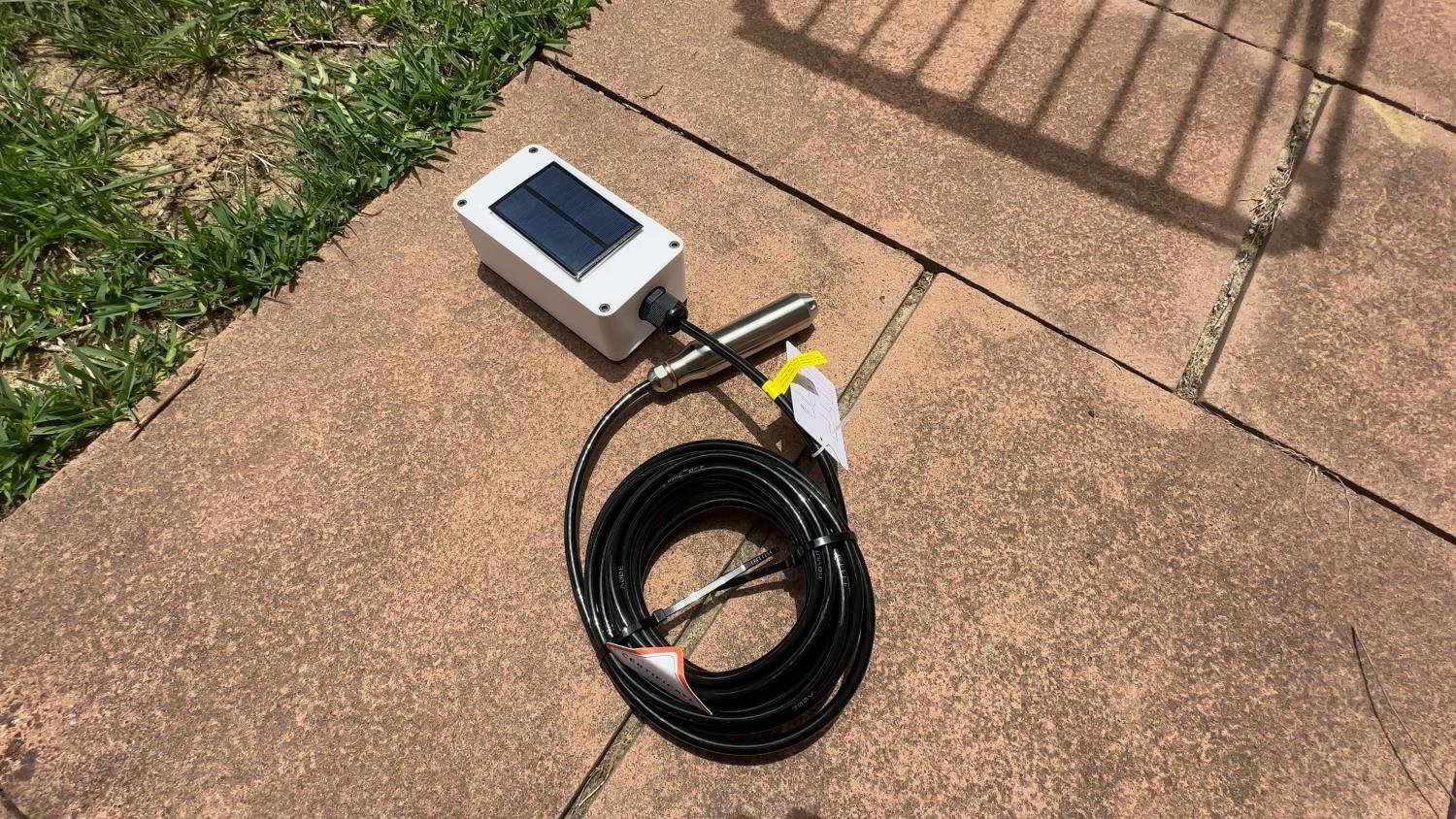
My original water tank level sensor is a good example of a Wi-Fi-based design. It works well where Wi-Fi reaches the tank. For a more remote installation, I later built a LoRa water tank sensor instead.
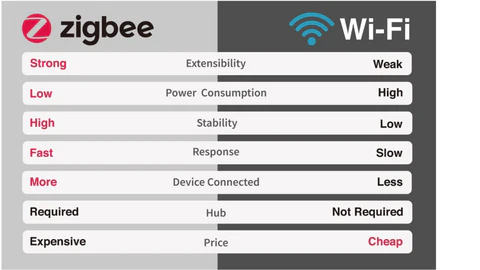
Zigbee: a mature choice for low-power smart home devices
Zigbee is built around the sort of traffic a smart home generates: small messages from sensors, switches, lights, plugs and buttons rather than large streams of data.
A Zigbee network has one coordinator. Mains-powered router devices can relay traffic for other devices, while sleepy end devices can spend most of their time asleep to preserve battery life. As you add suitable routers around the house, the mesh can provide coverage beyond a single direct radio link.
In Home Assistant, the common routes are ZHA or Zigbee2MQTT. If you are starting from scratch, my Zigbee dongle guide covers coordinator choices, and I have a separate Zigbee2MQTT coordinator setup guide.
Why I would choose Zigbee
- You want lots of battery-powered sensors or buttons.
- You want a large choice of established smart home products.
- You are happy to run a coordinator and build a healthy mesh with powered routers.
- You want local control without putting every small device directly onto Wi-Fi.
Zigbee is also still evolving. Zigbee 4.0 was announced as a backward-compatible update to Zigbee 3.0, and the Suzi certification program for Sub-GHz Zigbee opened in September 2026. That is worth watching, but most Zigbee smart home hardware you can buy today is still based around the familiar 2.4 GHz ecosystem. I cover the newer changes in my Zigbee 4.0 and Suzi overview.
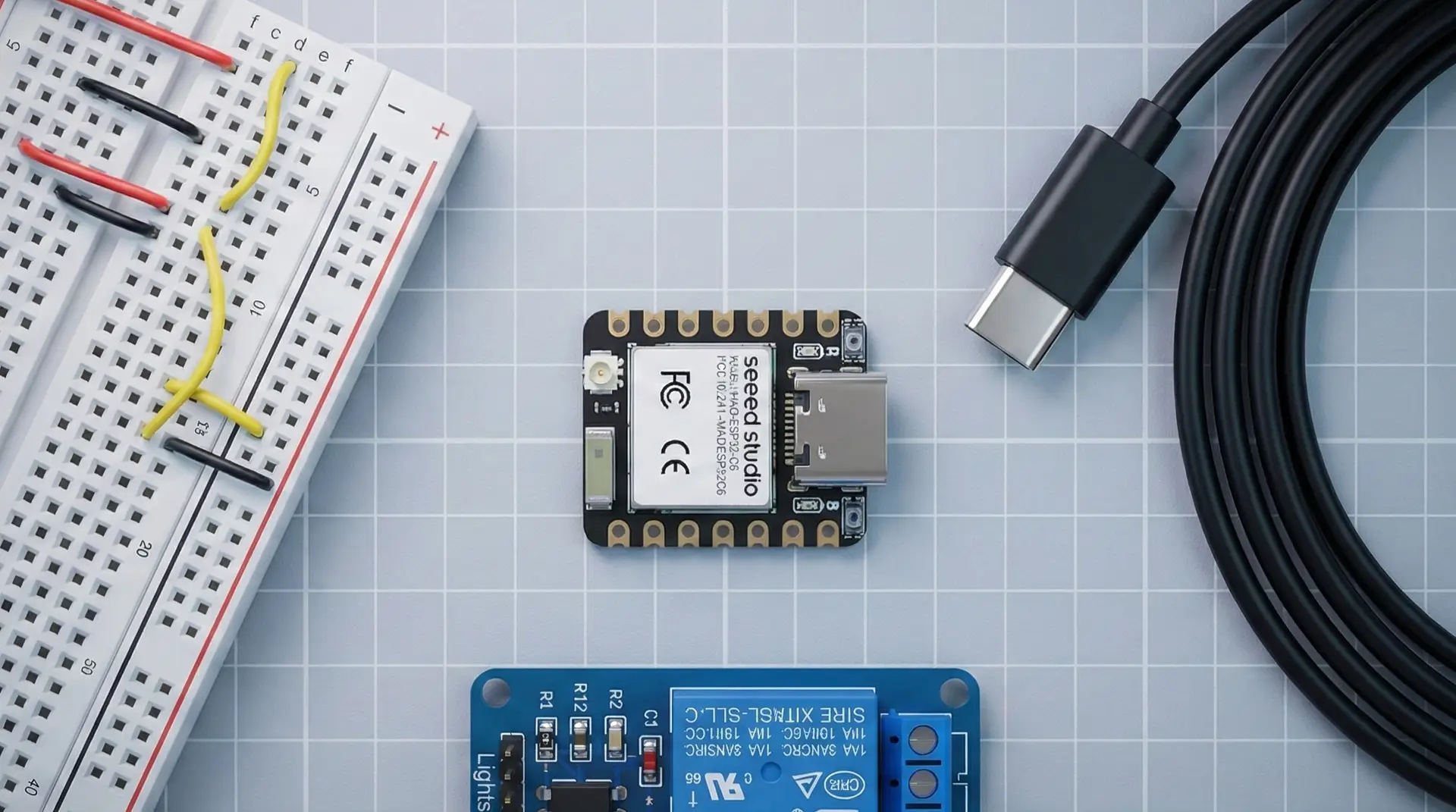
For DIY hardware, chips such as the ESP32-C6 also give you an 802.15.4 radio. That opens the door to Zigbee and Thread projects from the same general ESP32 family. I have used that capability in an ESP32-C6 Zigbee router.
Thread: low-power mesh with IP built in
Thread can look very similar to Zigbee from the radio side because both commonly use IEEE 802.15.4 at 2.4 GHz. The important difference is higher up the stack: Thread is an IPv6-based network.
That means Thread devices participate in an IP network rather than using Zigbee’s application and networking stack. A Thread Border Router connects the Thread mesh to your other IP networks, such as Ethernet or Wi-Fi.
Thread itself does not define how a light, sensor or lock should behave. It needs an application layer above it, with Matter being the most relevant example for current smart home devices.
Where Thread makes sense
- Matter-over-Thread devices
- Low-power sensors and controls that benefit from an IP-based mesh
- New projects where Thread is already supported by the hardware and software stack you plan to use
Home Assistant supports Thread networks and Border Routers, but its own documentation still describes parts of the Thread integration as a work in progress. The ecosystem is improving, but I would not describe Thread in Home Assistant as universally simpler than Zigbee yet. The current Home Assistant Thread documentation is worth checking before buying hardware around a specific setup.
If you are choosing a microcontroller specifically for this area, the ESP32-C6 is one of the more useful ESP32 options because it combines 2.4 GHz Wi-Fi, Bluetooth LE and an 802.15.4 radio.
LoRa: when the sensor is a long way from the house
LoRa starts to make sense when the problem changes from “how do I connect another smart home device?” to “how do I get a few bytes of data across a large property?”
It is designed around long-range, low-data-rate communication. That makes it a poor choice for cameras, audio or anything bandwidth-heavy, but a very good fit for things such as a tank percentage, gate state, soil reading or temperature update.
The important distinction is what you run on top of the LoRa radio.
- Raw LoRa can be used for simple point-to-point links or a custom protocol.
- LoRaWAN is a defined LPWAN networking protocol. Its normal architecture is star-of-stars, with gateways relaying messages between end devices and a network server.
- MeshCore and Meshtastic use LoRa radios but implement their own networking and messaging behaviour. They are not LoRaWAN.
This is why I would not write “LoRa is a mesh protocol” as a blanket statement. LoRa is the radio technology. Whether your finished system is point-to-point, star-based or mesh-like depends on the software and protocol running above it.
Where LoRa works well
- Water tanks and pumps
- Remote sheds and gates
- Weather and environmental sensors
- Solar and battery nodes that only need to report occasionally
- Large rural properties where adding Wi-Fi coverage is impractical
My LoRa water tank sensor is the clearest example on this site. The data is tiny, updates do not need to happen every second, and the link has to work where relying on normal home Wi-Fi is not ideal.
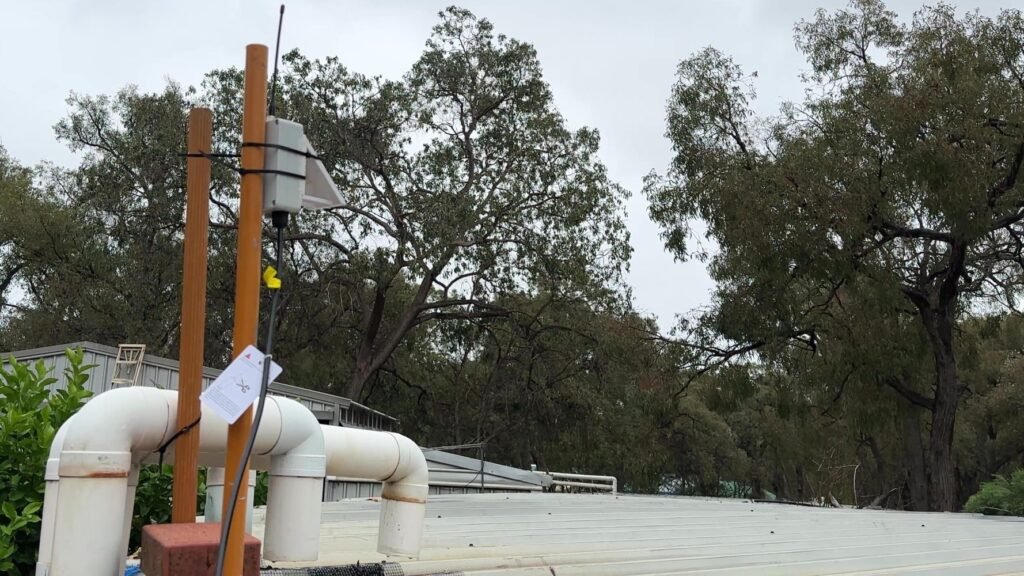
In Australia, LoRa settings also need to match the regional frequency plan and local radio rules. Do not copy frequency, channel or transmit-power settings from a project built for another region without checking them first.
What about Z-Wave, Matter, Bluetooth and Wi-Fi HaLow?
I have kept the main comparison to four technologies because they match the projects I cover most often, but the others are still worth understanding.
Z-Wave
Z-Wave absolutely belongs in a smart home discussion. It uses region-specific sub-GHz radio bands, supports mesh networking and has a mature ecosystem of commercial smart home devices. Home Assistant supports it through Z-Wave JS with a compatible adapter.
I have not made it a fifth main category here because this article also targets DIY microcontroller projects. Wi-Fi, Zigbee, Thread and LoRa all map directly into the ESP32 and maker hardware I regularly work with. Z-Wave is more relevant when you are choosing off-the-shelf smart home devices and want the advantages of a dedicated sub-GHz smart home network.
Matter
Matter sits above the network transport, so asking “Matter or Thread?” is a bit like asking “Home Assistant or Ethernet?” They solve different parts of the stack.
A Matter device might use Wi-Fi or Thread for its network connection. If it uses Thread, you still need a Thread Border Router somewhere in the system.
Bluetooth LE
Bluetooth LE is useful for commissioning, nearby sensors, beacons and proxy-style setups. Home Assistant can make very good use of it, especially with Bluetooth proxies, but I would not normally choose it as the main network for a new whole-home DIY sensor deployment when Zigbee, Thread or Wi-Fi is a better fit.
Wi-Fi HaLow
Wi-Fi HaLow, based on 802.11ah, is an interesting sub-1 GHz Wi-Fi option aimed at IoT use. It promises a useful combination of longer range, lower power operation and IP connectivity. The reason it is not in the main recommendation table is simpler: the Home Assistant and DIY hardware ecosystem around it is still much smaller than conventional Wi-Fi, Zigbee, Thread or LoRa.
Which protocol is best for Home Assistant?
| Project | What I would consider first |
|---|---|
| Powered ESPHome sensor inside the house | Wi-Fi |
| Battery door, motion or temperature sensor | Zigbee |
| New Matter device using a low-power mesh | Thread |
| Tank, gate or shed well beyond normal home coverage | LoRa |
| Off-the-shelf sub-GHz smart home devices | Z-Wave |
| Cameras or high-bandwidth devices | Wi-Fi or Ethernet |
Home Assistant is particularly good at this because it does not force you into one radio ecosystem. A single installation can combine Wi-Fi devices, a Zigbee coordinator, Thread Border Routers, a Z-Wave adapter and a custom LoRa gateway if that is what the property needs.
If you are new to Home Assistant itself, my Home Assistant beginner guide explains how the platform fits around these different device networks.
Range and reliability matter more than the number on the box
I would be cautious with any comparison that gives one fixed range for each protocol. Real-world RF performance depends on much more than the protocol name.
- Frequency band
- Transmit power and receiver sensitivity
- Antenna design and placement
- Walls, metal, vegetation and terrain
- Interference from nearby radios
- Whether the network can route through other devices
A well-placed Zigbee router can make a bigger difference than buying a device with a slightly better antenna on paper. A LoRa node with a poor antenna buried beside metal can still perform badly. Wi-Fi coverage can be excellent across a house with properly placed access points and terrible from a single router in a cupboard.
Which one is best for battery life?
Zigbee and Thread are designed around low-power IoT devices and are natural choices for sleepy sensors that need to remain part of a home network.
LoRa can also be extremely efficient when a remote node wakes occasionally, sends a small packet and goes back to sleep. The radio link may cover a much greater distance without the node needing to stay associated with a Wi-Fi network.
Wi-Fi should not automatically be written off. Deep sleep can make an ESP32 Wi-Fi sensor practical on battery or solar power, especially when updates are infrequent. The trade-off is the energy and time needed to wake, reconnect and exchange data.
Battery life still comes down to the complete design. Wake interval, sensor current, regulator losses, radio settings, retries and firmware behaviour often matter more than simply choosing the protocol with the lowest-power reputation.
A simple way to choose
- Is the device remote enough that normal home coverage is the problem? Start by looking at LoRa.
- Is it a battery-powered smart home sensor or control? Zigbee is usually the first place I would look.
- Are you specifically building around Matter-over-Thread? Use Thread and make sure you have suitable Border Router infrastructure.
- Is it powered and already inside good Wi-Fi coverage? Wi-Fi is often the simplest choice.
- Are you buying commercial sub-GHz smart home devices rather than building the radio hardware yourself? Z-Wave is worth considering.
My recommendation
I would not try to build a Home Assistant setup around one wireless protocol.
Wi-Fi makes sense for ESPHome, cameras and powered devices. Zigbee remains an excellent choice for low-power sensors and controls. Thread is increasingly relevant as more Matter-over-Thread hardware appears. LoRa solves the jobs that sit outside the normal smart home bubble, especially remote sensors around a larger property.
That mixed approach is not a compromise. It is usually the point of using a platform like Home Assistant in the first place: each device can use the network that suits it, while Home Assistant brings the data and controls together.
FAQ
Is Thread replacing Zigbee?
No. They share some underlying radio technology, but they use different networking stacks and both have active ecosystems. Zigbee is already deeply established, while Thread is increasingly important for IP-based low-power devices and Matter.
Is Matter a wireless protocol?
No. Matter is an application-layer standard. Matter devices can use network transports such as Wi-Fi, Thread or Ethernet, with Bluetooth LE commonly involved during setup.
Is LoRa a mesh network?
Not by itself. LoRa is the radio technology. Raw LoRa can be used point-to-point, LoRaWAN normally uses a star-of-stars architecture, and projects such as MeshCore or Meshtastic add their own networking behaviour on top of LoRa.
Which protocol is best for ESP32 projects?
It depends on the ESP32 variant and the job. Wi-Fi is the easiest choice for many ESP32 projects. Chips such as the ESP32-C6 add 802.15.4 support for Zigbee and Thread. LoRa normally requires a separate LoRa radio or an ESP32 board that already includes one. My ESP32 beginner guide covers the main chip families.
Can Home Assistant use all of these at the same time?
Yes, provided you have the required radios, gateways, Border Routers or integrations. It is normal for a Home Assistant installation to combine multiple wireless technologies.
Some of the links in this post may be affiliate links. If you buy through them, I may earn a small commission at no extra cost to you.