
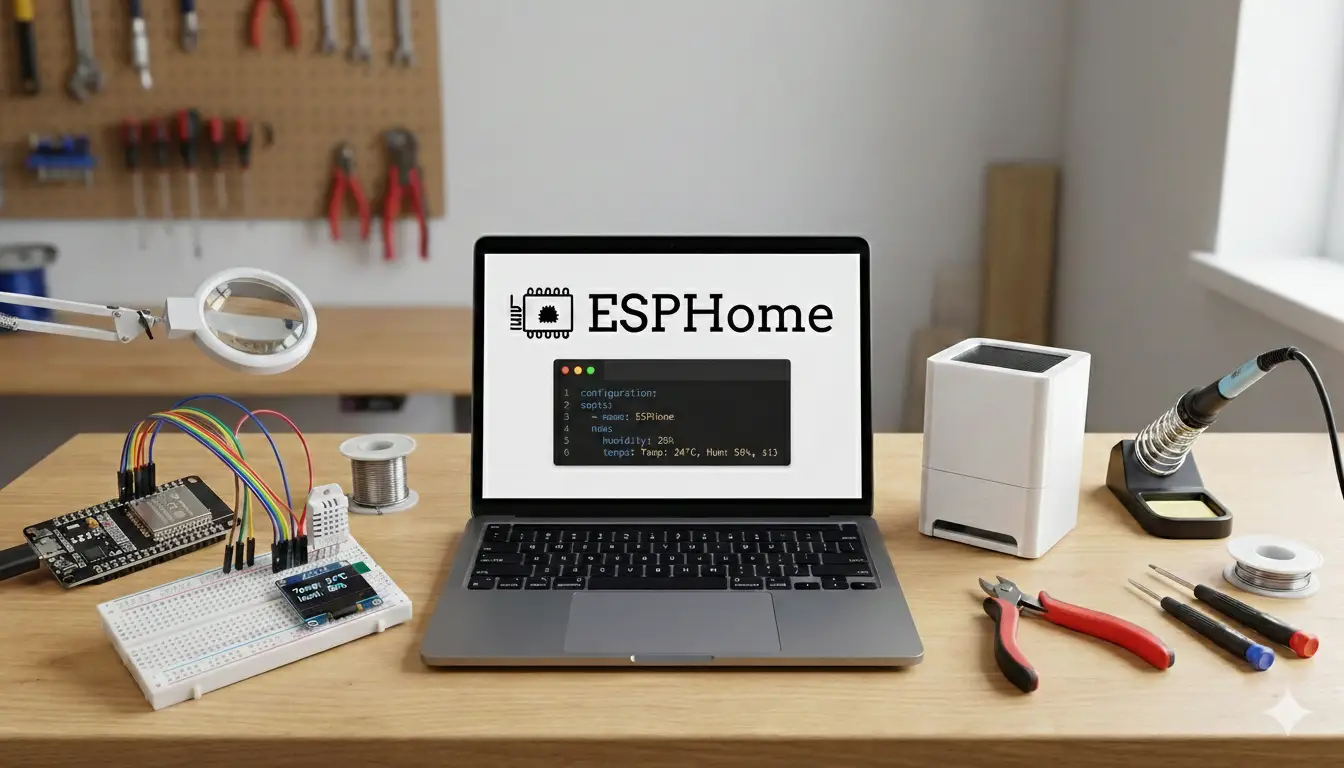
If you’re building DIY smart home projects with ESP32 boards, you’ll eventually stumble across ESPHome. People talk about it like a cheat code: suddenly your projects start appearing in Home Assistant without you writing a line of C++.
So what is ESPHome exactly, and why do so many people use it for sensors, switches and lights?
This post walks through what ESPHome does, how it works with ESP32-style boards, and why it can make DIY devices feel a lot less painful to build and maintain.
What is ESPHome?
ESPHome is a system that lets you build firmware for ESP-based boards using YAML configuration instead of traditional code.
Rather than writing a full program, you describe what your device should do in a simple text file:
- what board you’re using
- which pins your sensors and relays are on
- how it connects to Wi-Fi
- how it should talk to Home Assistant
ESPHome takes that YAML, generates C++ under the hood, compiles it, and flashes it to your device. You don’t have to see or touch the low-level code unless you really want to.
In practice it turns “write firmware” into “fill in a config file and click upload”.
How ESPHome fits with ESP32 and Home Assistant
ESPHome sits in the middle of three things:
- Your ESP32 / ESP8266 / ESP32-C3 / ESP32-C6 boards
- Your Wi-Fi network
- Your Home Assistant installation
The ESP32 runs the firmware ESPHome generates. That firmware:
- connects the device to Wi-Fi
- exposes sensors, switches and lights as entities
- understands how to talk to Home Assistant over its native API (or via MQTT if you prefer)
On the Home Assistant side, devices using ESPHome usually auto-discover. You plug in a new device, flash it, and Home Assistant pops up a notification saying “hey, I found something new”.
That means much less fiddling with manual MQTT topics, JSON payloads or hand-written integrations.
Why ESPHome makes things easier
The main benefit is that you spend less time on boilerplate and more time on what your device actually does.
A few reasons it feels easier day to day:
- No full C++ program to maintain. You describe components and pins instead of writing a loop function by hand.
- Built-in components. Common sensors, relays, displays and effects have ready-made blocks you just drop into YAML.
- Native Home Assistant integration. Entities show up with the right types, units and icons without you crafting payloads.
- Over-the-air updates. Once a device is on the network, you can re-flash it wirelessly from the ESPHome dashboard.
- Consistent patterns. Every device you build “feels” the same in terms of config and behaviour.
If you’re building more than one or two devices, that consistency starts to matter a lot.
What the ESPHome workflow looks like
Using ESPHome feels more like configuring a service than programming a microcontroller.
A typical workflow goes like this:
- Create a new device in the ESPHome dashboard and give it a name.
- Pick a board type that matches your hardware.
- Add Wi-Fi details and the basic
api:/ota:sections. - Add components for sensors, switches, lights or outputs, and assign them to pins.
- Click “Install” to compile and flash the firmware over USB the first time.
- After that, use over-the-air updates for changes.
Most of the time your edits are just small tweaks to the YAML: changing a pin, adding a filter, adjusting a sleep interval, or renaming an entity.
A simple ESPHome example
Here’s a tiny example to show what ESPHome config looks like. Imagine an ESP32 with one status LED on a pin and a DHT temperature/humidity sensor.
esphome:
  name: hallway_sensor

esp32:
  board: esp32dev

wifi:
  ssid: "YourWiFi"
  password: "YourPassword"

api:
ota:

sensor:
  - platform: dht
    pin: GPIO4
    model: DHT22
    temperature:
      name: "Hallway Temperature"
    humidity:
      name: "Hallway Humidity"
    update_interval: 60s

output:
  - platform: gpio
    pin: GPIO2
    id: status_led

light:
  - platform: binary
    name: "Hallway Status LED"
output: status_ledYou haven’t written any loops, delay calls or Wi-Fi code here. But once you flash this, Home Assistant will see two sensor entities and a light entity ready to use in automations.
What kind of devices can you build with ESPHome?
Most small smart devices around the house map nicely to ESPHome.
A few examples:
- Environmental sensors – temperature, humidity, CO₂, light level, air quality, soil moisture.
- Tank and level monitors – ultrasonic or pressure sensors for water tanks, sumps or header tanks.
- Smart relays and switches – pumps, fans, irrigation valves, lights and low-power loads.
- LED strips and light bars – status lights, ambient lighting, notifications and effects.
- Simple input devices – buttons, contact sensors, motion sensors, reed switches.
If you can wire it to GPIO and someone has written a component for it, ESPHome will probably let you drop it in with just a few lines of YAML.
When ESPHome might not be the right choice
ESPHome is great for a lot of “normal” smart devices, but it doesn’t suit every situation.
If you want to build something that:
- runs complex custom logic with tight timing or heavy processing
- uses unusual peripherals that don’t have an ESPHome component yet
- must work completely standalone without Home Assistant and needs a richer local interface
…then writing firmware directly in C++ with the Arduino core or ESP-IDF may still be a better fit.
You can also mix approaches. Some devices in your setup can run ESPHome while others run hand-written firmware where needed.
Getting started with ESPHome
You don’t need much to try it.
You’ll want:
- A compatible board (ESP32, ESP8266, ESP32-C3, etc.).
- A way to run ESPHome: either as a Home Assistant add-on or in a Docker container / command-line install.
- A USB cable for the first flash, then Wi-Fi for OTA updates.
The learning curve is mostly about getting comfortable with the YAML structure and knowing how to find and read the component documentation. Once you’ve done one or two devices, the rest feel very similar.
A good first project is something like a single sensor plus a status LED, or a simple relay module that you can toggle from a Home Assistant dashboard. That gives you a complete loop: configure, flash, see entities appear, and press a button on your phone to make something click in the real world.
Why ESPHome is worth learning
If you’re already using Home Assistant and ESP32 boards, ESPHome sits in the sweet spot between flexibility and effort.
You still get to build custom devices with your own wiring and 3D-printed enclosures, but you don’t have to reinvent Wi-Fi code, entity handling and update mechanisms for every project. Once you understand how one ESPHome device is put together, you can reuse that pattern across the rest of your house.
For a lot of DIY smart home builders, that’s the difference between “I made one cool thing” and “I actually have a whole network of devices that I can maintain without losing my mind.”