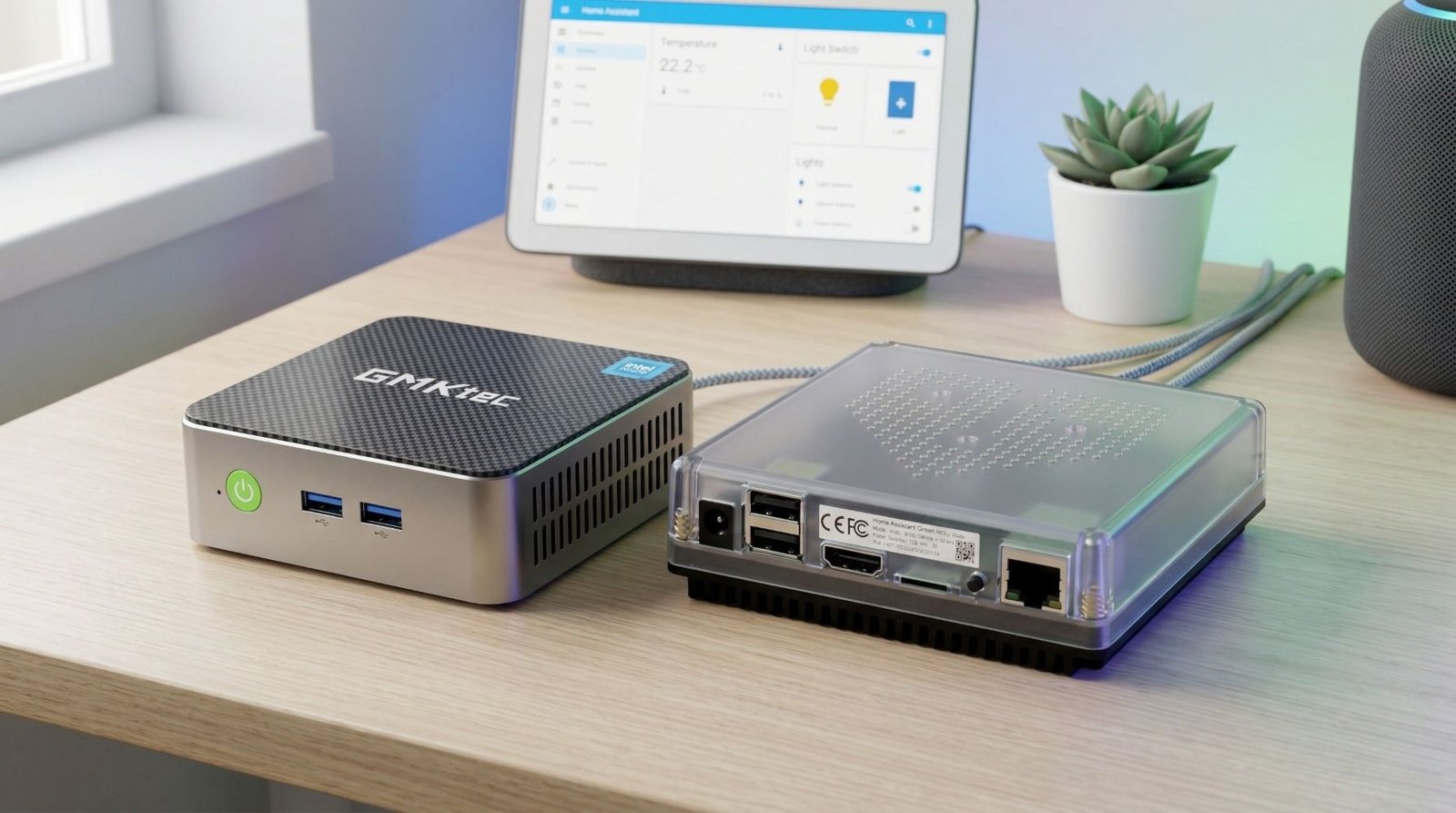
If you are trying to decide between Home Assistant Green and a mini PC for Home Assistant, the right choice mostly comes down to one thing:
Do you want the easiest possible setup, or do you want more flexibility and room to grow?
Home Assistant Green is built to be the simple option. It comes with Home Assistant already installed, is designed to be plug-and-play, and Home Assistant calls it the easiest way to get started. A mini PC takes more effort, but it gives you more hardware choice and more headroom if your setup gets bigger over time.
For a lot of people, this is really the choice:
- Home Assistant Green if you want a clean, dedicated smart home box that just works
- Mini PC if you want better long-term value, more performance options, or you already know your setup will grow
The quick answer
Buy Home Assistant Green if:
- you want the simplest possible start
- you do not want to mess around with BIOS settings, flashing drives, or choosing hardware
- you want a dedicated box just for Home Assistant
- your setup is fairly normal and you value ease over tinkering
Buy a mini PC if:
- you want more performance headroom
- you plan to run extra services alongside Home Assistant
- you want better upgrade options
- you are comfortable doing a bit more setup work
- you want a system that can grow with you
Home Assistant Green is the easiest path in. A mini PC is usually the better choice for people who want more flexibility.
What is Home Assistant Green?
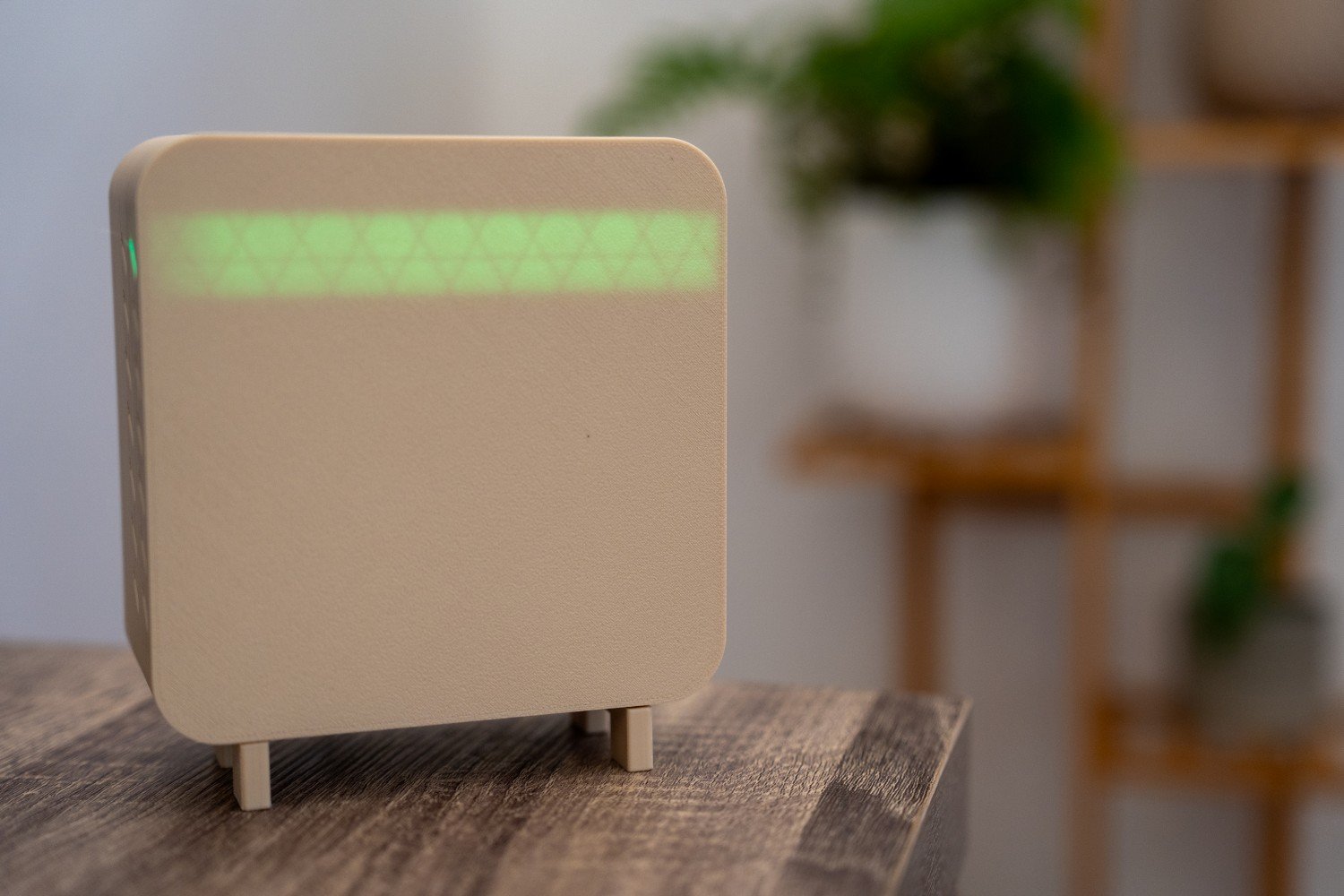
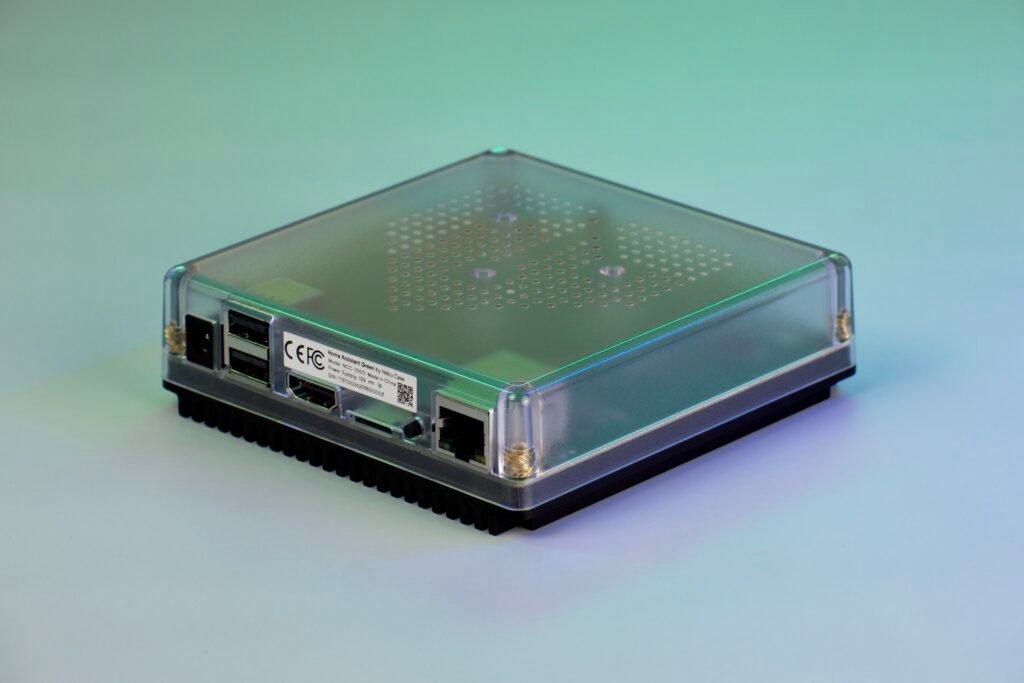
Home Assistant Green is official hardware designed specifically to run Home Assistant. It comes with Home Assistant Operating System preinstalled, and the setup is basically power plus Ethernet, then follow the app or web setup flow. Home Assistant describes it as plug-and-play and positions it as the easiest way to start using Home Assistant.
That matters more than it sounds.
With Green, you are not spending time:
- choosing between different mini PC models
- checking BIOS settings
- disabling Secure Boot
- writing an operating system image to a drive
- wondering whether the hardware you bought was the best option
It is made for people who want to get into Home Assistant without turning the install into a separate project.
Home Assistant Green
An official plug-and-play Home Assistant hub with Home Assistant OS pre-installed, making it one of the easiest ways to get started.
What does a mini PC give you instead?
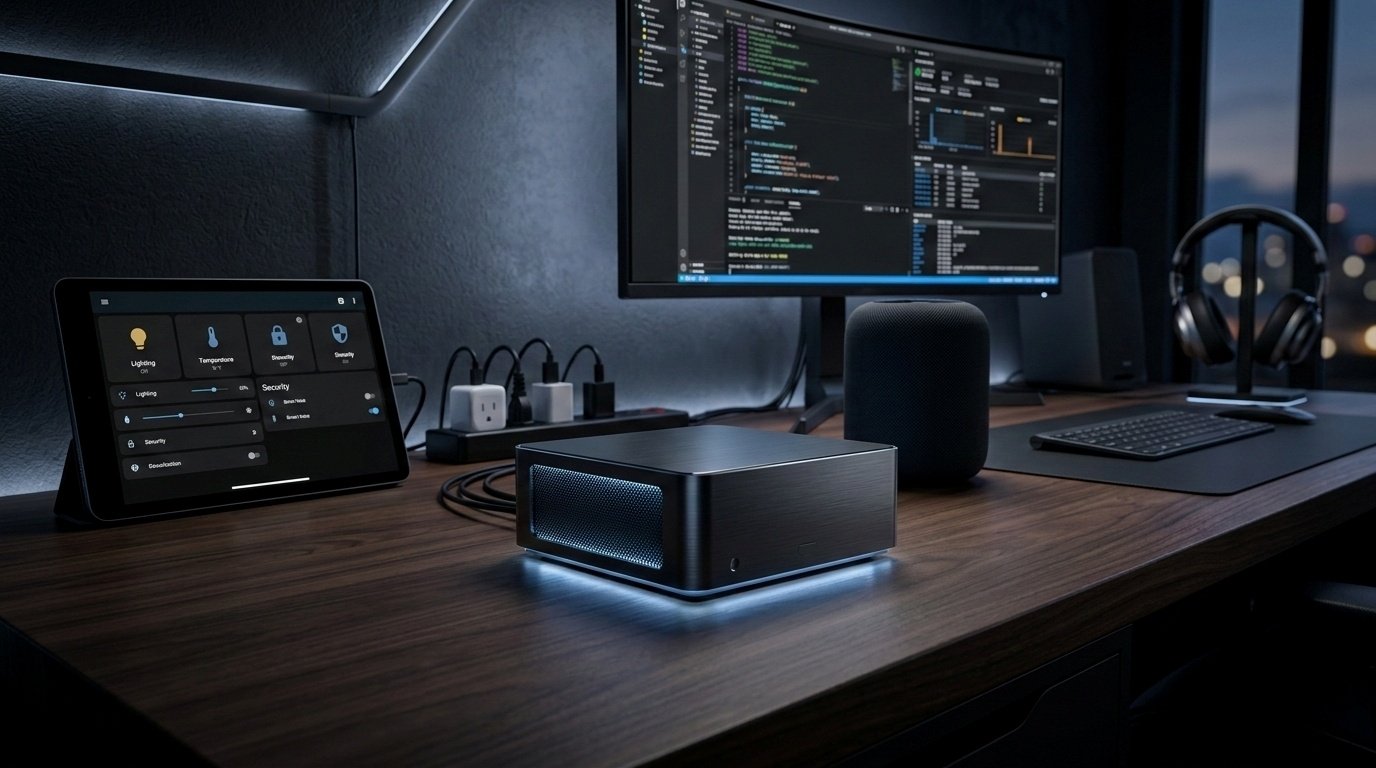
A mini PC is the more DIY option.
Home Assistant supports installation on generic x86-64 hardware, which includes many mini PCs. But unlike Green, you need to handle the setup yourself. On x86-64 hardware, Home Assistant’s documentation says you need UEFI boot enabled and Secure Boot disabled, and you need to manually write the Home Assistant OS image to the boot drive.
That extra setup is the trade-off.
In return, a mini PC usually gives you:
- more choice in CPU and RAM
- more storage options
- easier hardware replacement later
- better suitability for heavier workloads
- more room if you want to run other things alongside Home Assistant
So while Home Assistant Green is about simplicity, a mini PC is about flexibility.
Setup: Home Assistant Green wins easily
This is the category where Green is strongest.
Home Assistant’s own install guide labels Green as the easiest option and says it comes with Home Assistant OS already installed. It also specifically lists Ethernet as the required connection for getting started.
That makes Green ideal if you want:
- a quick first Home Assistant setup
- a dedicated appliance feel
- less chance of messing something up during installation
- a smoother experience for non-technical users
A mini PC is not hard if you are comfortable with this kind of thing, but it is definitely more involved. You have to source the hardware, install Home Assistant OS yourself, and make sure the system is configured properly.
If your priority is easy and reliable setup, Green is the better buy.
Performance: mini PC usually makes more sense for bigger setups
This is where the answer starts to shift.
Home Assistant Green is designed to be a low-power smart home hub. Nabu Casa says it uses around 1.7 W when idle and about 3 W under heavy load, which is excellent for something that runs 24/7.
That low power draw is a real advantage, but it also tells you what Green is meant to be: a focused, efficient Home Assistant box.
A mini PC, on the other hand, is a broader category. Some are still very efficient, but they can also offer a lot more headroom depending on what you buy. That matters if you plan to:
- run lots of add-ons
- keep a large and busy Home Assistant instance
- use heavier integrations
- run extra self-hosted services next to Home Assistant
- leave room for future expansion
So if you just want Home Assistant running well, Green can absolutely make sense. If you want more of a small home server that also runs Home Assistant, a mini PC is usually the better path.
Expandability: mini PC is the safer long-term choice
This is the biggest reason I would point more advanced users toward a mini PC.
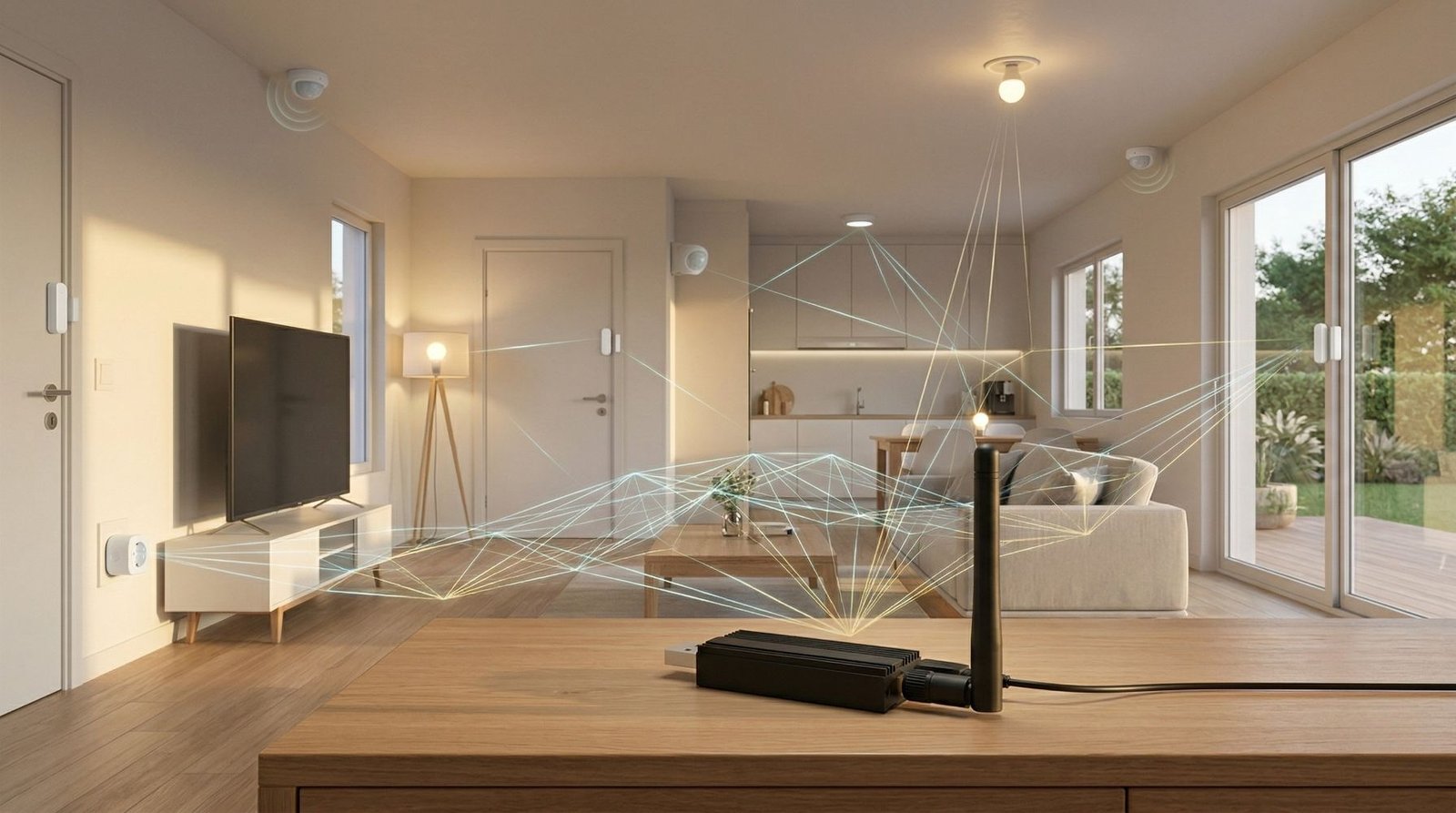
Home Assistant Green can grow with USB accessories, and the official Green page specifically points users toward the Home Assistant Connect ZBT-2 for Zigbee or Thread support.
That is fine for a lot of people. But Green is still designed to be used mostly as-is. Home Assistant even contrasts it with Yellow by saying Green is a plug-and-play system that is designed to be used as-is, while Yellow is intended to be extended with more RAM or storage.
A mini PC gives you more freedom in practice:
- more storage choices
- more performance tiers
- easier replacement or repurposing later
- more flexibility if your smart home turns into a home lab
If you already know you like tinkering, or you tend to outgrow entry-level hardware, a mini PC is probably the better investment.
Power use: Home Assistant Green is excellent
One of the best arguments for Home Assistant Green is how efficient it is.
Because this is a device that sits on all day and all night, power use matters. Green’s official support documentation lists it at around 1.7 W idle and ~3 W under heavy load, which is impressively low.
That makes it attractive if you want:
- a low-running-cost smart home hub
- less heat
- a small always-on box that does not feel wasteful
A mini PC can still be efficient, but power use depends entirely on the model you choose. Some are great. Some are far less so. Green is easier because you already know what you are getting.
Price: Green is predictable, mini PC can go either way
Home Assistant Green’s official product page lists an MSRP of $159 / €139, while noting that regional pricing can vary.
That makes it a very straightforward purchase.
Mini PCs are different. They can be:
- cheaper if you find a good used machine
- better value if you need more power anyway
- more expensive once you factor in the right specs, storage, and setup time
So Green is easier to budget for. A mini PC can be better value, but only if you buy carefully.
Which one should most people buy?
Here is the honest version.
Buy Home Assistant Green if you want the easiest, cleanest start
Home Assistant Green is a great fit if you:
- are new to Home Assistant
- want something official and purpose-built
- do not want to deal with installation work
- want a dedicated smart home appliance
- care about very low power use
That is exactly the sort of user Green was made for.
Buy a mini PC if you want more flexibility and better long-term headroom
A mini PC is the better option if you:
- expect your setup to get bigger
- want more performance options
- may run other services too
- are comfortable with a DIY install
- want hardware that can grow with your needs
For a lot of enthusiasts, makers, and home lab users, this is the better choice.
My take
If you want the most beginner-friendly option, Home Assistant Green is the safer buy.
If you already know you are the sort of person who will end up adding more services, more integrations, more storage needs, or just wanting extra breathing room, buy a mini PC instead.
That is why I usually think of it like this:
- Home Assistant Green is the best choice for simplicity
- Mini PC is the best choice for flexibility
Neither is wrong. They are just aimed at slightly different buyers.
Best alternative if you skip Home Assistant Green
If you are leaning toward the mini PC route, I’ve already put together a guide on the options I would look at here:
Best Mini PCs for Home Assistant
That post is the better next read if you have already decided you want more power or more upgrade room than Home Assistant Green offers.
Final verdict: Home Assistant Green vs Mini PC
If you want a direct answer:
- choose Home Assistant Green for the easiest setup and lowest hassle
- choose a mini PC for better long-term flexibility and more performance headroom
For beginners, Green makes a lot of sense.
For users who know they will grow into a more demanding setup, a mini PC is usually the smarter buy.
FAQ
Is Home Assistant Green good enough for most people?
Yes, for many normal smart home setups it makes sense because it is purpose-built, low power, and comes with Home Assistant OS preinstalled.
Is a mini PC better than Home Assistant Green?
It depends what you want. A mini PC is usually better for flexibility and future expansion. Home Assistant Green is better for simplicity and ease of setup.
Does Home Assistant Green need Ethernet?
Home Assistant’s install page lists Ethernet as the required connection for Home Assistant Green setup.
Can you add Zigbee or Thread to Home Assistant Green?
Yes, the official Green page points users to the Home Assistant Connect ZBT-2 for Zigbee or Thread support.
Is Home Assistant Green cheaper than a mini PC?
Home Assistant Green has a clear official MSRP, while mini PC pricing varies a lot depending on what you buy. Green is more predictable, but a mini PC can offer better value if you need the extra performance.
Some of the links in this post may be affiliate links. If you buy through them, I may earn a small commission at no extra cost to you.