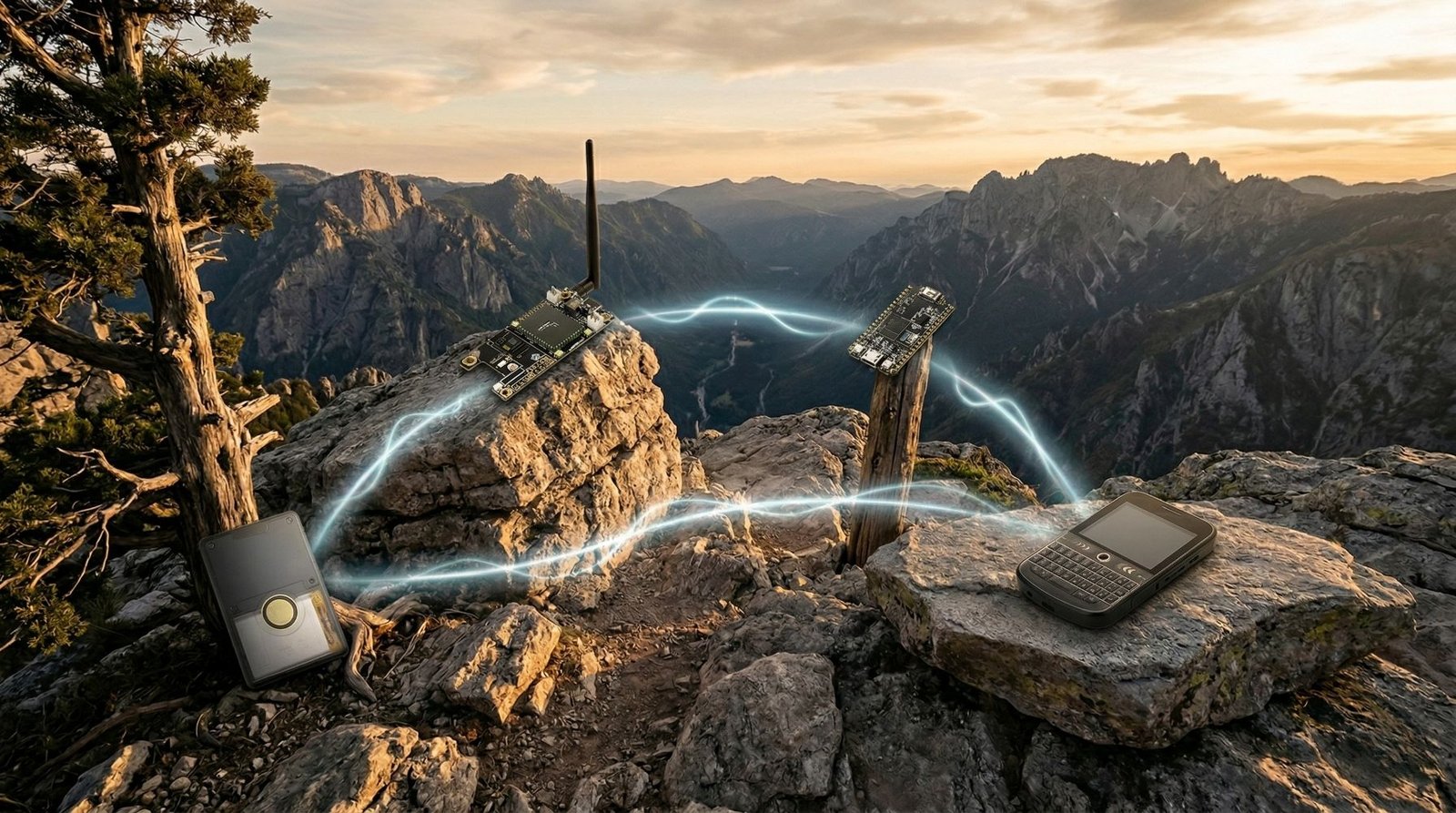
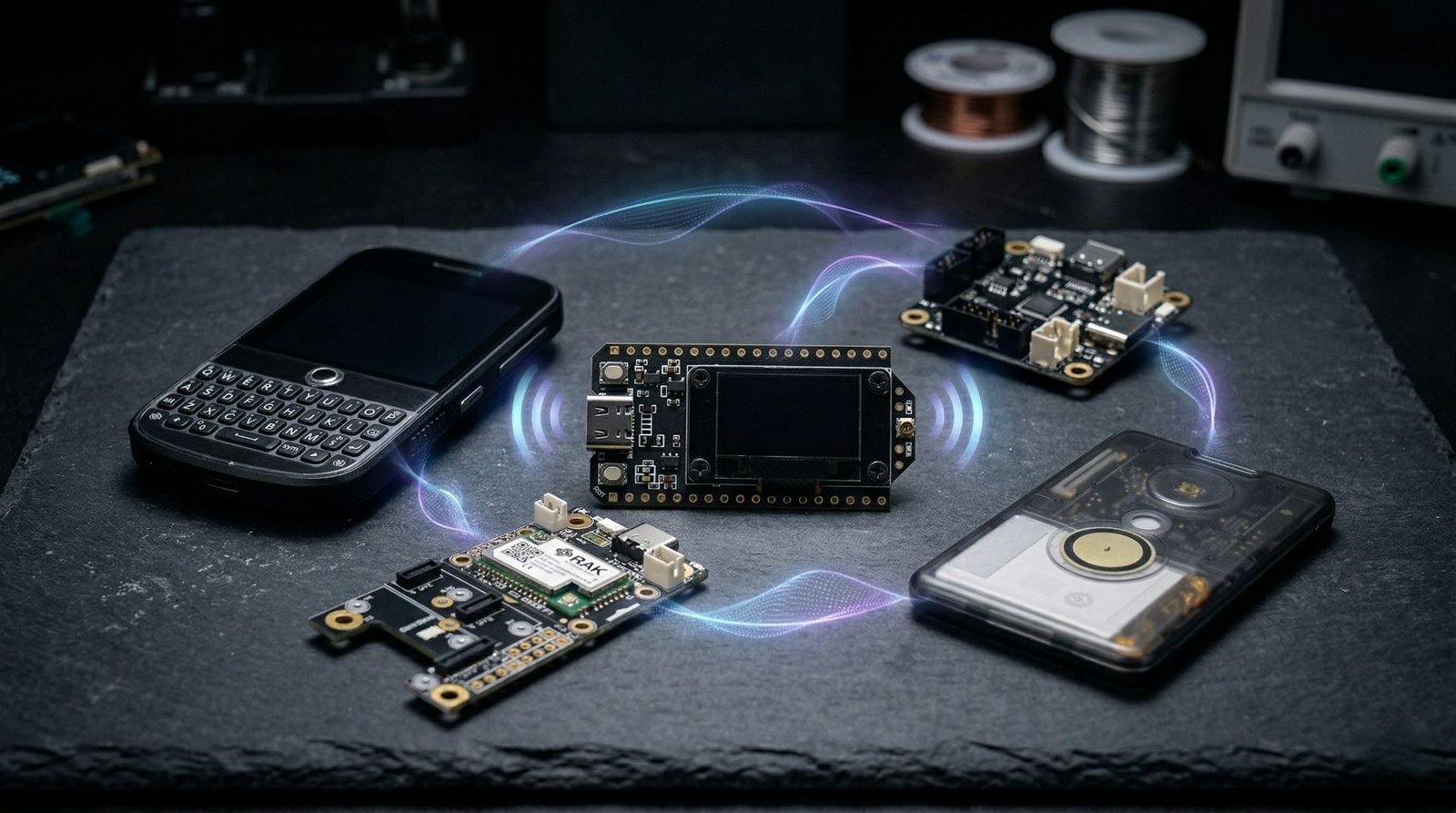
If you are getting into Meshtastic, the device you choose makes a big difference.
Some boards are cheap and easy to start with. Some are better for solar nodes or fixed repeaters. Others make more sense if you want GPS tracking, a proper handheld device, or something that works without much DIY.
That is what makes buying a Meshtastic device a little confusing at first. There is no single best option for everyone. The right device depends on how you want to use it.
Do you want the cheapest way to get on the mesh? A low-power node for solar? A GPS tracker? A proper handheld communicator? Or a fixed node that can sit somewhere useful and help extend coverage?
The easiest way to narrow the choice is by use case. If you are still deciding between ecosystems first, the MeshCore vs Meshtastic comparison covers that separately.
Quick picks
- Best for beginners: Heltec V3
- Best newer Heltec board: Heltec V4
- Best low-power node: RAK WisBlock
- Best enclosed tracker: SenseCAP T1000-E
- Best GPS build: LilyGo T-Beam
- Best standalone handheld: LilyGo T-Deck Plus
- Best e-ink handheld: LilyGo T-Echo
- Best serious fixed node: Station G2
How to choose the right Meshtastic device
Before buying anything, it helps to think about how you actually plan to use the device.
The first thing is whether you want a bare board or a finished device. A bare board is cheaper and more flexible, but you usually need to think about a battery, case, antenna, and mounting. A finished device costs more, but it is easier to carry and use straight away.
The second thing is power use. If you want a solar node, remote node, or handheld that lasts longer on battery, lower-power hardware matters. This is one reason RAK WisBlock and other nRF52-based devices are so popular for Meshtastic.
The third thing is GPS. Not every node needs GPS. If the device is going to sit at home, in a shed, or on a roof, GPS may not matter at all. If you want tracking, mapping, field testing, or portable use, then GPS becomes much more useful.
The fourth thing is the radio chip. Newer SX126x and LR11xx-based devices are generally a better choice than older SX127x boards. Older boards can still work, but if you are buying new hardware now, it makes sense to choose newer hardware where possible.
And one more thing matters before you buy anything: frequency.
Meshtastic devices are sold in different regional versions, so make sure you choose the correct frequency for where you plan to use the device.
Common options include 915 MHz, 868 MHz, 433 MHz, and 923 MHz, depending on your country or region. For example, North America commonly uses 915 MHz, much of Europe uses 868 MHz, and Australia/New Zealand use the ANZ region.
Do not just buy the cheapest version you find. A board with the wrong frequency may not work properly in your area, and it may not be legal to use.
The safest option is to check Meshtastic’s region list for your country, then buy the matching device version.
Heltec V3: best Meshtastic device for beginners
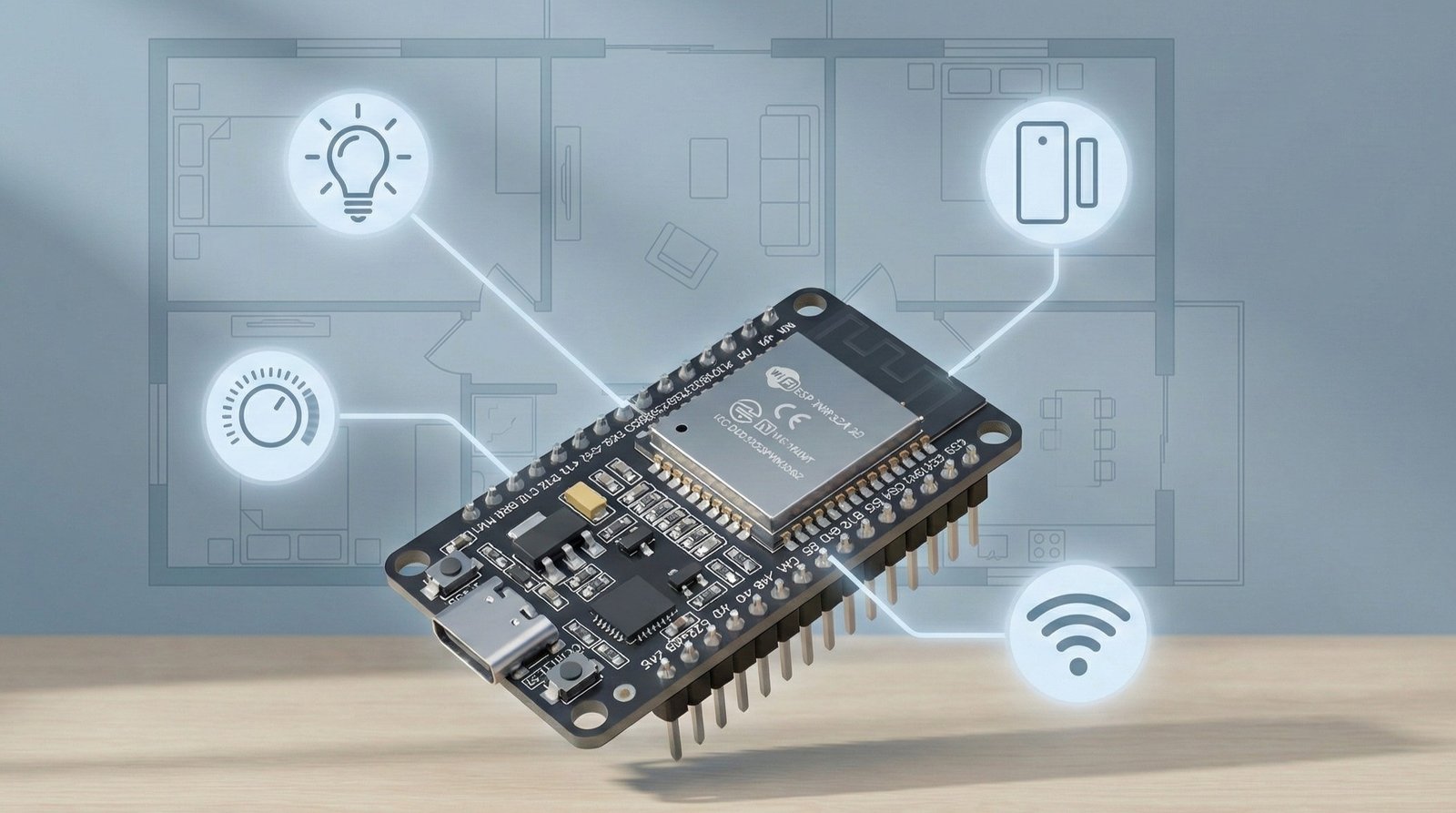
If you are new to Meshtastic and want a cheap, simple way to get started, the Heltec V3 is still one of the easiest boards to recommend.
It is affordable, widely used, and gives you the basics most people want in a first Meshtastic node. You get LoRa, Bluetooth, Wi-Fi, USB-C, an OLED display, and battery support in a compact board.
What I like about the Heltec V3 is that it keeps the entry cost low. Meshtastic makes much more sense once you have at least two devices, so a cheaper board makes it easier to buy a pair and start testing properly.
It is a good choice if you want to learn how Meshtastic works, test range around your area, or set up a simple node at home.
The downside is that it still feels like a development board. It is not the nicest thing to carry around, and it is not the best choice if you want long battery life or a polished handheld device.
Heltec V3
A solid starter board for Meshtastic builds, with LoRa, OLED, Wi-Fi, Bluetooth and USB-C built in.
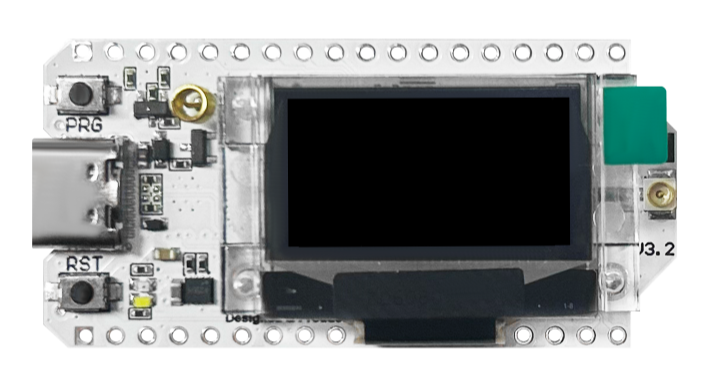
Buy this if: you want a cheap and easy way to start testing Meshtastic.
Skip this if: you want the best battery life, a finished handheld, or a more polished device.
Heltec V4: best newer Heltec board
The Heltec V4 is the board I would look at if you like the general idea of the Heltec V3, but want something newer.
It keeps the same basic appeal: small board, OLED display, USB-C, Wi-Fi, Bluetooth, and LoRa. The big difference is that the V4 is a newer design built around the SX1262 LoRa chip, with higher output power and hardware improvements over the older V3.
This makes it a strong option for a fixed home node, window node, garage node, or a simple repeater-style install where you want something compact but more capable than the older beginner boards.
I would not say everyone should ignore the V3 and buy the V4 instead. If price is the main thing, the V3 still makes sense. But if the price difference is not huge and you are buying new, the V4 is the more interesting long-term option.
The downside is still the same general Heltec downside. It is board-level hardware. You need to think about the case, antenna, power, and how it will be mounted if you want it to live somewhere permanently.
Heltec V4
A newer compact Meshtastic board with LoRa, OLED, Wi-Fi, Bluetooth, USB-C and SX1262-based radio hardware.
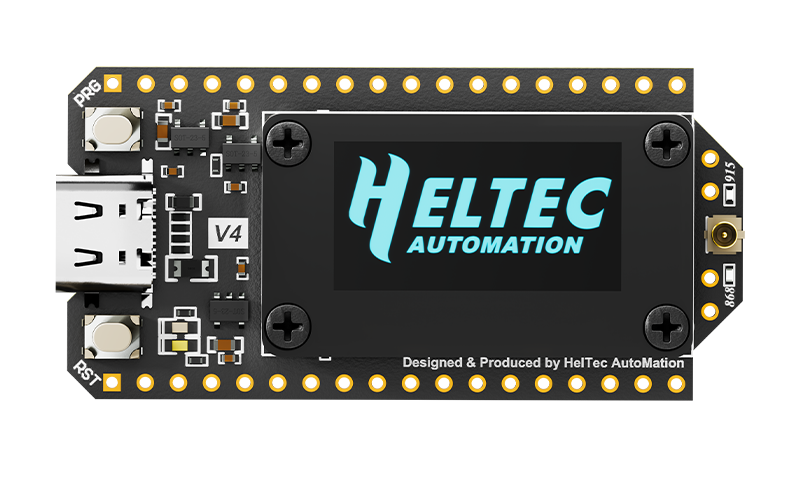
Buy this if: you want a newer Heltec board for a home node, fixed node, or compact Meshtastic build.
Skip this if: you want the absolute cheapest starting point or the best low-power solar setup.
RAK WisBlock: best low-power Meshtastic node
If battery life and solar use matter, RAK WisBlock is one of the best Meshtastic platforms to look at.
This is the option I would choose for a remote node, solar-powered node, repeater-style install, or anything that needs to run for a long time without constant charging.
The main strength of WisBlock is that it is modular and power efficient. You can start with a core module and base board, then add things like GPS, sensors, screens, or other modules later. That makes it feel more like a platform than a single board.
It is especially useful if you want to build something more serious than a quick desk test. A WisBlock setup makes a lot of sense for a node that will sit in a weatherproof enclosure, run from a battery, and maybe charge from a small solar panel.
The trade-off is that it is not always the simplest starting point for absolute beginners. You need to understand the core module, base board, antenna, enclosure, and any extra modules you want to use.
But if you already know you want a proper long-term Meshtastic setup, RAK WisBlock is hard to ignore.
RAK WisBlock
A modular low-power platform for Meshtastic nodes, solar builds, fixed installs and custom projects.
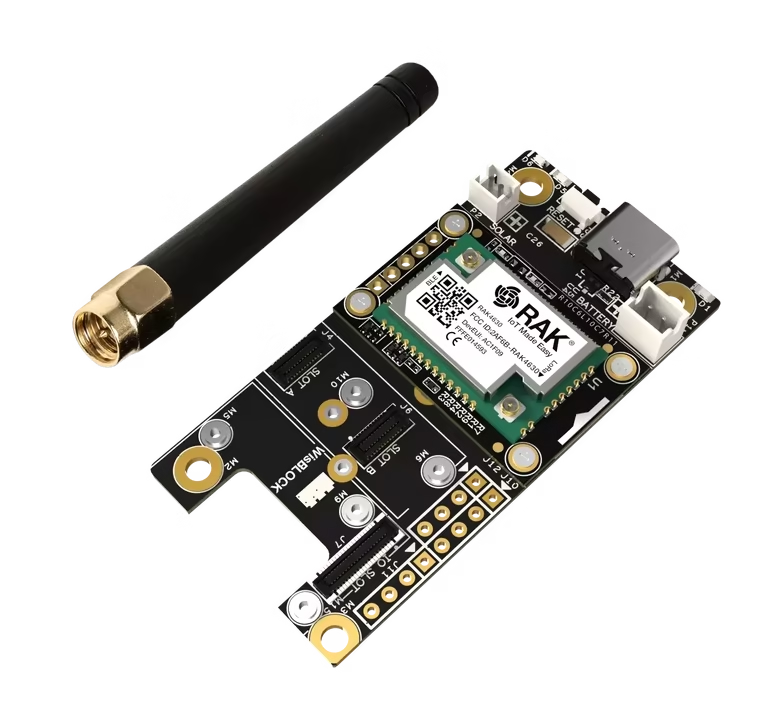
Buy this if: you want low power, modularity, and a better platform for solar or remote nodes.
Skip this if: you want the cheapest and simplest board to start with.
SenseCAP T1000-E: best enclosed Meshtastic tracker
The SenseCAP T1000-E is one of the easiest devices to recommend if you do not want a bare board at all.
It is compact, enclosed, and designed more like a finished tracker than a DIY development board. That makes it a very different experience compared with something like a Heltec or T-Beam.
This is the device I would look at if you want Meshtastic to feel simple and portable. It makes sense for tracking, carrying in a bag, field use, events, hiking, or just testing Meshtastic without needing to build a case around a board.
The biggest advantage is convenience. You do not need to think as much about batteries, cases, wiring, or making the device physically usable. It already feels like something you can carry.
The downside is flexibility. If you enjoy modifying hardware, adding modules, changing batteries, or building custom enclosures, a bare board gives you more room to experiment.
SenseCAP T1000-E
A compact enclosed Meshtastic tracker with LoRa, Bluetooth, GPS, built-in battery and a slim case.
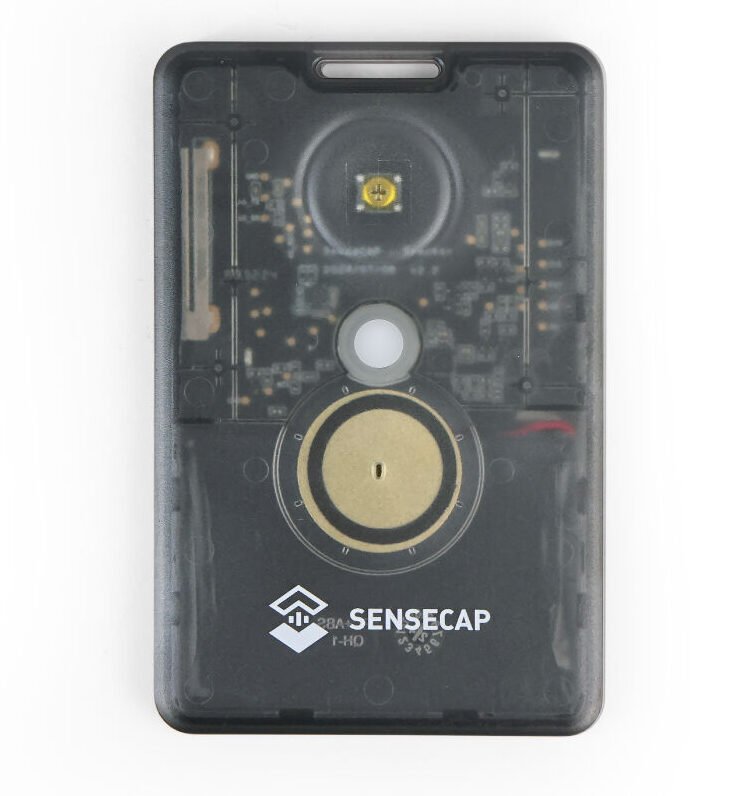
Buy this if: you want a ready-to-carry Meshtastic tracker that feels more like a finished product.
Skip this if: you want maximum hardware flexibility or a DIY build platform.
LilyGo T-Beam: best Meshtastic GPS build
If GPS is one of your main priorities, the LilyGo T-Beam is still one of the most practical Meshtastic boards.
It has been popular in the LoRa and Meshtastic space for a long time because it combines LoRa, GPS, battery support, and a fairly flexible board layout.
This is the board I would look at for a portable GPS node, vehicle node, mapping test device, or field testing setup where location matters.
The T-Beam makes more sense than a basic Heltec if you specifically want GPS built in. You are not trying to add tracking features to a board that was never really aimed at that job.
It is still a DIY-style board though. You will probably want a case, a decent antenna, and a sensible way to power it. It is not as neat as a finished tracker like the T1000-E.
LilyGo T-Beam
A GPS-focused Meshtastic board that works well for portable nodes, vehicle setups, mapping and field testing.
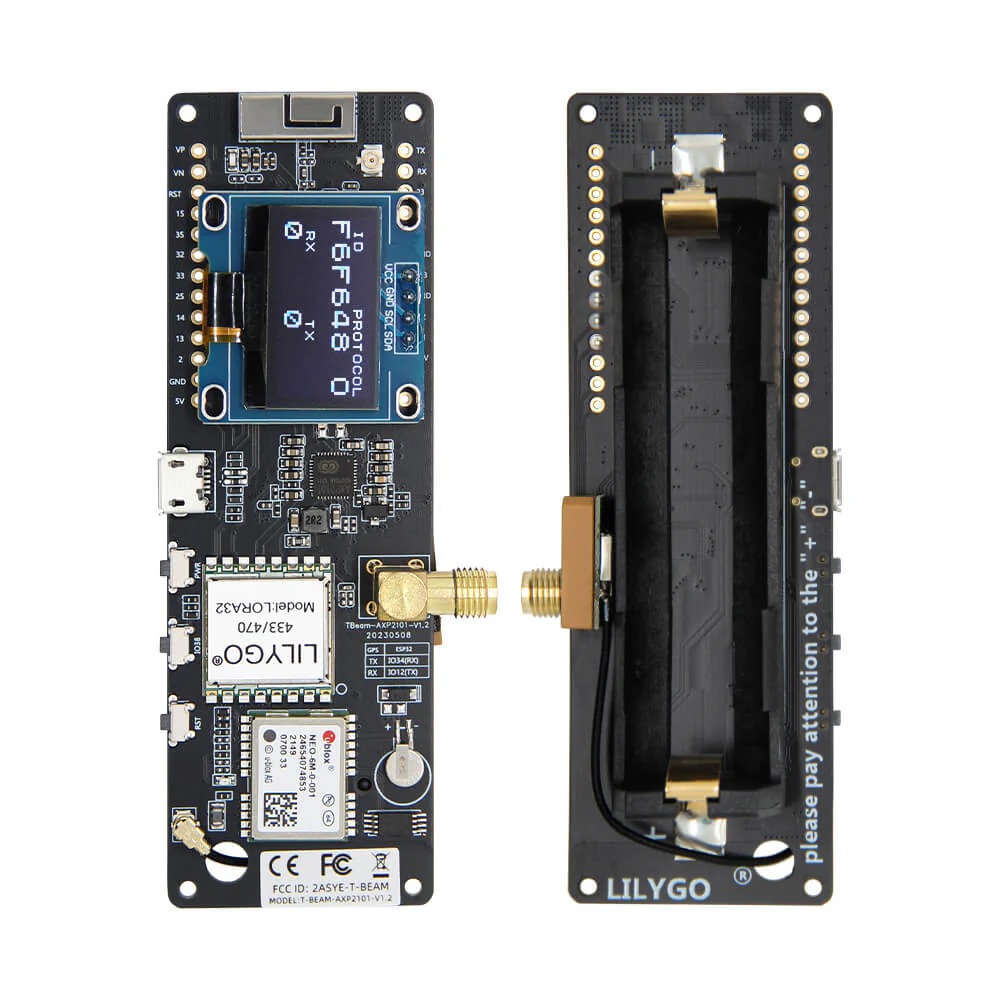
Buy this if: you want GPS and like the idea of a flexible DIY board.
Skip this if: you want a slim enclosed tracker or a polished handheld device.
LilyGo T-Deck Plus: best standalone Meshtastic handheld
If you want Meshtastic to feel more like a standalone communicator, the LilyGo T-Deck Plus is one of the most interesting options.
Most Meshtastic devices work best when paired with your phone. That is fine for a lot of people, but it does make the device feel more like a radio accessory than a complete communicator.
The T-Deck Plus changes that. It gives you a keyboard, screen, battery, GPS, and a handheld form factor that feels much closer to a dedicated off-grid messaging device.
This is the option I would look at if the idea of typing messages directly on the device appeals to you. It is also a good fit if you want something that feels more complete than a bare board in a 3D printed case.
The downside is cost and size. It is more expensive than a simple node, and it is more hardware than you need if all you want is a fixed node at home.
LilyGo T-Deck Plus
A standalone Meshtastic handheld with a keyboard, screen, LoRa, GPS, battery and phone-free messaging appeal.
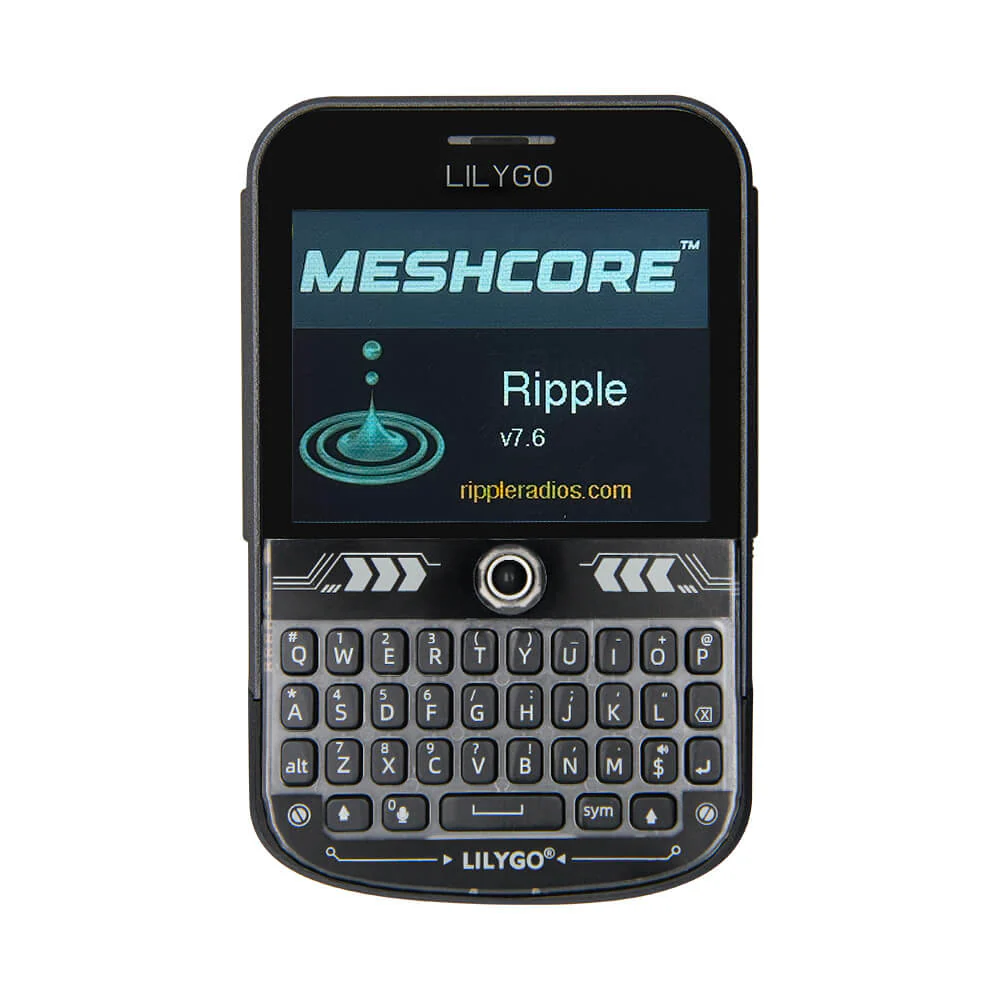
Buy this if: you want a proper handheld Meshtastic device with its own keyboard.
Skip this if: you only need a cheap node or a simple phone-connected radio.
LilyGo T-Echo: best e-ink Meshtastic handheld
The LilyGo T-Echo is another strong handheld-style Meshtastic device, but it suits a slightly different type of user.
Instead of trying to be a keyboard communicator like the T-Deck, the T-Echo is more about low power, portability, GPS, and an e-ink display.
That makes it appealing if you want a compact Meshtastic device that is easier to carry than a bare board, but you do not necessarily need a full keyboard.
The e-ink screen is also a nice fit for battery-powered use because it is easy to read and does not behave like a normal backlit display.
I would look at the T-Echo if you want something more polished than a Heltec board, but not as bulky as a keyboard-style handheld.
The downside is that it is not as cheap as a basic board, and the e-ink style will not appeal to everyone.
LilyGo T-Echo
A compact Meshtastic handheld with GPS, e-ink display, battery support and low-power appeal.
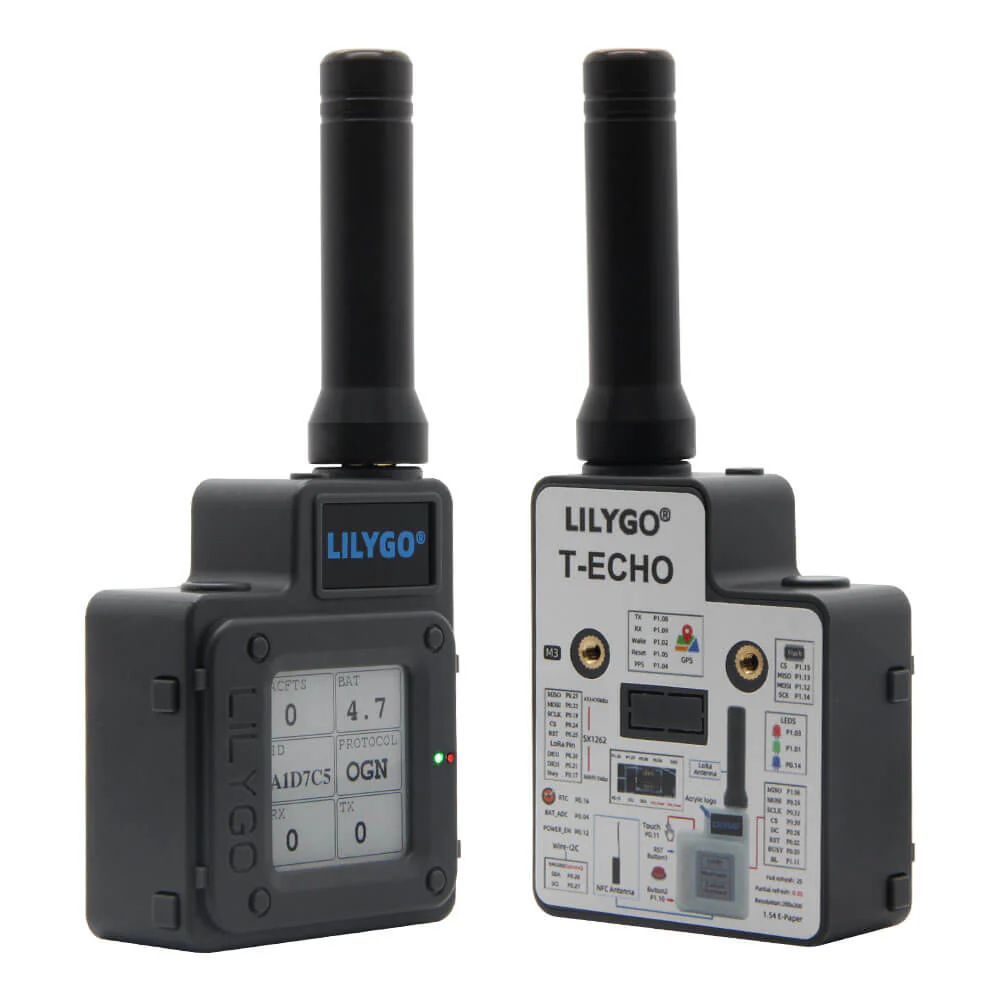
Buy this if: you want a portable Meshtastic device with an e-ink screen and good handheld usability.
Skip this if: you want the cheapest node or a full keyboard communicator.
Station G2: best serious fixed Meshtastic node
If you are building a more serious fixed Meshtastic setup, the Station G2 sits in a different category from the cheaper boards.
This is not the device I would buy as a first Meshtastic experiment. It makes more sense as a fixed infrastructure node from a good location.
That could be a home base station, a high-mounted node, or part of a wider coverage plan where placement and antenna choice matter more than portability.
The reason it stands out is simple. It is aimed more at serious fixed use rather than casual handheld use. If your goal is to build coverage from one strong location, this is the kind of hardware that starts to make sense.
For most beginners, it is overkill. A Heltec, RAK, T-Beam, or T1000-E will usually be a better first step.
But if you already understand what role the device will play, and you have a good location for it, the Station G2 is worth considering.
Other Meshtastic devices worth considering
There are plenty of other Meshtastic devices worth looking at too.
The Heltec T114 is interesting if you want a lower-power Heltec option. The Seeed Wio Tracker L1 is worth considering if you want a more polished tracker-style device. The LilyGo T3-S3 is another affordable board option, especially if you want something simple and compact.
The important thing is to match the device to the role.
A cheap board is great for learning. A low-power board is better for solar. A GPS board is better for tracking. A finished device is better for carrying. A fixed node is better when you care about coverage.
Which Meshtastic device should you actually buy?
For most people, I would start with either the Heltec V3, Heltec V4, or RAK WisBlock.
The Heltec V3 is the cheapest and easiest way to get started. The Heltec V4 is the better pick if you want a newer Heltec board and the price difference is not huge. RAK WisBlock is the better choice if you care about battery life, solar, or long-term fixed installs.
If you want GPS, look at the LilyGo T-Beam. If you want something enclosed and easy to carry, the SenseCAP T1000-E makes more sense. If you want a proper handheld communicator, look at the LilyGo T-Deck Plus. If you like the idea of a lower-power handheld with an e-ink display, the LilyGo T-Echo is worth a look.
The best Meshtastic device really comes down to the job you want it to do.
Once you know whether you want a beginner board, solar node, tracker, handheld, or fixed base station, choosing the right device becomes much easier.
Some of the links in this post may be affiliate links. If you buy through them, I may earn a small commission at no extra cost to you.