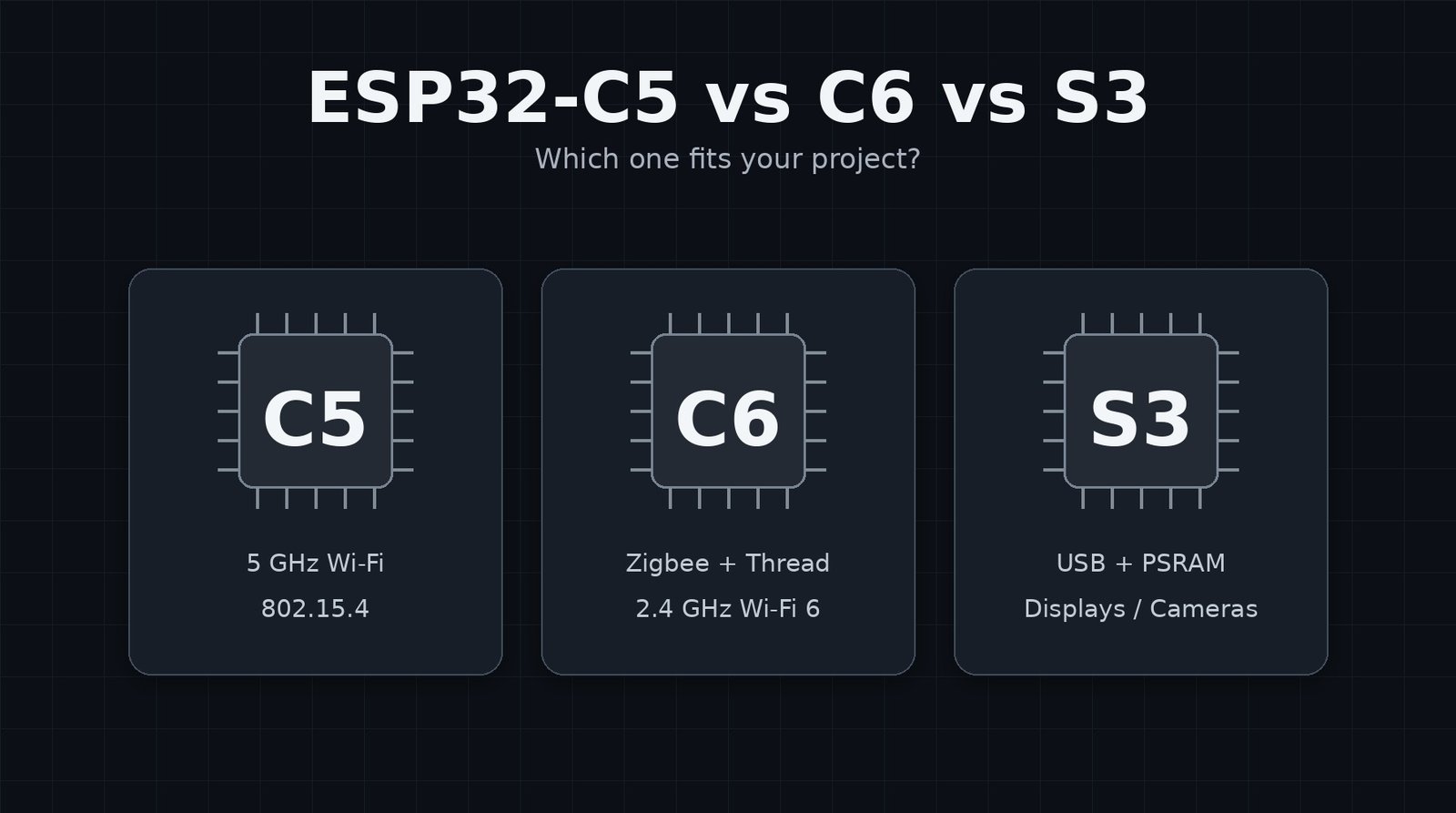
Choosing between the ESP32-C5, C6 and S3 is harder than it should be because the names do not tell you much. They are all ESP32s with Wi-Fi and Bluetooth, but the useful differences are fairly specific.
The C5 is the only one here with 5 GHz Wi-Fi, and it still has 802.15.4 for Thread and Zigbee. The C6 drops 5 GHz but keeps 802.15.4. The S3 does not have 802.15.4 at all, but it is much better suited to displays, cameras, audio, PSRAM and native USB.
Quick answer
- ESP32-C5 if you want 5 GHz Wi-Fi as well as Bluetooth LE and 802.15.4.
- ESP32-C6 for most Thread, Zigbee and Matter-over-Thread projects where 2.4 GHz Wi-Fi is enough.
- ESP32-S3 for displays, cameras, audio, PSRAM or native USB projects.
If I were picking one for a typical smart-home sensor or a Zigbee/Thread experiment, I would probably start with the C6. For a display or camera project, I would use the S3. I would only make 5 GHz part of the decision if I had a reason to use it, which is where the C5 comes in.
ESP32-C5 vs C6 vs S3 comparison
The table below compares the chips themselves. Flash size, PSRAM, exposed pins and USB connectors vary between development boards, so check the exact board before buying it.
| Feature | ESP32-C5 | ESP32-C6 | ESP32-S3 |
|---|---|---|---|
| CPU | Single-core 32-bit RISC-V | Single-core 32-bit RISC-V | Dual-core Xtensa LX7 |
| Max CPU clock | 240 MHz | 160 MHz | 240 MHz |
| Wi-Fi | 2.4 + 5 GHz Wi-Fi 6 | 2.4 GHz Wi-Fi 6 | 2.4 GHz Wi-Fi 4 (802.11n) |
| Bluetooth | Bluetooth LE | Bluetooth LE | Bluetooth LE |
| 802.15.4 | Yes – Thread / Zigbee capable | Yes – Thread / Zigbee capable | No |
| USB | USB Serial/JTAG | USB Serial/JTAG | USB 2.0 OTG + USB Serial/JTAG |
| PSRAM | Up to 8 MB on supported modules | No PSRAM on ESP32-C6-WROOM-1 modules | Common on many modules; up to 16 MB on current WROOM options |
| Good for | Dual-band Wi-Fi and multi-radio projects | Smart home, Thread, Zigbee and Matter-over-Thread | Displays, cameras, audio and USB |
| Downside | 5 GHz is unnecessary for many small nodes | No 5 GHz and less CPU power than the S3 | No native Thread/Zigbee radio and no 5 GHz Wi-Fi |
ESP32-C5
The main reason to look at the C5 is 5 GHz Wi-Fi. You still get 2.4 GHz Wi-Fi, Bluetooth LE and 802.15.4, so you are not giving up Thread or Zigbee support to get it.
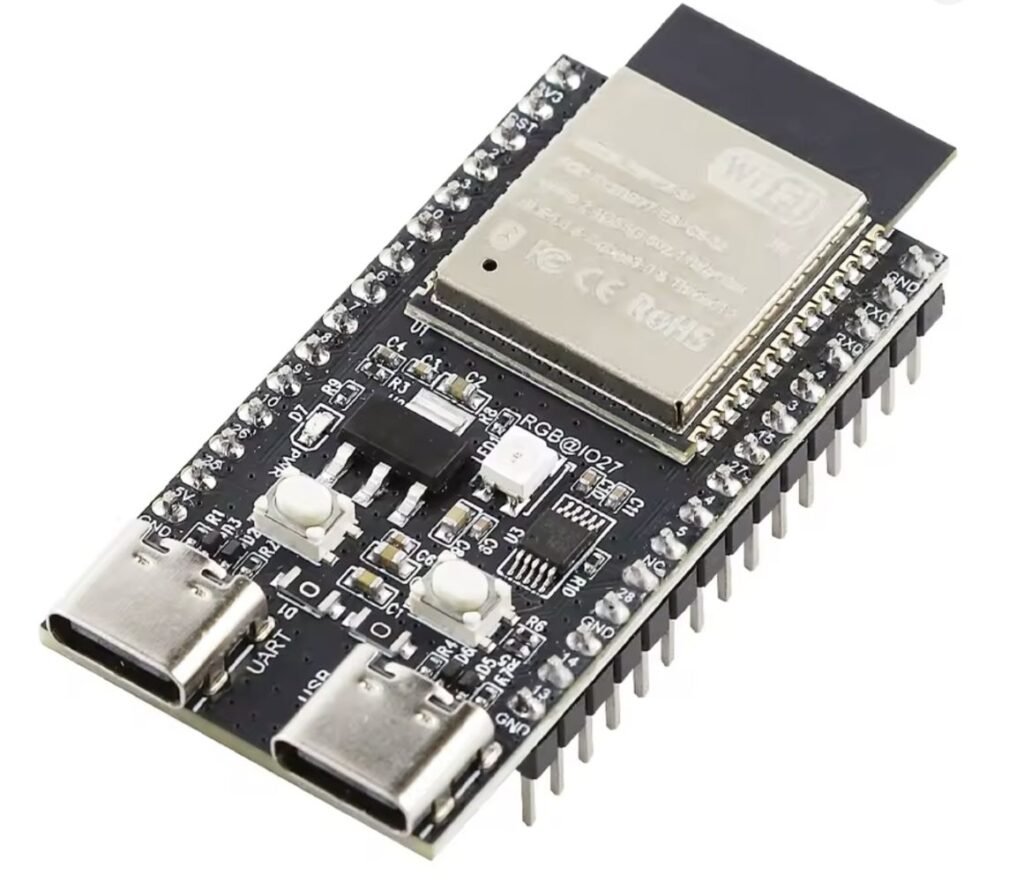
That does not mean 5 GHz is automatically better for an ESP32. For a battery sensor at the other end of the house, I would usually still favour 2.4 GHz for the extra range and better wall penetration. The C5 makes more sense in powered devices that sit reasonably close to an access point, such as gateways, controllers and bench equipment.
If the 2.4 GHz band is already busy, being able to put the Wi-Fi side of the device on 5 GHz can be useful. If you do not need that, the C6 is usually easier to justify.
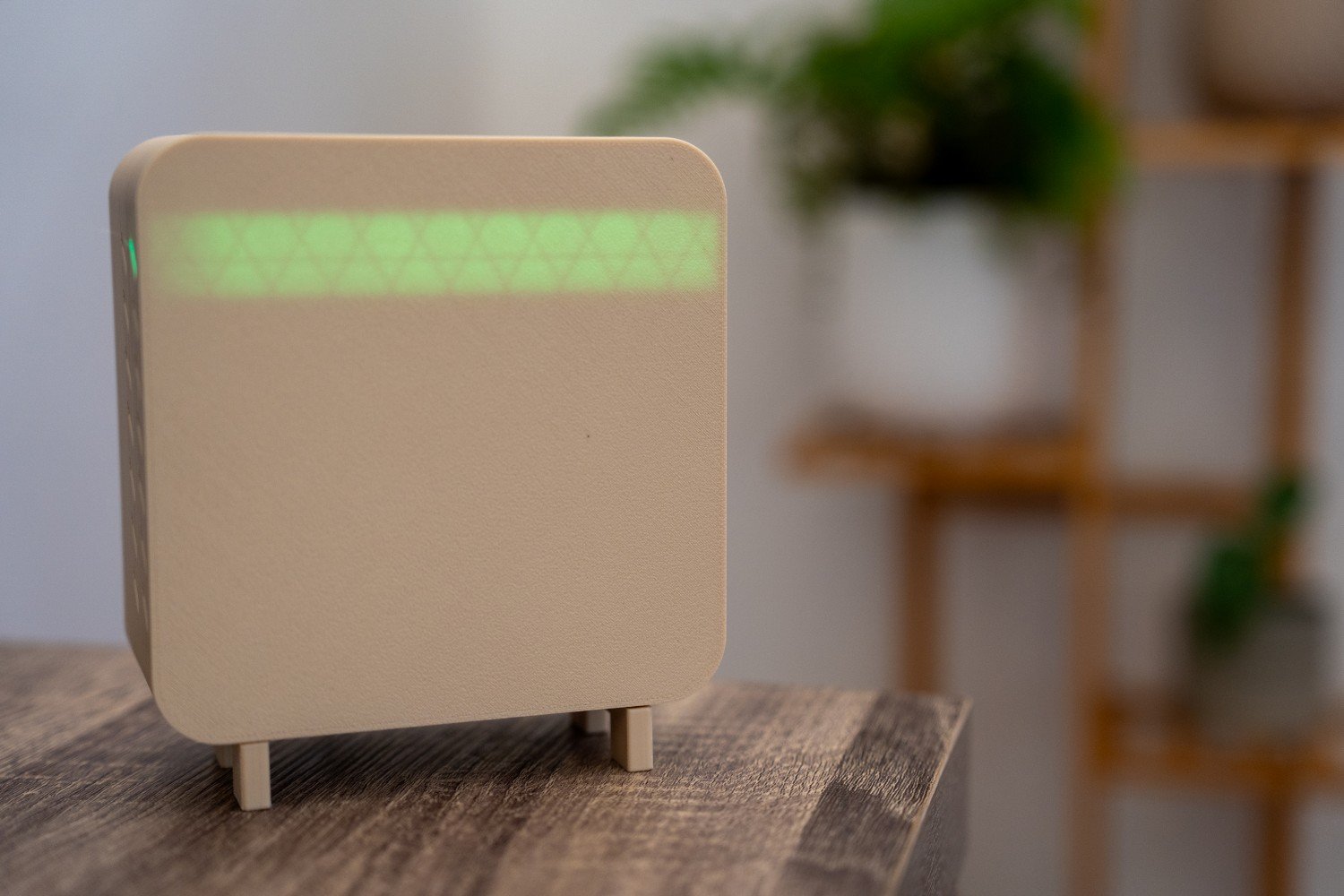
I have also used the C5 in my DIY air quality sensor for Home Assistant. That sort of project does not need 5 GHz to work, but it was a good way to use the newer chip in a real build rather than just compare specs on paper.
ESP32-C6
For smart-home projects, the C6 is probably the one I would reach for first. It has 2.4 GHz Wi-Fi 6, Bluetooth LE and 802.15.4, so it covers normal Wi-Fi devices as well as Thread and Zigbee projects.
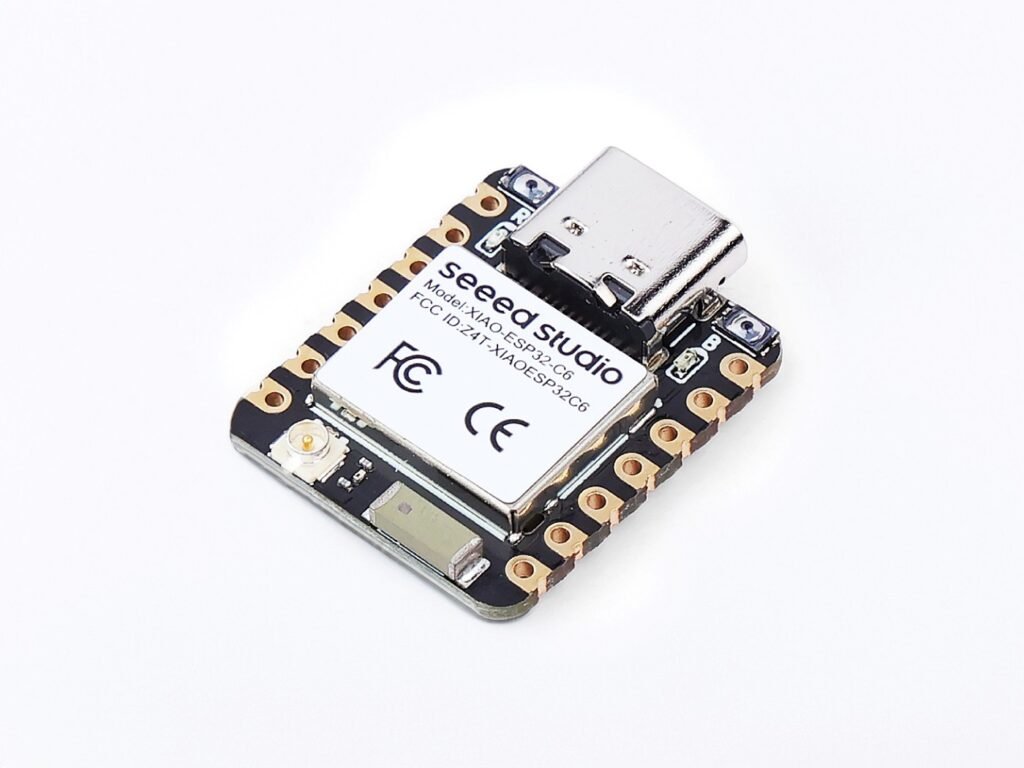
The 160 MHz single-core CPU looks modest next to the S3 on paper, but sensors, relays, MQTT nodes and similar devices do not need a huge amount of processing power. For that sort of job, 160 MHz is plenty.
I have used a C6 as a dedicated Zigbee router in Home Assistant. That is a good example of where the C6 makes more sense than the S3: the S3 has more CPU power, but it is missing the 802.15.4 radio the project actually needs.
The C6 does miss out on 5 GHz Wi-Fi and native USB OTG, and it is not the board I would pick for a large display or camera project. A sensor, relay or Zigbee router usually does not need either of those features.
ESP32-S3
The S3 is the one I would use once the project starts needing a screen, camera, audio or native USB. It has a dual-core Xtensa LX7 processor running at up to 240 MHz, USB 2.0 OTG and plenty of board options with PSRAM.

That extra memory becomes useful very quickly with displays. An LVGL interface can chew through RAM once you start adding framebuffers, fonts and icons. Cameras and audio can do the same thing with buffers.
The S3 also makes a lot more sense for USB HID projects, macro pads and anything else where the ESP32 needs to act as a proper USB device.
What you give up is 802.15.4. The S3 cannot handle Zigbee or Thread directly, so it also cannot do Matter over Thread by itself. Matter over Wi-Fi is still possible.
Which one I would use for common projects
This table only compares the C5, C6 and S3. For a basic Wi-Fi sensor or relay, a cheaper ESP32-C3 may be all you need.
| Project | I would start with | Why |
|---|---|---|
| Basic Home Assistant sensor or relay | ESP32-C6 | Simple, fast enough and gives you 802.15.4 if you want it later |
| Thread sensor or Matter-over-Thread device | ESP32-C6 | Built-in 802.15.4; use the C5 instead if you also need 5 GHz Wi-Fi |
| Zigbee router or experimental Zigbee device | ESP32-C6 | Built-in 802.15.4 radio |
| Dual-band Wi-Fi gateway | ESP32-C5 | 5 GHz Wi-Fi is the main reason to choose it |
| Device on a busy 2.4 GHz network | ESP32-C5 | You can move its Wi-Fi connection to 5 GHz if the range is suitable |
| LVGL display or dashboard | ESP32-S3 with PSRAM | More RAM and better suited to display work |
| Camera | ESP32-S3 with PSRAM | Better fit for image buffers and camera projects |
| Audio or voice interface | ESP32-S3 with PSRAM | More RAM and CPU power for buffering and processing |
| USB HID / macro pad | ESP32-S3 | Native USB OTG |
ESPHome and Home Assistant
All three can work well around Home Assistant. For a normal ESPHome sensor, I would not choose between them based on CPU speed alone.
I would use the C6 if I wanted Thread or Zigbee options, the S3 if the device had a display, camera or other memory-heavy hardware, and the C5 if 5 GHz Wi-Fi was useful where the device was going to live.
One thing to remember is that an 802.15.4 radio does not automatically make a C5 or C6 a Zigbee or Thread device. The firmware still has to support the protocol and the role you want the board to perform.
ESPHome now has native Zigbee support for the C5, C6 and H2. ESPHome warns that using Wi-Fi station mode and Zigbee router mode together can make the Zigbee network unstable. Wi-Fi can still be enabled briefly for things such as OTA updates. It also notes that some C6 boards can have weaker Zigbee range than expected, so board choice and antenna layout still matter.
C5 vs C6
This one mostly comes down to whether you need 5 GHz Wi-Fi.
If the board is mainly there for Thread or Zigbee, I would normally use the C6. It already has the 802.15.4 radio and there is not much benefit in adding 5 GHz to the equation.
If it is a gateway or controller that will also keep an active Wi-Fi connection, the C5 can make more sense. You can move the Wi-Fi side onto 5 GHz and leave 2.4 GHz for other devices. The usual 5 GHz trade-off still applies: less range and worse wall penetration.
C6 vs S3
If I need Thread or Zigbee, I want the C6. If I need a display, camera, PSRAM or native USB, I want the S3.
If a project genuinely needs both, I would rather split the jobs between devices than pick one chip and work around the features it is missing.
C5 vs S3
The C5 and S3 are aimed at different jobs. I would use the C5 when I needed 5 GHz Wi-Fi or 802.15.4 for Thread or Zigbee. I would use the S3 when the project needed a display, camera, PSRAM or native USB.
If neither of those sets of features matters, I would choose based on the actual board, price and available GPIO rather than the chip name alone.
What I would keep on the bench
I would keep C6 and S3 boards around most of the time. The C6 covers a lot of smart-home and radio work, while the S3 is useful whenever a project grows a screen, camera or USB requirement.
I would buy the C5 when I knew I wanted 5 GHz Wi-Fi. It is a useful option, but I would not choose it for a basic ESP32 sensor just because it is newer.
FAQs
Is the ESP32-C5 faster than the ESP32-C6?
The C5 can run at up to 240 MHz, while the C6 tops out at 160 MHz. For most sensor and smart-home projects, that difference is unlikely to be the reason I would choose one over the other.
Is the ESP32-S3 faster than the C5?
Both can run at up to 240 MHz, but the S3 has two CPU cores and much better PSRAM options. It is the better fit for heavier applications even though the clock speeds look similar.
Does the ESP32-S3 support Zigbee or Thread?
Not directly. The S3 does not have an 802.15.4 radio, which is what Zigbee and Thread use.
Can the ESP32-S3 run Matter?
Yes. Matter can run over Wi-Fi, so the S3 can be used for Matter projects. It just cannot do Matter over Thread by itself.
Does the ESP32-C5 support 5 GHz Wi-Fi?
Yes. It supports both 2.4 GHz and 5 GHz Wi-Fi.
Which one is best for a display?
I would use the ESP32-S3, preferably a board with PSRAM.
If you are still choosing across the wider ESP32 range, my beginner’s guide to ESP32 covers the other common chips as well.
Official specifications: ESP32-C5-WROOM-1 datasheet, ESP32-C6-WROOM-1 datasheet, and ESP32-S3-WROOM-2 datasheet.
Some of the links in this post may be affiliate links. If you buy through them, I may earn a small commission at no extra cost to you.