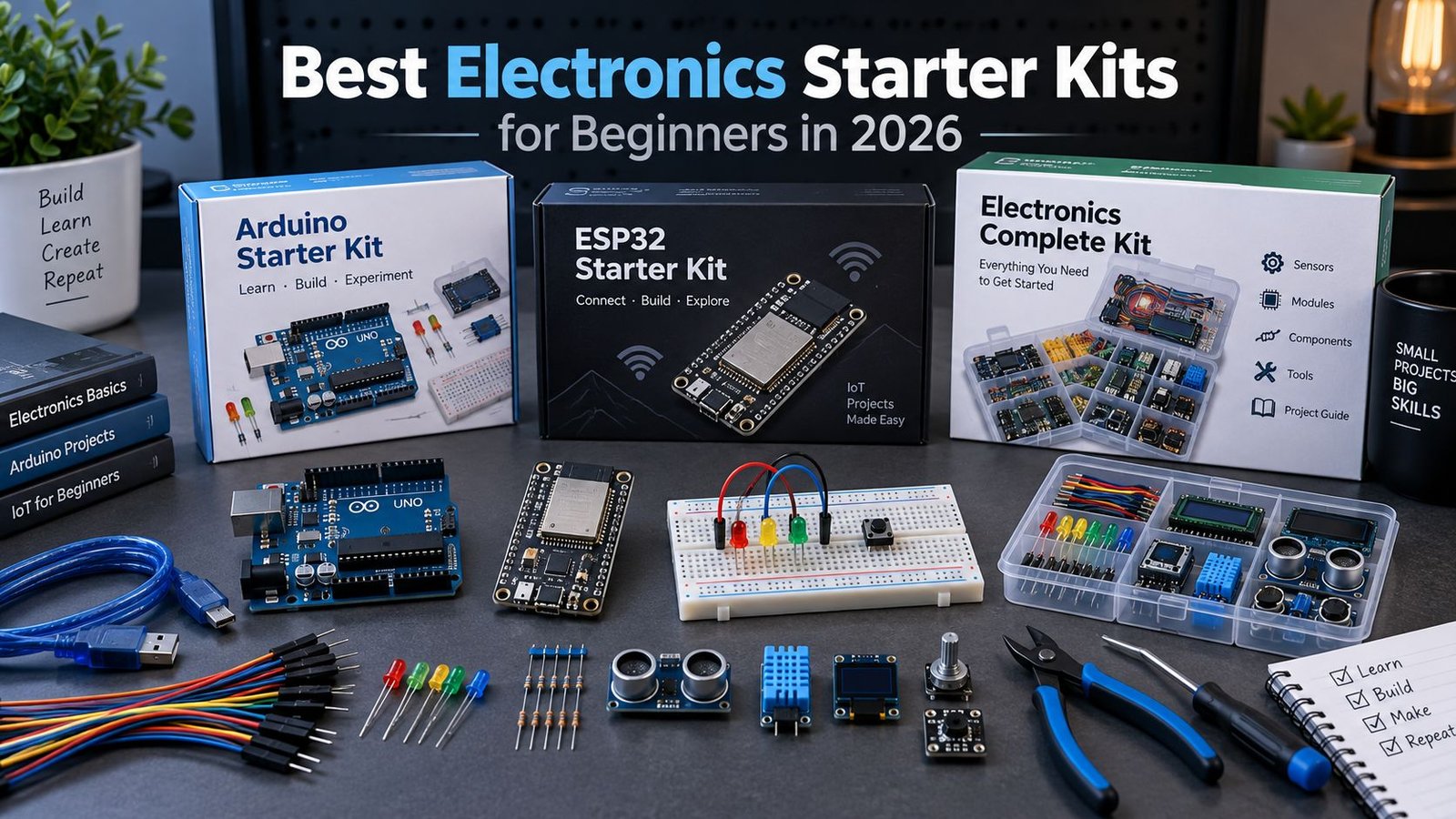
If you want to get into electronics without buying every part separately, a starter kit is an easy way in. I would not choose one just because it has the biggest parts count. Good tutorials and a sensible selection of components matter more when you are working through your first few projects.
For most complete beginners, I would start with the Arduino Starter Kit R4 if structured learning matters more than price, or the Keyestudio Super Starter Kit if you want a straightforward UNO R3-style option with plenty of guided projects. If your end goal is Wi-Fi, Home Assistant or connected sensor projects, the Keyestudio IoT ESP32 Learning Kit is the more relevant option. If you would rather learn with MicroPython on a Raspberry Pi Pico, the Keyestudio Raspberry Pi Pico Sensor Kit gives you a different path into sensors and embedded projects.
If you would rather build your own setup with a multimeter, soldering iron, breadboard and hand tools, see my separate guide to electronics tools and components for beginners.
Best Electronics Starter Kits: Quick Comparison
| Starter kit | Best for | Main platform | Learning material |
|---|---|---|---|
| Arduino Starter Kit R4 | Best structured beginner experience | Arduino UNO R4 WiFi | Printed book, 13 guided projects and online resources |
| Keyestudio Super Starter Kit | UNO R3-style beginner option | UNO R3-compatible | 32 guided projects |
| ELEGOO Mega R3 Project Starter Kit | Best larger traditional starter kit | Mega 2560-compatible | 200+ components and 33 guided lessons |
| Keyestudio IoT ESP32 Learning Kit | Best for Wi-Fi, IoT and ESP32 | ESP32 | 134 projects with Arduino C and MicroPython |
| Keyestudio Raspberry Pi Pico Sensor Kit | Best for MicroPython and sensor projects | Raspberry Pi Pico | Sensor-focused tutorials with MicroPython and Arduino support |
1. Arduino Starter Kit R4: Best Overall for Structured Learning
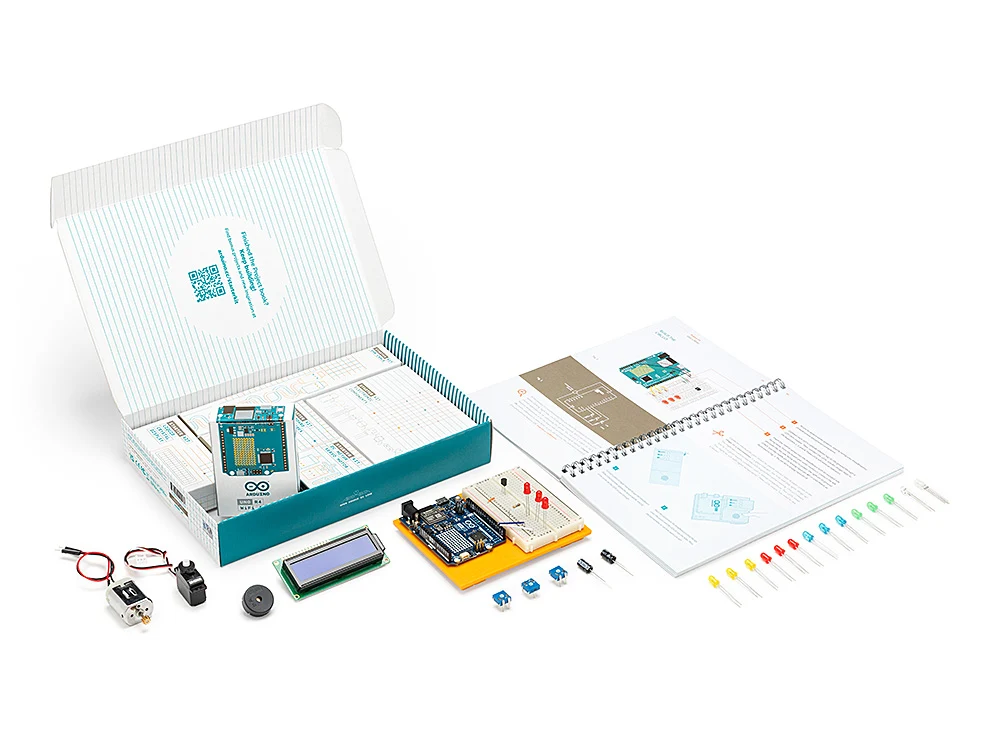
The Arduino Starter Kit R4 is the easiest recommendation if you want a polished, step-by-step introduction rather than a box full of parts and a PDF you may never open.
It is built around the UNO R4 WiFi, so you are learning on a current Arduino board rather than an older UNO R3 clone. The kit includes a breadboard, jumper wires, LEDs, buttons, sensors, a servo, DC motor, LCD, motor driver and the usual components needed to work through beginner circuits.
What you are paying for here is the learning material. Arduino includes a printed project book with 13 guided projects, online content after registration and a voucher for the Arduino Fundamentals certification exam. The UNO R4 WiFi also gives you built-in Wi-Fi and Bluetooth through its onboard ESP32-S3 module, so you are not limited to completely offline projects once you get past the basics.
Best for: someone starting from zero who values clear instructions and an official learning path.
Main drawback: you pay more for the official board, documentation and course experience. If your priority is getting the largest possible pile of sensors and modules for the money, one of the compatible kits below will stretch further.
Arduino Starter Kit R4
Official Arduino beginner kit built around the UNO R4 WiFi, with a printed project book and guided learning path.
2. Keyestudio Super Starter Kit: UNO R3-Style Beginner Option
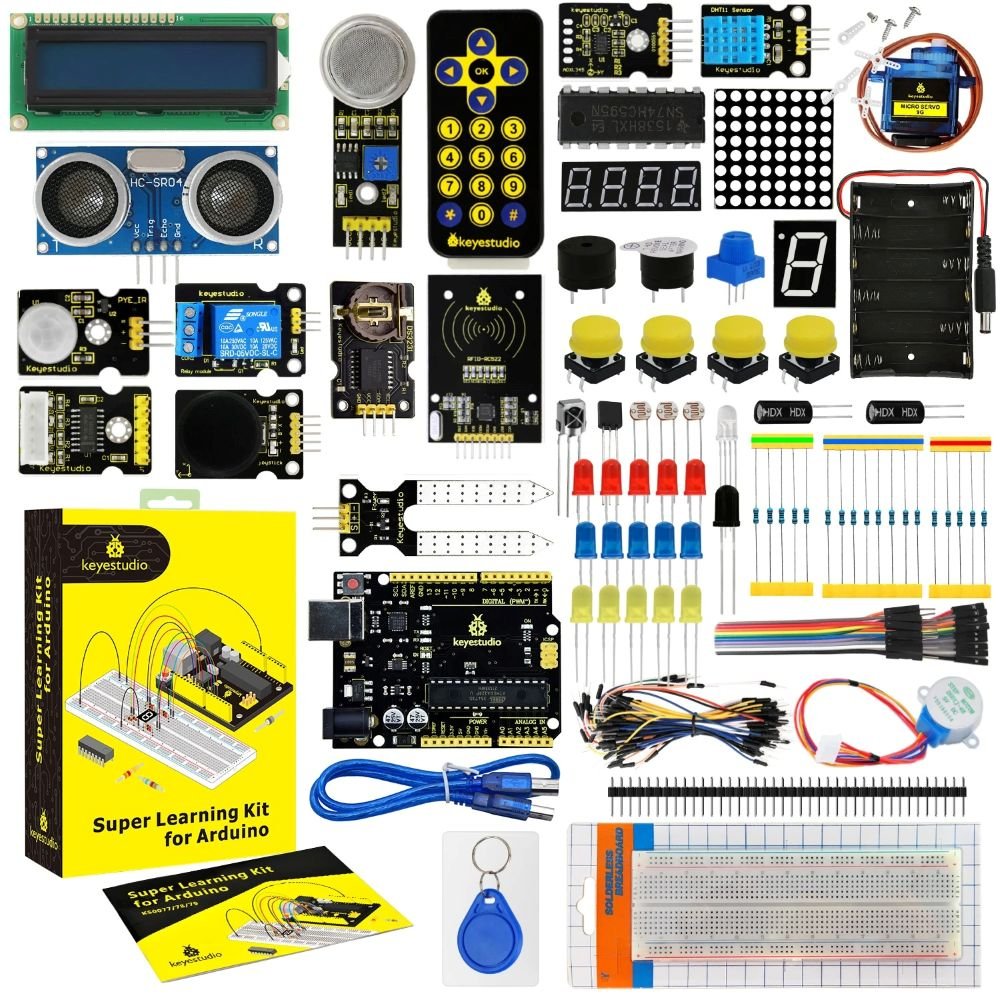
The Keyestudio Super Starter Kit is a practical alternative if you want a straightforward UNO R3-style controller, common modules and a structured set of projects.
Keyestudio currently lists 32 guided projects, starting with basic circuits and moving into modules such as RFID plus temperature and humidity sensing. The kit includes an UNO R3-compatible board and is designed around detailed wiring diagrams and example code rather than simply maximising the number of loose components in the box.
The UNO R3-style platform is older and lacks native Wi-Fi and Bluetooth, but it remains straightforward for learning digital and analogue I/O, sensors, displays and basic embedded programming.
Best for: beginners who want a straightforward UNO R3-style kit with a decent number of guided projects.
Main drawback: if connected or smart-home projects are your main goal, an ESP32-based kit will get you there with less hardware swapping later.
Keyestudio Super Starter Kit
A practical UNO R3-style starter kit with a broad component selection and 32 guided beginner projects.
3. ELEGOO Mega R3 Project Starter Kit: Best for a Larger Traditional Kit
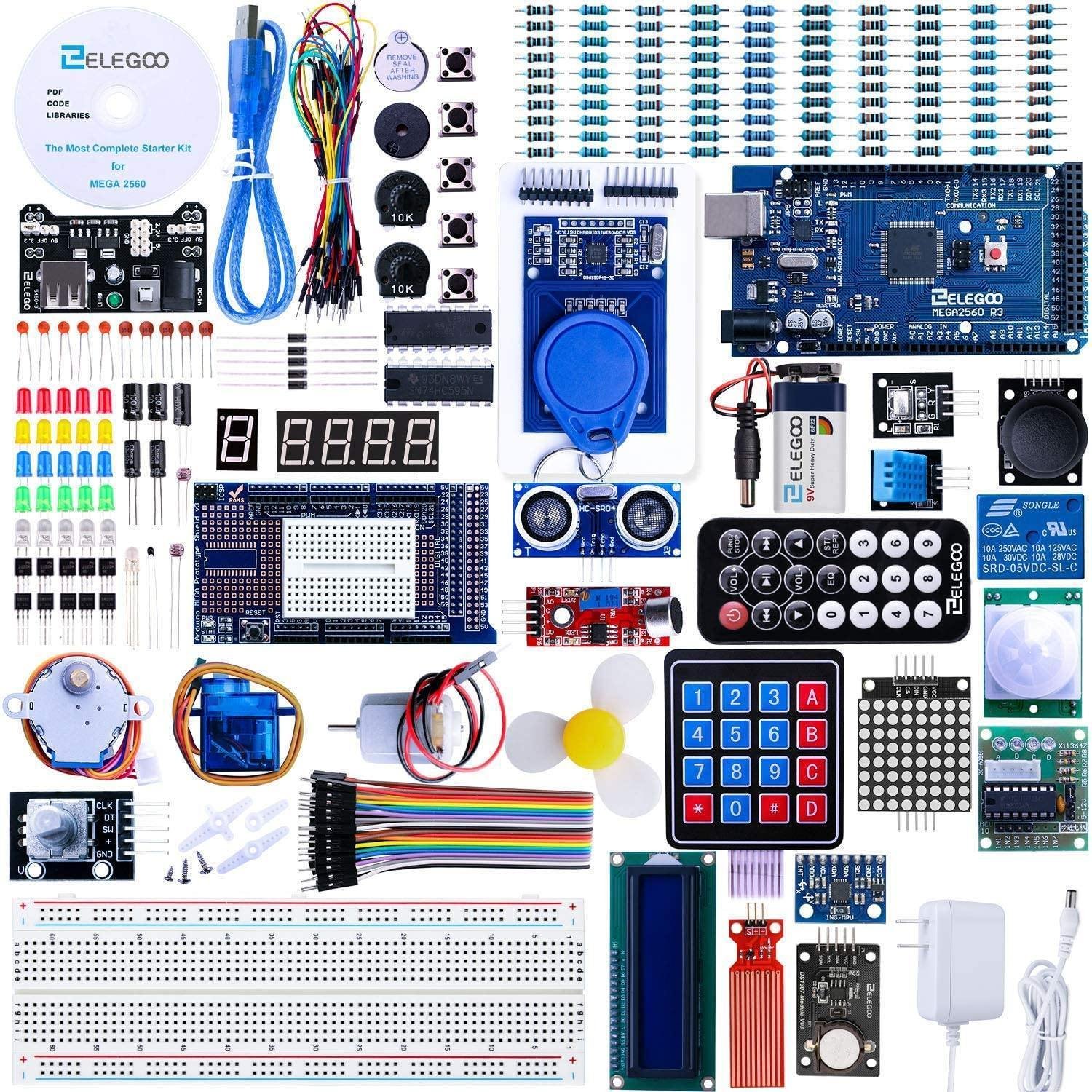
The ELEGOO Mega R3 Project Starter Kit is a good fit if you want a much larger traditional Arduino-style kit with enough components to keep experimenting well beyond the first few projects.
It is built around a Mega 2560-compatible controller and includes more than 200 components, covering the usual breadboard parts as well as displays, sensors, motors, RFID and other modules. ELEGOO provides a 33-lesson tutorial, so there is enough structure for a beginner while still leaving plenty of hardware to reuse in later projects.
Best for: beginners who want a large Arduino-style kit with more I/O, more components and plenty of room to move into bigger projects.
Main drawback: the Mega 2560 platform does not include Wi-Fi or Bluetooth, so connected projects will still need extra hardware or a later move to ESP32.
ELEGOO Mega R3 Project Starter Kit
A large Mega 2560-compatible starter kit with more than 200 components and 33 guided lessons for bigger Arduino-style projects.
4. Keyestudio IoT ESP32 Learning Kit: Best for ESP32 and IoT
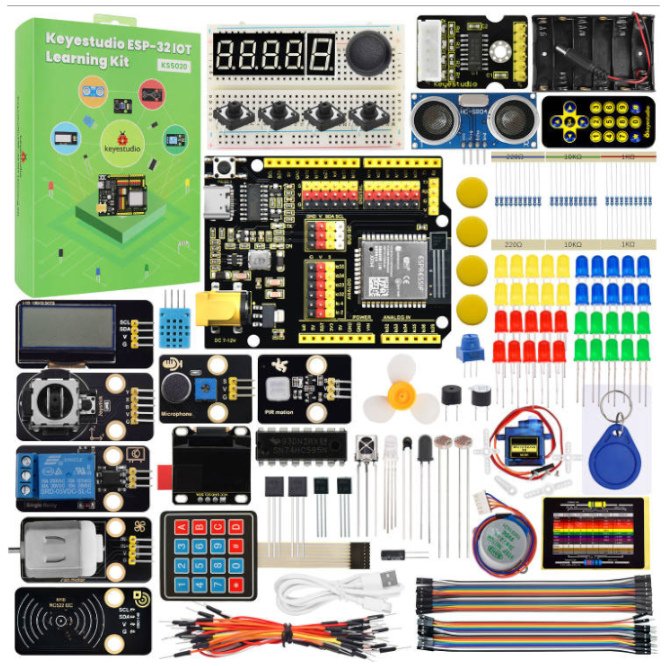
If the reason you are learning electronics is to build Wi-Fi sensors, smart-home devices or other connected projects, the Keyestudio IoT ESP32 Learning Kit is the most relevant option in this list.
It is built around ESP32 and combines the usual beginner electronics parts with displays, sensors, motors and other modules. The kit is sold with 134 projects and supports both Arduino C and MicroPython, so you can start with basic circuits and then move into wireless and IoT projects without replacing the controller.
If you want to move into MQTT, Home Assistant or web-connected sensors, the built-in Wi-Fi and Bluetooth are useful immediately. My ESP32 beginner’s guide is a good next step if that is where you are heading, and my IoT projects for beginners guide has practical ideas for what to build next.
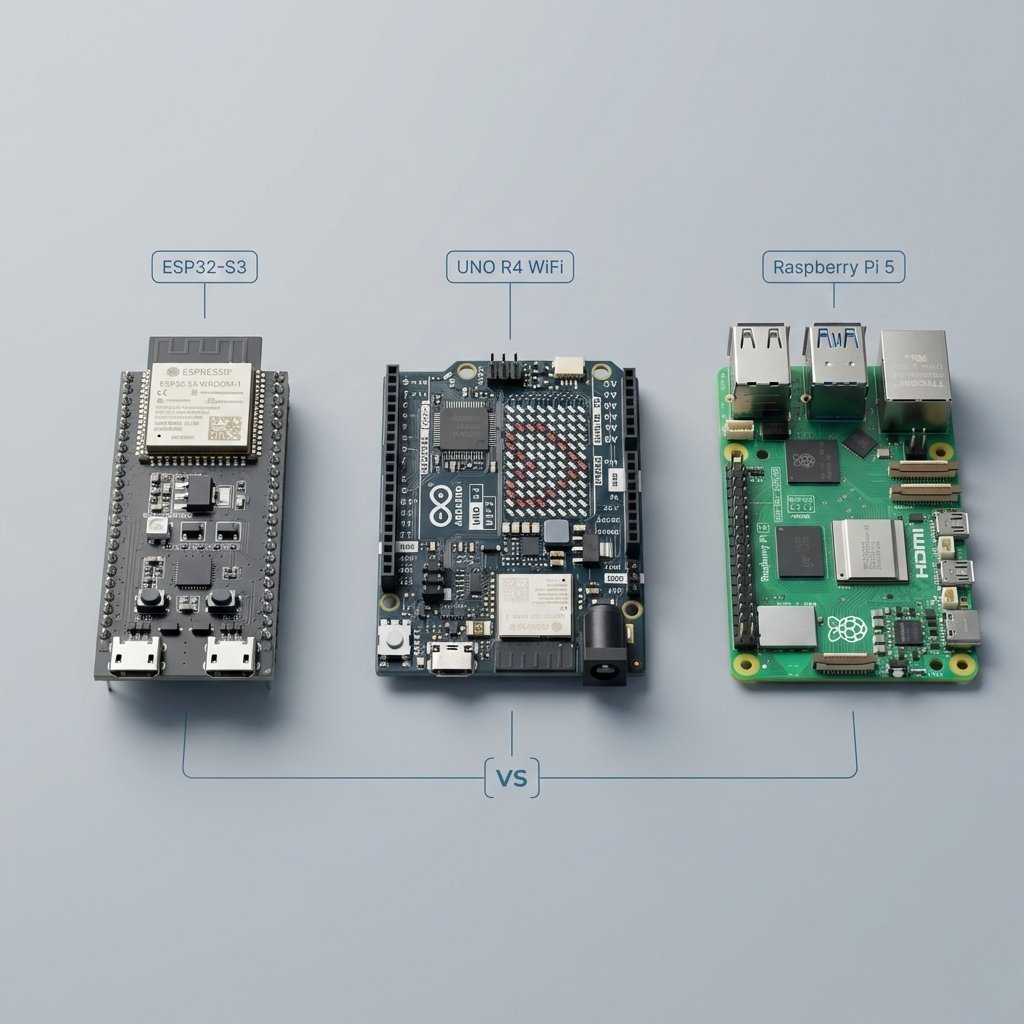
If you are unsure whether ESP32 or Arduino is the better starting point, my ESP32 vs Arduino vs Raspberry Pi comparison goes through the practical differences.
Best for: beginners who already know they want to build connected devices, IoT projects or smart-home hardware.
Main drawback: ESP32 gives you more capability, but there are also more setup choices than with a basic UNO. If you only want the simplest possible first electronics lessons, the traditional Arduino route is easier to follow.
Keyestudio IoT ESP32 Learning Kit
An ESP32-based learning kit with 134 projects, Wi-Fi and Bluetooth, plus support for Arduino C and MicroPython.
5. Keyestudio Raspberry Pi Pico Sensor Kit: Best for MicroPython
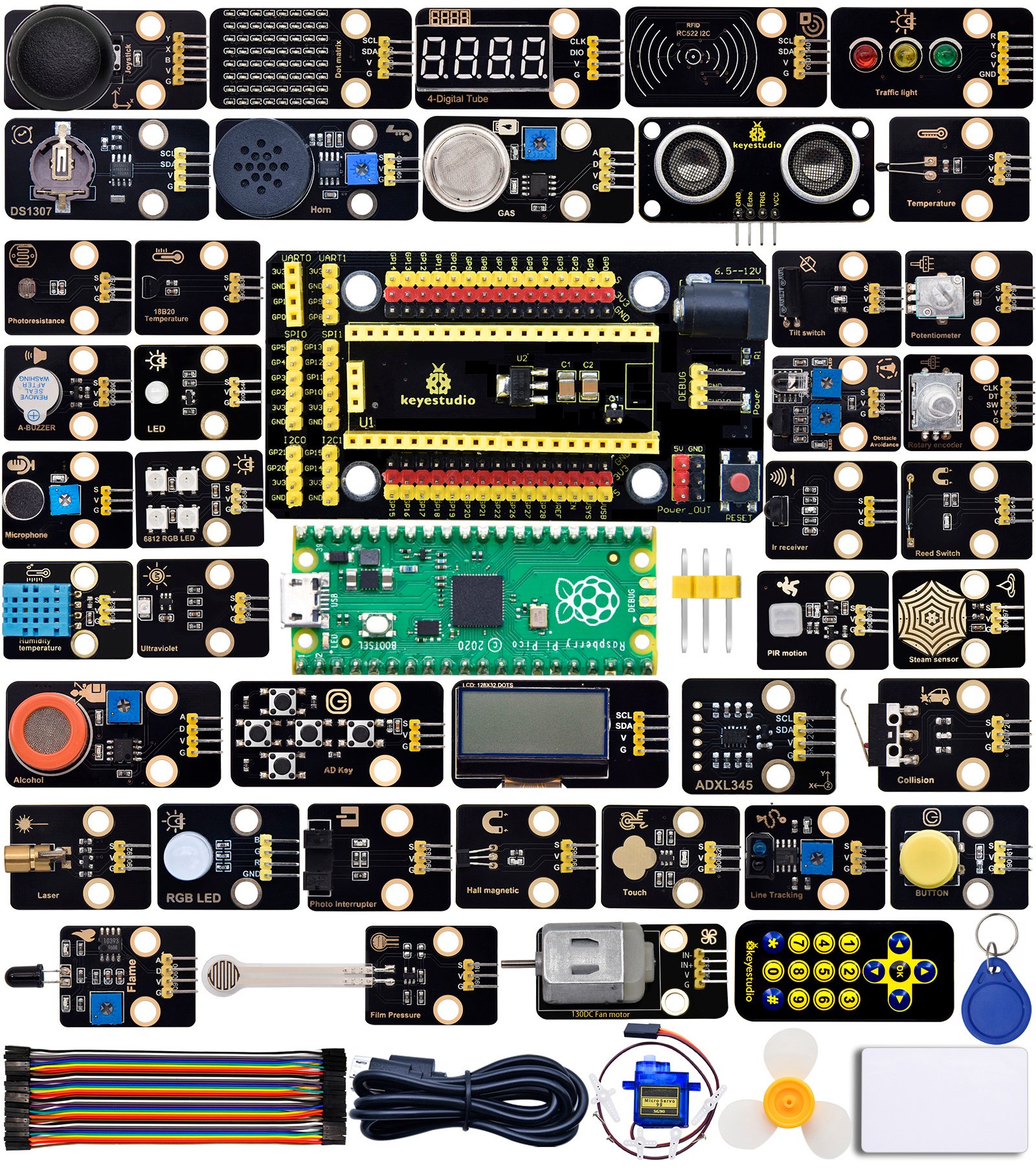
The Keyestudio Raspberry Pi Pico Sensor Kit is the odd one out here in a useful way. Instead of another Arduino or ESP32 board, it uses the Raspberry Pi Pico and gives you a sensor-heavy kit for learning embedded programming with MicroPython.
The AliExpress listing includes 37, 24 and 42-in-1 variants. The larger kits combine a Pico board and expansion board with a wide range of sensors and modules, while Keyestudio provides wiring diagrams, example code and tutorials for working through them.
Best for: beginners who want to learn MicroPython, experiment with lots of sensors, or try a Raspberry Pi Pico rather than another Arduino-compatible board.
Main drawback: the standard Pico does not have built-in Wi-Fi or Bluetooth. If connected projects are your main goal, the ESP32 kit above is the better fit.
Keyestudio Raspberry Pi Pico Sensor Kit
A sensor-focused Raspberry Pi Pico starter kit for learning MicroPython and experimenting with a broad range of input and output modules.
Which Electronics Starter Kit Should You Buy?
If you are completely new and do not yet know what direction you will take, the Arduino Starter Kit R4 is the safest all-round choice because the hardware and learning material are designed as one package.
If you want a straightforward UNO R3-style starting point, the Keyestudio Super Starter Kit is a practical option. If you want a larger traditional kit with more components to experiment with, the ELEGOO Mega R3 Project Starter Kit makes more sense. If you already know you want Wi-Fi, Bluetooth, Home Assistant or IoT, I would go straight to the Keyestudio IoT ESP32 Learning Kit. If MicroPython and experimenting with lots of sensors sounds more appealing, the Keyestudio Raspberry Pi Pico Sensor Kit gives you a useful alternative platform.
A huge 300-piece kit is not automatically better if the tutorials are poor or the board does not suit the projects you actually want to build.
What Should a Good Beginner Electronics Kit Include?
Whatever brand you choose, I would look for a kit with the following basics:
- A supported development board with plenty of current documentation
- A full-size breadboard and enough jumper wires to build projects properly
- Common resistor values, LEDs, pushbuttons and potentiometers
- At least a few useful sensors rather than dozens of obscure modules
- A servo or small motor so you can learn outputs and basic control
- A display such as an LCD or OLED
- Clear wiring diagrams and project instructions that match the exact parts in the box
I would put tutorial quality above raw component count. A smaller kit that takes you through 15 useful circuits is a better first purchase than a 300-piece box that leaves you searching the internet to identify half of it.
Arduino or ESP32 for a First Electronics Kit?
Arduino remains the easier traditional learning path. The UNO ecosystem is predictable, there are enormous numbers of beginner tutorials, and most starter-kit lessons assume the same basic style of board.
ESP32 is the better fit when wireless connectivity is part of why you are learning electronics in the first place. Built-in Wi-Fi and Bluetooth mean you can move from basic circuits into MQTT, web interfaces, Home Assistant and connected sensors without replacing the controller.
Choose Arduino if you want the simpler learning path. Choose ESP32 if wireless and connected projects are the reason you are getting into electronics.
Do You Still Need a Multimeter and Soldering Iron?
Not immediately. Every kit in this guide is designed around solderless breadboards, so you can work through the early lessons without soldering anything.
A multimeter becomes useful surprisingly quickly because it lets you check voltage, continuity and resistance instead of guessing when a circuit does not work. A soldering iron matters later when you move from temporary breadboard circuits to permanent projects.
For the separate tools I would add as you progress, see Electronics Tools and Components for Beginners.
Common Starter Kit Mistakes
- Buying purely by component count. More parts are only useful if you know what to do with them.
- Ignoring the tutorial quality. Good documentation is one of the main reasons to buy a kit instead of loose components.
- Choosing UNO when your only goal is Wi-Fi projects. An ESP32 kit may save you from replacing the controller almost immediately.
- Buying advanced tools before you need them. You do not need an oscilloscope, bench power supply or logic analyser to work through your first projects.
- Expecting one kit to contain everything forever. A starter kit is there to teach you what you want to build next.
Frequently Asked Questions
What is the best electronics starter kit for a complete beginner?
The Arduino Starter Kit R4 is the strongest all-round option if you want clear guided learning and do not mind paying more for the official kit. The Keyestudio Super Starter Kit is a straightforward UNO R3-style choice if you want a compatible board and a solid set of guided projects.
What is the best electronics kit for ESP32 projects?
The Keyestudio IoT ESP32 Learning Kit is the most relevant option here because it combines an ESP32 board with a large set of beginner components, 134 guided projects and support for both Arduino C and MicroPython. It also gives you Wi-Fi and Bluetooth from the beginning.
Should I buy a kit or individual components?
A kit is usually easier for your first few projects because the tutorial and component list are matched. Once you know which kinds of projects you enjoy, buying individual boards, sensors and tools makes more sense.
Do beginner electronics kits require soldering?
No. Most beginner kits use a solderless breadboard and jumper wires. Soldering becomes useful later when you want to turn a prototype into something permanent.