
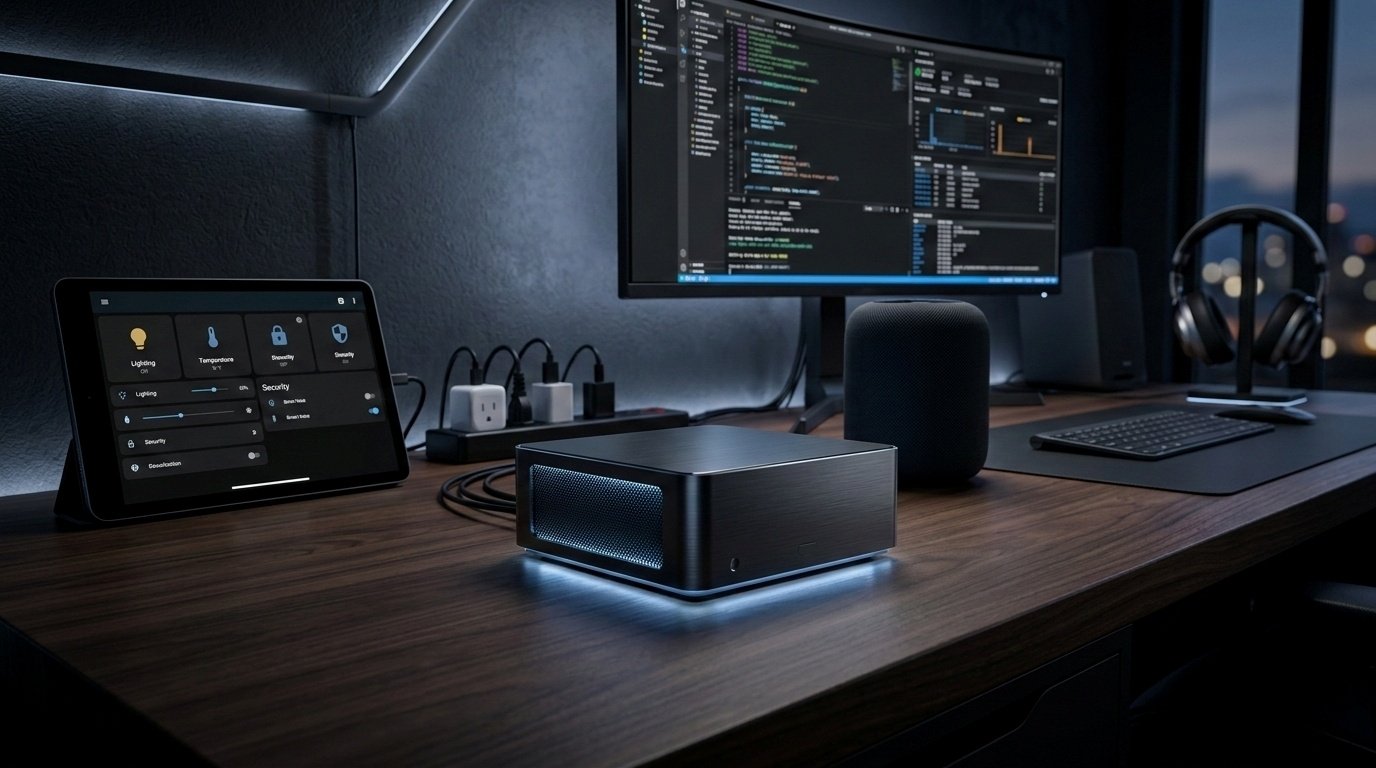
Finding the best mini PC for Home Assistant is not really about buying the fastest machine. For most people, it is about choosing a box that runs reliably 24/7, has enough USB for Zigbee, Thread, Z-Wave or Bluetooth hardware, uses sensible power, and still gives some room to grow. Home Assistant OS officially supports generic x86-64 hardware, and the main installation requirements are straightforward: UEFI boot enabled and Secure Boot disabled.
That matters because Home Assistant itself is not especially demanding. The real decision usually comes down to how you plan to use it: just Home Assistant OS, or Home Assistant plus add-ons, Docker containers, Proxmox, Frigate, Plex, backups, and other services. That is why this ranking is based on real Home Assistant usefulness, not just benchmark numbers.
Quick answer
Best overall: GMKtec G3 Plus
Best budget: GMKtec G3 Plus
Best branded low-power option: ASUS NUC 14 Essential
Best silent option: ASUS ExpertCenter PN42
Best for Proxmox / virtualisation: GMKtec M5 Plus
Best premium option: ASUS NUC 15 Pro
Comparison table
| Model | CPU | RAM | Storage | Ethernet | Key strengths | Biggest downside | Best for |
|---|---|---|---|---|---|---|---|
| GMKtec G3 Plus | Intel N150 | Up to 32 GB DDR4 | M.2 2280 NVMe + M.2 2242 SATA expansion | 1 x 2.5GbE | Best value, low power, useful expansion | 1-year warranty, less polished support | Most Home Assistant buyers |
| ASUS NUC 14 Essential | Intel N150 / N250 / N355 depending config | Up to 16 GB DDR5 | M.2 2280 NVMe or M.2 2242 SATA depending config | 1 x 2.5GbE | Branded, cleaner docs, Linux validation | 16 GB cap, weaker value | Buyers wanting a safer mainstream option |
| ASUS ExpertCenter PN42 | Intel N100 / N200 | Varies by SKU | 1 x M.2 NVMe | Up to dual 2.5GbE | Fanless, quiet, appliance-like | Patchy availability and pricing | Silent HAOS box |
| GMKtec M5 Plus | Ryzen 7 5825U | Up to 64 GB DDR4 | M.2 2280 PCIe 3.0 | 2 x 2.5GbE | Strong VM headroom, dual LAN | More than most HA-only users need | Proxmox, Docker, mixed-use server |
| GEEKOM A5 | Ryzen 5 7430U / Ryzen 7 5825U | Up to 64 GB DDR4 | M.2 2280 + 2.5-inch SATA | 1 x 2.5GbE | Good build, 6 USB ports, 3-year warranty | Pricier than GMKtec for similar use | Safer step-up buy |
| ASUS NUC 15 Pro | Core / Core Ultra depending config | Up to 48 GB DDR5 | M.2 2280 + M.2 2242 | 1 x 2.5GbE | Premium I/O, strong VM host | Overkill for most Home Assistant setups | Premium compact homelab box |
Ranked list from best to worst
1. GMKtec G3 Plus
Short verdict: The best mini PC for Home Assistant for most people.
The GMKtec G3 Plus gets the top spot because it hits the sweet spot properly. Official listings show an Intel N150, up to 32 GB DDR4, 2.5GbE, a main M.2 2280 NVMe slot, extra M.2 2242 SATA expansion, and four USB 3.2 ports. Intel lists the N150 as a 4-core, 4-thread, 6 W processor, which is exactly the kind of low-power platform that makes sense for a 24/7 Home Assistant box.
That combination makes it a strong fit for Home Assistant OS, normal add-ons, and the usual stack of USB hardware without paying for a class of machine most people do not need. The main compromise is support. GMKtec’s support and warranty position is not as reassuring as ASUS or GEEKOM, and that matters when a box is meant to sit there and just work. Even so, on pure Home Assistant value, it is the best-balanced choice.
Why it ranks here: Best mix of cost, power efficiency, storage flexibility, and practical Home Assistant fit.
Key pros: Low-power CPU, 2.5GbE, four USB ports, storage expansion, up to 32 GB RAM.
Key cons: Shorter warranty and weaker support confidence than the safer brands.
Who should buy it: Raspberry Pi upgraders, first-time buyers, and anyone who wants dedicated HAOS with room to grow.
Who should skip it: Buyers planning several VMs, heavier Docker use, or broader server duties.
Best fit: Dedicated HAOS, light Docker, light future expansion.
2. ASUS NUC 14 Essential
Short verdict: The best branded low-power alternative.
The ASUS NUC 14 Essential is a sensible step for buyers who want a low-power N-series machine but prefer cleaner documentation and a more mainstream support path. ASUS lists 2.5GbE, support for Ubuntu 24.04 LTS, and storage support for M.2 2280 NVMe or M.2 2242 SATA depending on the configuration. It is a more reassuring buy than many cheap mini PCs, even if it is not the strongest value.
The catch is the ceiling. This line tops out at 16 GB RAM, and once RAM and storage are added, it often becomes harder to justify on value alone. For Home Assistant only, that may not matter. For buyers who care about clean support, clear specs, and lower buying risk, it still makes a lot of sense.
Why it ranks here: Easier to trust than many bargain alternatives, but not the best value.
Key pros: ASUS support, Linux validation, 2.5GbE, modern low-power platform.
Key cons: 16 GB RAM limit and less aggressive value than GMKtec.
Who should buy it: Buyers who want a safer branded option.
Who should skip it: Anyone mainly shopping on value or maximum growth headroom.
Best fit: Dedicated HAOS and low-fuss Home Assistant use.
3. ASUS ExpertCenter PN42
Short verdict: The best silent, appliance-style option.
The PN42 stands out because it is fanless. ASUS’s official page highlights Intel N100 and N200 options, support for dual 2.5GbE, a single M.2 NVMe SSD, and a compact design built for always-on use. ASUS store pages also list a 3-year manufacturer warranty. That gives it a different appeal from the usual value mini PCs.
If the goal is a quiet, shelf-friendly Home Assistant appliance rather than a tiny general-purpose PC, the PN42 is one of the most attractive options here. The downside is practical rather than technical: availability and pricing vary a lot, and in some markets it can be hard to find in the exact configuration you want.
Why it ranks here: The most appliance-like mini PC in the list.
Key pros: Fanless, quiet, dual 2.5GbE, lots of USB, 3-year ASUS warranty.
Key cons: One M.2 slot, older N100/N200 class CPUs, inconsistent availability.
Who should buy it: Buyers who care most about silence and a tidy always-on setup.
Who should skip it: Anyone chasing the cheapest price or the most expansion.
Best fit: Dedicated HAOS and simple long-term use.
4. GMKtec M5 Plus
Short verdict: The best value pick for Proxmox and virtualisation.
The M5 Plus is where the list shifts from “best Home Assistant box” to “best Home Assistant plus other workloads box.” GMKtec lists a Ryzen 7 5825U, dual 2.5GbE, Wi-Fi 6E, and support for up to 64 GB dual-channel DDR4. The Ryzen 7 5825U is an 8-core, 16-thread chip, which is a very different class of hardware from an N150 once you start stacking VMs, Docker containers, and other services.
That is also why it ranks below the cheaper N-series picks for the average buyer. It is better hardware, but not a better answer for someone whose main goal is simply running Home Assistant well. It earns its place once Home Assistant is only one part of the machine’s job.
Why it ranks here: Excellent value for mixed-use server duty, but unnecessary for most HA-only setups.
Key pros: Ryzen 7, dual 2.5GbE, up to 64 GB RAM, much stronger VM headroom.
Key cons: Higher class of hardware than most Home Assistant users need.
Who should buy it: Buyers planning Proxmox, multiple containers, or broader server use.
Who should skip it: Anyone who just wants dedicated Home Assistant OS.
Best fit: Proxmox, Docker, mixed homelab use.
5. GEEKOM A5
Short verdict: The safer step-up pick.
The GEEKOM A5 is not the sharpest value in the list, but it is one of the easiest higher-end recommendations to make without a long list of caveats. Official pages list Ryzen 5 7430U and Ryzen 7 5825U options, up to 64 GB dual-channel DDR4, a main M.2 slot, a 2.5-inch SATA bay, six USB ports, and 2.5GbE. GEEKOM also positions it as a 3-year warranty product in Australia, which is a real advantage for buyers who care about longer support coverage.
It lands behind the M5 Plus because the GMKtec often wins on pure specs-per-dollar. It still earns a place because it is easier to recommend to readers who want a stronger machine without stepping into premium NUC pricing.
Why it ranks here: Stronger than N150, lower-risk feel than some cheaper alternatives, but not the value leader.
Key pros: 3-year warranty positioning, six USB ports, 2.5GbE, good storage flexibility.
Key cons: Pricier than it needs to be for HA-only use.
Who should buy it: Buyers who want more headroom than N150 offers but still care about support confidence.
Who should skip it: Anyone who only needs Home Assistant and normal add-ons.
Best fit: Home Assistant plus side services, moderate Docker use, safer step-up buy.
6. ASUS NUC 15 Pro
Short verdict: Premium hardware, weak value for most Home Assistant users.
The ASUS NUC 15 Pro is the premium compact option here. ASUS lists current-generation Core and Core Ultra variants, up to 48 GB DDR5, M.2 2280 plus M.2 2242 storage, and 2.5GbE. This is excellent hardware for a compact VM host or multi-role mini PC.
It ranks last only because this list is about sense, not status. For a typical Home Assistant buyer, a premium NUC solves the wrong problem. Unless the machine is also going to be a serious VM host or broader homelab box, it is hard to justify the spend.
Why it ranks here: Strong premium option, least sensible value for the average Home Assistant buyer.
Key pros: Premium I/O, current platform, strong VM host potential.
Key cons: Expensive and overkill for most Home Assistant setups.
Who should buy it: Buyers who know the box will do a lot more than Home Assistant.
Who should skip it: Almost everyone looking for a dedicated HAOS machine.
Best fit: Premium Proxmox, compact homelab, mixed-use server.
Buying guide
How much CPU, RAM, and storage Home Assistant users actually need
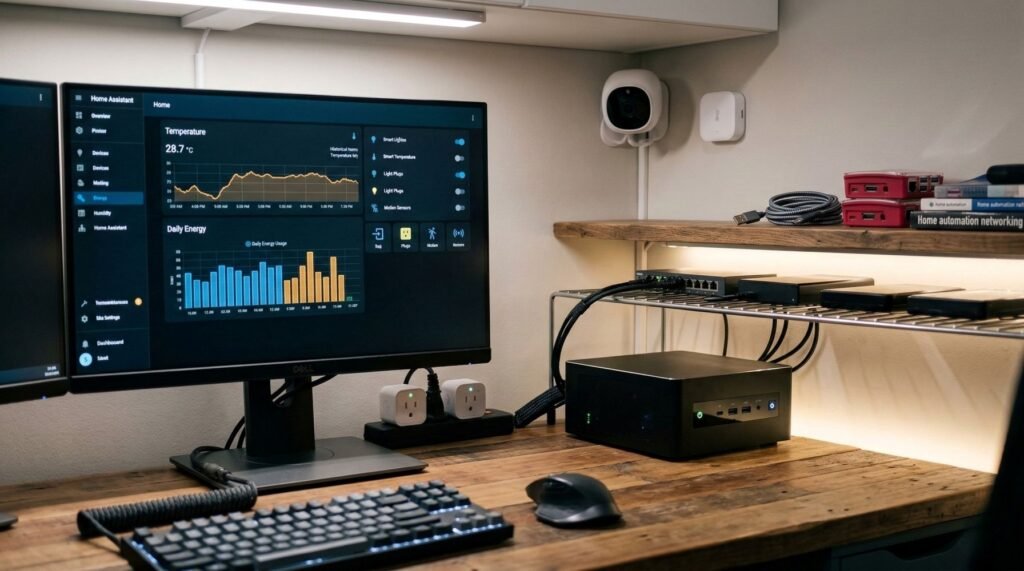
For a dedicated Home Assistant machine, the requirements are modest. A low-power x86 mini PC with 8 GB RAM and SSD storage is already a very comfortable starting point, and 16 GB is a sensible step if you want more breathing room for add-ons and future growth. That is why N100 and N150 class systems remain such strong fits for Home Assistant even in 2026.
Storage matters more than many people expect. A good internal SSD is more important than chasing premium CPU performance for a basic Home Assistant setup. Once you start keeping more local backups or adding more services, extra storage flexibility quickly becomes more useful than raw CPU bragging rights.
N100/N150 vs Ryzen vs higher-end Intel
An N100 or N150 mini PC is enough for most dedicated Home Assistant users. These chips sit in the low-power lane and make the most sense when the machine’s main job is Home Assistant OS, normal add-ons, and USB radio hardware.
Ryzen makes more sense when Home Assistant is sharing the machine with other workloads. Once Proxmox, Docker, local services, or test VMs enter the picture, a Ryzen-based system like the M5 Plus or A5 becomes a better buy than stretching an N-series box beyond what it was really built for.
Premium Core and Core Ultra systems only really make sense if you already know you want a higher-end compact server, rather than just a solid machine for Home Assistant.
Power draw and 24/7 running costs
For always-on Home Assistant use, low-power hardware usually makes the most sense. Intel’s N150 is a 6 W class part, while machines built around Ryzen U-series chips sit in a higher class and bring extra capability with that. Exact wall power varies by configuration, storage, and workload, but the overall pattern is simple: lower-power chips make better dedicated Home Assistant appliances, while stronger CPUs make more sense when the box is also acting as a broader home server.
Noise
Noise usually follows cooling and power class. Fanless hardware like the ASUS PN42 is especially attractive if the mini PC will live in a quiet room. Stronger Ryzen or Core systems bring more performance, but they also increase the chance of fan noise under load.
SSD and storage considerations
Internal SSD storage is one of the biggest reasons people move from simpler Home Assistant hardware to mini PCs. A box with proper SSD support feels more stable, cleaner, and easier to live with long term. Dual-drive flexibility or extra storage bays become even more useful if the machine will also hold backups, container data, or other services.
LAN and USB needs
USB ports matter more than they look on the spec sheet. One can disappear to Zigbee, another to Z-Wave, another to Bluetooth, another to a Coral or UPS cable. This is why the overall port layout matters just as much as CPU choice for many Home Assistant buyers.
Ethernet matters too, but for different reasons. In a dedicated HAOS setup, 2.5GbE is nice to have rather than necessary. It becomes more useful when the machine is also handling VM traffic, storage, or broader homelab tasks. Dual Ethernet only really matters if you already know you need it.
Expansion and future-proofing
For most buyers, future-proofing does not mean buying the fastest CPU. It means buying enough RAM, enough ports, and enough storage flexibility that the machine still makes sense once your setup grows. That is why the best mini PC for Home Assistant is usually the one that feels balanced, not the one with the biggest number on the processor name.
Refurbished vs new
Refurbished small office PCs and thin clients can still be excellent Home Assistant hardware, especially if keeping costs down matters more than having the newest hardware. A new mini PC is usually the easier path, though. You generally get a smaller footprint, newer storage support, better efficiency, and fewer unknowns around thermals, firmware, and long-term reliability.
Mini PC vs Raspberry Pi vs thin client vs NAS-based setup
A mini PC is usually the best middle ground for people who want an easier, more flexible Home Assistant setup without jumping into a full server. Raspberry Pi still makes sense if one is already sitting around and the goal is to spend as little as possible. Thin clients and retired office PCs can be great value if a bit more tinkering is fine. NAS-based installs can work too, but they also tie Home Assistant to a box that may already be busy doing other jobs.
Who should buy what
Buy a low-power N100/N150 mini PC if…
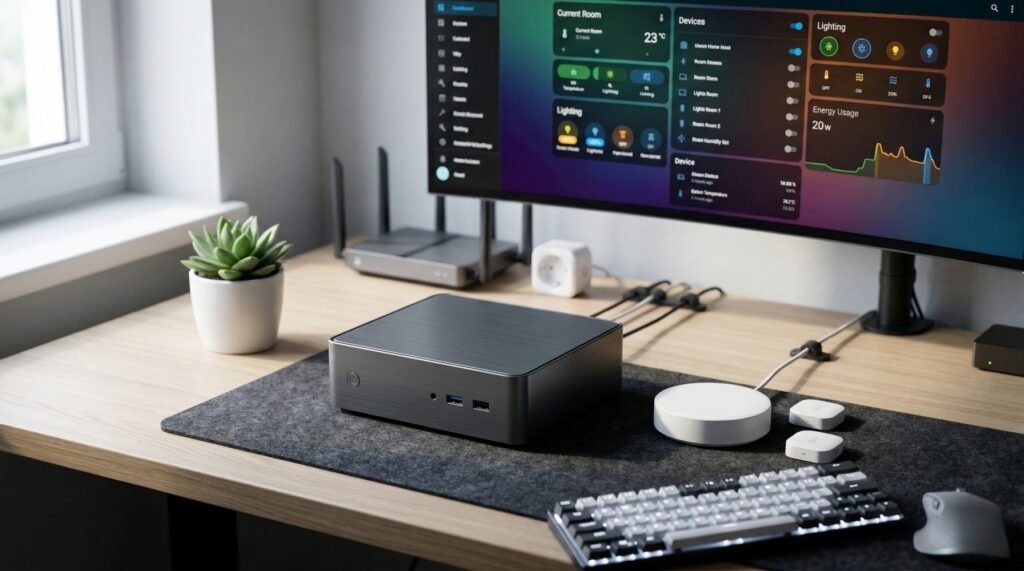
You want dedicated Home Assistant OS, sensible power use, and enough room for add-ons and USB radios without overspending. That is the lane for the GMKtec G3 Plus and ASUS NUC 14 Essential.
Buy a stronger Ryzen mini PC if…
You want Home Assistant plus Docker, Proxmox, local services, or other workloads on the same box. That is where the GMKtec M5 Plus and GEEKOM A5 start making much more sense.
Don’t overspend on a premium mini PC if…
Your real plan is just Home Assistant, a few add-ons, backups, and USB radios. That does not need a premium NUC.
Consider another option entirely if…
You already have suitable x86 hardware at home, or you are happy to use a refurbished small office PC or thin client instead of buying new.
Final verdict
The best mini PC for Home Assistant for most people is the GMKtec G3 Plus. It is the strongest balance of low-power hardware, practical expansion, sensible pricing, and real Home Assistant fit. It is not flashy, and that is exactly why it works so well.
If a cleaner support story matters more than absolute value, the ASUS NUC 14 Essential is the safer branded low-power option. If silence matters most, the ASUS ExpertCenter PN42 is the standout. If the plan includes Proxmox or broader server use, the GMKtec M5 Plus is the better fit. And if the goal is a premium compact server that also happens to run Home Assistant, the ASUS NUC 15 Pro is the premium choice.
The easiest mistake to make is buying by benchmark instead of buying by job. A great Home Assistant machine is usually the one that is stable, SSD-backed, quiet enough, low-power, and not constantly asking for workarounds.
FAQ
What is the best mini PC for Home Assistant?
For most buyers, it is the GMKtec G3 Plus because it combines low-power hardware, 2.5GbE, useful USB, and extra storage flexibility at a sensible price.
Is Intel N100 or N150 enough for Home Assistant?
Yes. For dedicated Home Assistant, N100 and N150 class machines are enough for most users. They fit the low-power, always-on role very well.
Is a mini PC better than a Raspberry Pi for Home Assistant?
Usually, yes. A mini PC normally gives easier SSD storage, more USB flexibility, better Ethernet options, and more room to grow.
How much RAM does Home Assistant need?
For a mini PC buy, 8 GB is a sensible minimum and 16 GB is a comfortable target if the budget allows. More only really becomes necessary once the machine is doing much more than Home Assistant.
Can I run Home Assistant and Frigate on the same mini PC?
Yes, but that depends heavily on your camera count, hardware acceleration, and detector choice. Frigate’s documentation says it runs best with Docker on bare metal and does not recommend VM-based installs for ideal performance.
Should I use Proxmox for Home Assistant?
Use Proxmox when Home Assistant will be one workload among several. If the machine’s only job is Home Assistant, dedicated HAOS is usually the cleaner and simpler route.