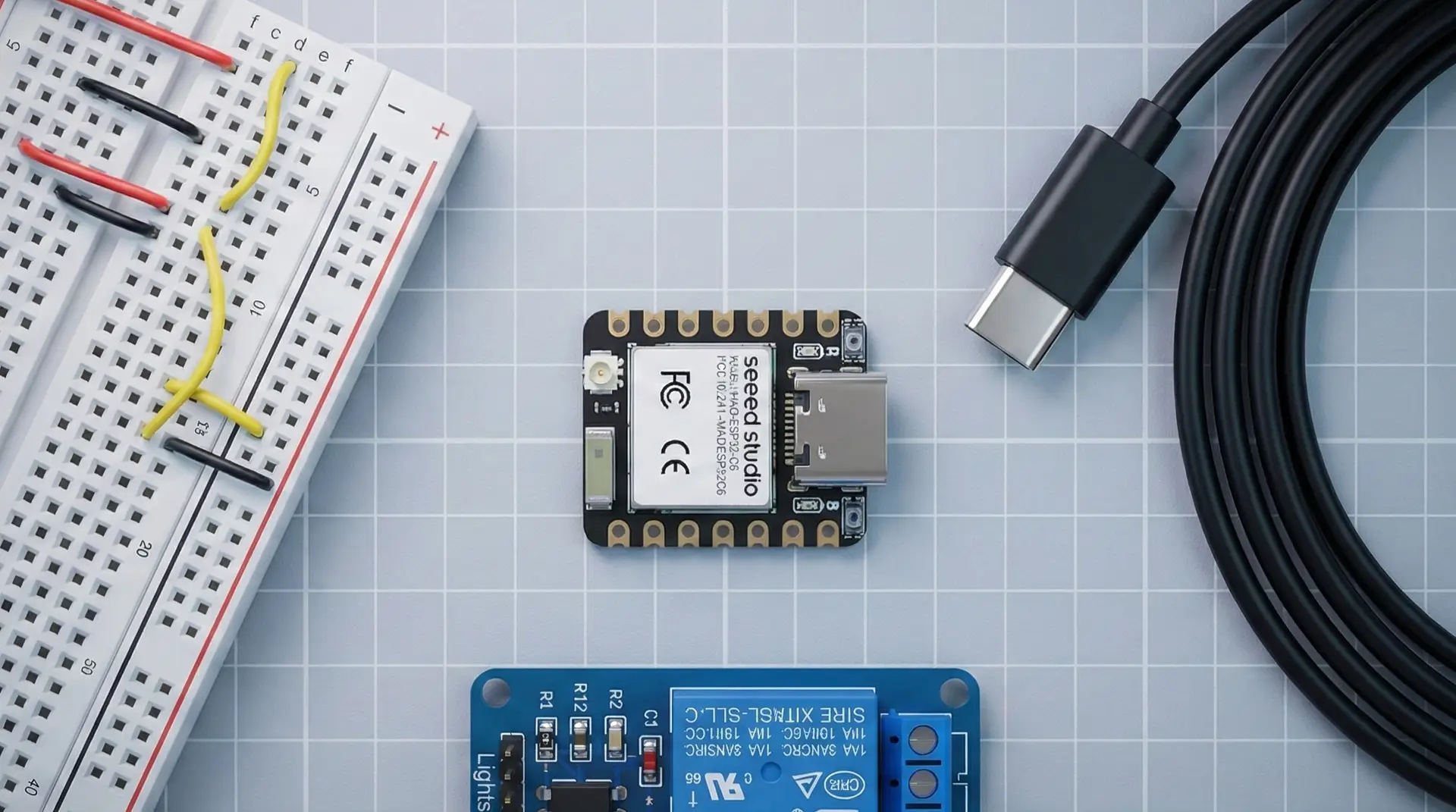
The ESP32-C6 is one of the newer members of the ESP32 family, and it’s built with modern smart homes in mind. It packs Wi-Fi 6, Bluetooth Low Energy, and an 802.15.4 radio into one chip, which means it can work with today’s Wi-Fi setups and the newer mesh networks used by protocols like Thread and Zigbee.
If you’re starting to hear more about Matter, Thread and newer smart home standards, the C6 is where things start to get interesting for DIY builders.
In this post we’ll look at what the ESP32-C6 actually is, where it fits in the wider ESP32 family, what it’s good at, and when you probably don’t need it.
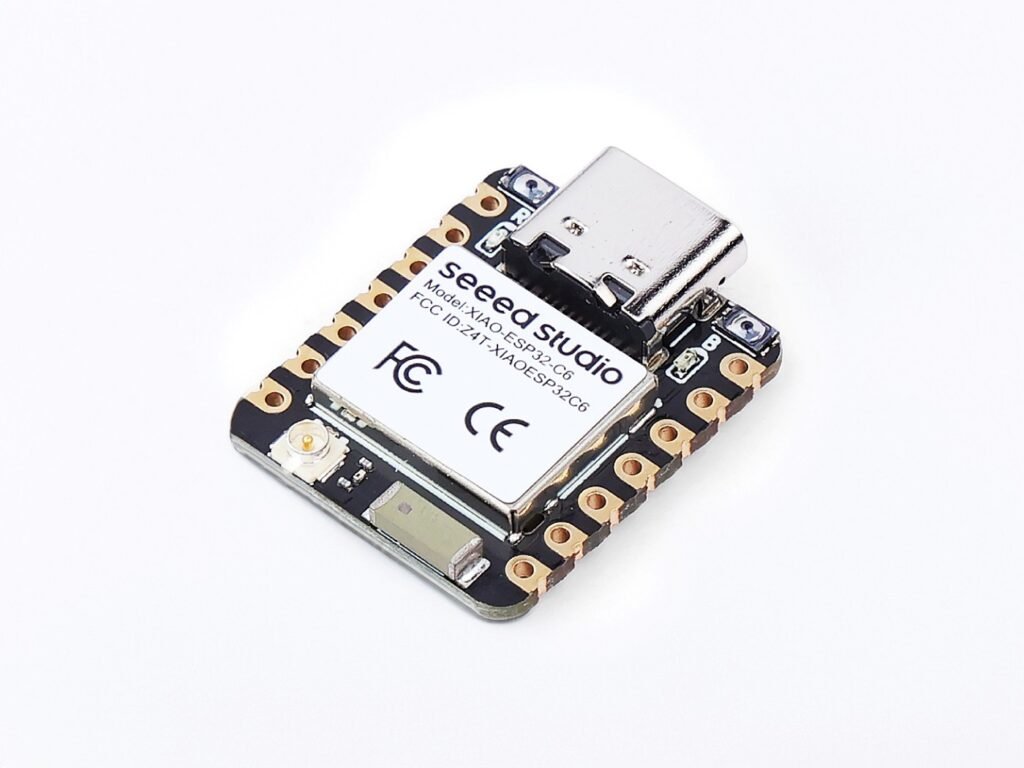
XIAO ESP32-C6
A tiny Wi-Fi 6 and Bluetooth LE board that works well for compact IoT projects, Matter experiments, Thread testing and newer ESP32 builds.
What is the ESP32-C6?
The ESP32-C6 is a microcontroller designed by Espressif for connected devices. At its core is a RISC-V CPU paired with multiple radios. It’s built to be the “brain” inside small gadgets rather than a full computer.
Key features in plain terms:
- Wi-Fi 6 (2.4 GHz) – works with existing Wi-Fi networks, but can also take advantage of newer Wi-Fi 6 features.
- Bluetooth Low Energy – handy for pairing, configuration or short-range communication.
- 802.15.4 radio – the physical layer used by Thread and Zigbee style mesh networks.
- A set of GPIO pins you can use to connect sensors, buttons, relays, LEDs and other hardware.
So instead of choosing between “Wi-Fi chip” or “Thread/Zigbee chip”, the ESP32-C6 gives you one device that can sit comfortably in both worlds.
Where it sits in the ESP32 family
The ESP32 range has grown into a full family of chips, each tuned for slightly different roles.
At a high level:
- The original ESP32 parts focus on Wi-Fi + Bluetooth with plenty of general-purpose I/O.
- The S-series (like ESP32-S2 and S3) lean into USB, displays and higher-end interfaces.
- The C-series (C2, C3, C5, C6) use RISC-V and focus on efficient IoT devices with different radio mixes.
- The H-series (H2) are built around 802.15.4 + BLE without Wi-Fi.
- The P-series (P4) target higher processing power, leaving radios to external chips.
The ESP32-C6 sits in the C-series but stands out because it combines Wi-Fi 6, Bluetooth LE, and 802.15.4 in one place. That makes it one of the more flexible options if you’re thinking beyond simple Wi-Fi sensors.
You don’t need to memorise every variant, but it helps to know that the C6 is the “multi-radio, future-leaning” member of the family.
Why ESP32-C6 matters for DIY smart homes
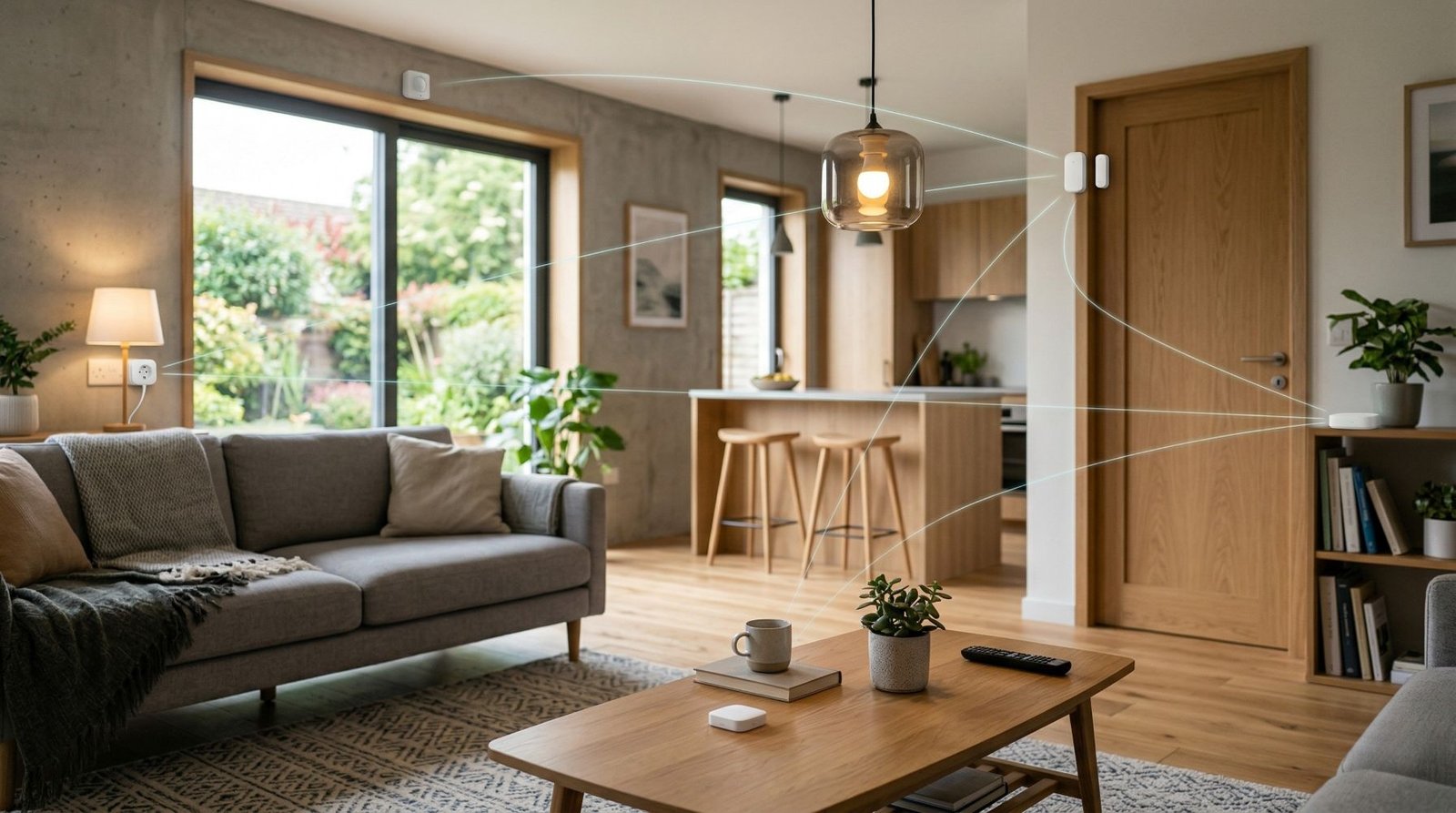
The big shift in smart homes over the last few years is the move towards mesh networks and common standards.
Older Wi-Fi-only devices work fine, but they can:
- Crowd your Wi-Fi network if you add a lot of them
- Be harder to move between ecosystems
- Struggle with range and battery life in some locations
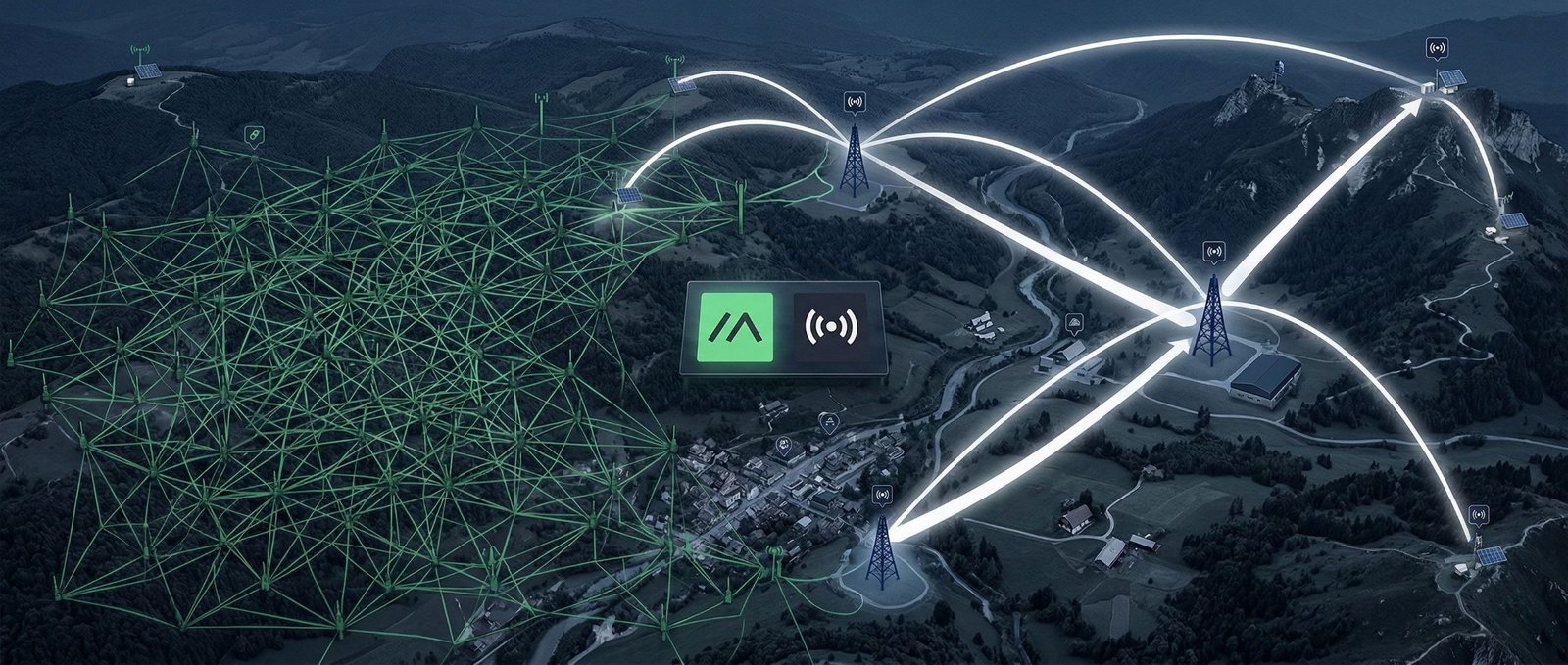
Protocols like Thread and Zigbee both use 802.15.4 and are designed for low-power, many-device networks. Matter is different: it runs over IP networks such as Thread, Wi-Fi and Ethernet, not over Zigbee itself.
The ESP32-C6 is interesting because:
- It can live on your Wi-Fi network like any other ESP32.
- It can also participate in 802.15.4 mesh networks, which opens the door to Thread and Zigbee-style setups.
- You can design devices that aren’t locked into a single radio path forever.
For a DIY builder, that means you can keep building the kinds of projects you already understand, while giving yourself room to experiment with newer smart home stacks when you’re ready.
XIAO ESP32-C6
A compact ESP32-C6 board with Wi-Fi 6, Bluetooth LE, Zigbee and Thread support, making it useful for newer smart home and IoT projects.
ESP32-C6 project ideas and good use cases
You can use the C6 for almost anything you’d normally do with an ESP32, but there are some situations where it really makes sense.
1. Matter / Thread experiments
If you want to get hands-on with Matter and Thread rather than just buying off-the-shelf devices, the C6 is a natural starting point. It has the radios you need for Thread-style networking while still being very familiar from a firmware point of view.
You can build:
- Simple sensors (temperature, humidity, contact sensors) that join a Thread network
- Switches or buttons that live on a low-power mesh instead of Wi-Fi
- Devices that can be discovered by modern smart home controllers as support improves
2. Bridges and gateways
Because the C6 can speak both Wi-Fi and 802.15.4, it’s a good candidate for bridge-style devices that sit between two networks.
For example:
- A small box that talks to a bunch of low-power 802.15.4 sensors and then exposes their data to Home Assistant over Wi-Fi
- A custom “border-router-like” device for experimenting with mixed networks in one spot
You might still use dedicated hardware for production setups, but for learning and prototyping, a C6 dev board is very flexible. I used one as a dedicated ESP32-C6 Zigbee router in Home Assistant, which is a practical example of the 802.15.4 side of the chip.
3. Future-proof Wi-Fi devices
Even if you only use Wi-Fi at first, choosing C6-based hardware can be a way of future-proofing a design.
You can start with a straightforward Wi-Fi sensor or controller and later use the same C6 hardware for 802.15.4 jobs. ESPHome now supports the ESP32-C6 as a Zigbee router or end device directly, so Zigbee is no longer just a future possibility on this chip. Thread and Matter support still depends on the framework and the job you are trying to do.
When a different chip is a better fit
There are also plenty of cases where the ESP32-C6 is more than you need.
If you’re building a simple Wi-Fi sensor or relay and you don’t care about Thread or Zigbee at all, one of the more basic ESP32 or C-series chips will likely be cheaper and easier to find.
If you need to drive displays, cameras or lots of peripherals, something like an ESP32-S3 may be a better starting point thanks to its USB options and display-friendly features.
If you’re aiming for pure 802.15.4 / Thread / Zigbee devices with no Wi-Fi, the ESP32-H2 line is more focused on that role and might be a more natural choice.
The ESP32-C6 is best when you actually want, or at least value, the combination of Wi-Fi 6 + BLE + 802.15.4 in one chip. If you’re weighing it against the C5 or S3, my ESP32-C5 vs C6 vs S3 comparison goes through the differences side by side.
Development experience and support
From the development side, the C6 now has solid support in the main ESP32 toolchains. The bigger trap is following older examples that were written before some of the radio features were available in the frameworks people use today.
A few practical points:
- Toolchains and SDKs: Espressif’s own tooling supports the C6, but not every library or example you find online was written with it in mind.
- ESPHome: normal ESP32-C6 projects are well supported, and ESPHome now includes native Zigbee support for C6 router and end-device roles. Matter and Thread are separate stacks, so support still depends on what you are actually building.
- Pinouts: as with other ESP32 boards, different C6 dev boards can use different pin mappings and some pins are involved in boot or configuration. Checking the pinout for your exact board before wiring a project saves a lot of time.
If you’re happy to follow current documentation and examples instead of copy-pasting from random ESP32 tutorials, the experience is manageable. Just be aware that you’re on a newer part, not the oldest, most-documented chip in the family.
Power, sleep and real-world devices
The ESP32-C6 is still an IoT-focused microcontroller, so everything you know about power management on other ESP32 chips still applies.
You’ll typically:
- Use deep sleep to keep power draw low when the device isn’t actively talking
- Wake up on a timer or event, read sensors, send data, then go back to sleep
- Pay attention to your regulators, quiescent currents and any always-on peripherals
If you’re running off mains power, this is less critical, but for battery-powered nodes the C6 can be part of very efficient designs when paired with sensible power hardware.
Because the C6 is designed with mesh networking in mind, it’s well suited to roles like sleepy end devices in a Thread-style network as software support for those roles improves.
Things to keep an eye on
If you decide to build with ESP32-C6, there are a few things worth watching over time:
- Library and framework updates – support for Matter, Thread or Zigbee stacks will keep evolving. It’s worth checking release notes for your chosen framework.
- Example projects – as more people build with the C6, patterns for best practice around networking roles, sleep behaviour and bridging will become clearer.
- Hardware availability – newer boards sometimes change quickly as manufacturers refine designs. If you’re planning a long-term or repeated build, try to standardise on a specific dev board or module.
Building on a newer platform is usually more fun if you expect things to change a little and you’re okay with tweaking your setup occasionally.
Should you use ESP32-C6?
There isn’t a single right answer, but a few questions can guide you:
- Do you want to learn and experiment with Thread, Zigbee or Matter, not just Wi-Fi?
- Do you like the idea of devices that can act as Wi-Fi clients and 802.15.4 nodes in the same hardware?
- Are you comfortable working with a chip that’s still gaining support, rather than sticking to the most established option?
If you’re nodding along, the ESP32-C6 is worth adding to your toolbox. Grab a dev board, start with a basic Wi-Fi sensor or light just to get familiar, then move into 802.15.4 and Matter/Thread experiments once you’re comfortable.
If you mainly want straightforward Wi-Fi sensors and relays that talk to Home Assistant, you’ll still be well served by simpler ESP32 variants. But if you’re curious where smart home networking is heading, the C6 is a good way to get there early without leaving the ESP32 ecosystem you already know.
Some of the links in this post may be affiliate links. If you buy through them, I may earn a small commission at no extra cost to you.