
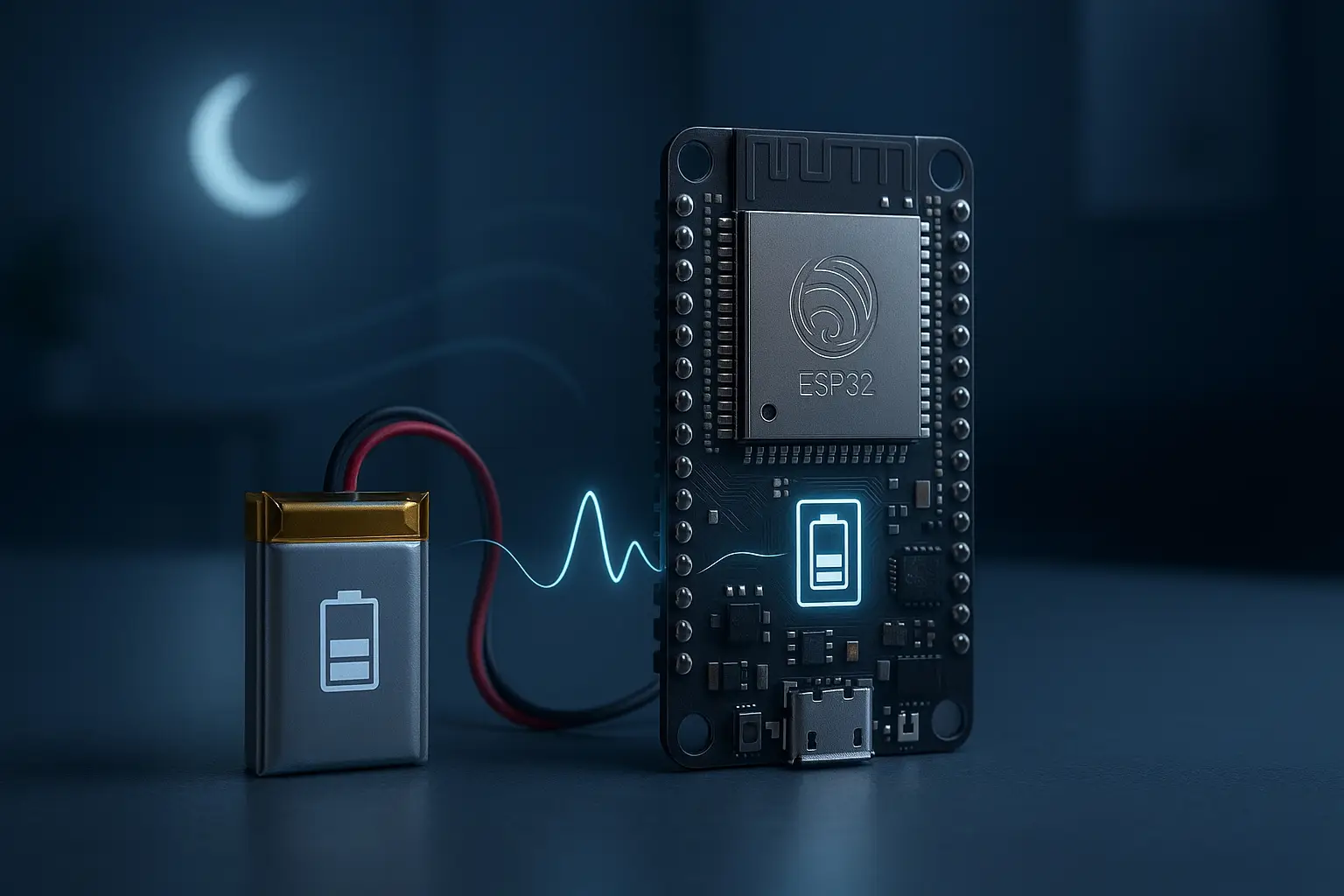
If you’ve ever built a battery powered ESP32 sensor, you’ve probably had this moment: you wire it up, flash your code, it works perfectly on the bench… then the battery is flat in a day or two.
The fix almost always comes down to one thing: using ESP32 deep sleep properly.
In this post we’ll look at what deep sleep actually does, what kind of current draw you can expect, and some practical tricks around sensor warm-up time and Wi-Fi reconnects so you can get real battery life out of your projects.
What ESP32 deep sleep actually does
Normally, when your ESP32 is “running”, the CPU, Wi-Fi, peripherals and a bunch of internal blocks are all powered up. Even if your code is “doing nothing”, the chip is still burning through a decent amount of current.
With deep sleep, the ESP32 shuts almost everything down. The main CPU core stops, Wi-Fi and Bluetooth power off, most peripherals are disabled, and only a tiny low-power section of the chip stays awake to keep RAM or RTC memory alive and watch for a wake-up event.
From your point of view, deep sleep turns the ESP32 into something that is:
- Asleep most of the time, using very little power
- Briefly awake to run your code, do some work, and then go back to sleep
It’s more like turning the device off between readings than just “idling”.
Typical current numbers (in the real world)
Exact numbers depend on the board, regulators and what else you’ve wired up, but it helps to have some ballpark figures when thinking about low power ESP32 projects.
Very roughly:
- Fully awake with Wi-Fi active: often tens to a couple of hundred milliamps while connected and transmitting.
- Idle but not sleeping: still far too high for a small battery project if left running 24/7.
- Deep sleep: on a well-designed board, down in the tens of microamps. On many generic dev boards, sometimes a little higher because of onboard regulators and LEDs, but still dramatically lower than running normally.
The takeaway isn’t the exact number, it’s the ratio. If your battery powered ESP32 sensor spends 99% of its time in deep sleep and only wakes up briefly, you can stretch battery life from days to weeks or months.
If it never goes to sleep and keeps Wi-Fi connected all the time, the battery doesn’t stand a chance.
Thinking in wake/sleep cycles
The easiest way to design for real battery life is to think in cycles, not continuous running.
A typical deep-sleep cycle looks like this:
- Wake up from deep sleep.
- Power up your sensor (if needed).
- Wait for the sensor to stabilise (warm-up time).
- Read the sensor value.
- Connect to Wi-Fi and send the data (to ESPHome / MQTT / API).
- Go back to deep sleep until the next interval.
Your job is to choose:
- How often to do that cycle.
- How long you really need to stay awake each time.
If you only care about a new reading every 5 or 10 minutes, there’s no reason to keep Wi-Fi connected in between. Let deep sleep do its thing.
Sensor warm-up time: don’t rush the reading
One easy mistake with ESP32 deep sleep projects is forgetting that some sensors need a bit of warm-up time.
Examples:
- Ultrasonic sensors may need a tiny pause before the first reliable measurement.
- Some gas and air-quality sensors need seconds or even minutes to stabilise.
- Certain analog sensors benefit from a brief settle time after power-up.
If you wake the ESP32, immediately read the sensor, and go back to sleep, you might just be logging garbage very efficiently.
A better pattern is:
- Wake up.
- Turn on the sensor’s power (using a MOSFET or a switched pin).
- Delay for a sensible warm-up time (could be milliseconds, could be longer).
- Take one or more readings and average them if needed.
- Then turn the sensor back off and continue the cycle.
Yes, that eats into your awake time a bit, but if your update interval is minutes rather than seconds, that trade-off is worth it. You still spend the vast majority of time in deep sleep, but your data is actually usable.
Wi-Fi reconnect trade-offs
Wi-Fi is another big part of the battery story.
Each time your battery powered ESP32 wakes from deep sleep and wants to send data, it has to:
- Turn on the radio
- Find and join your Wi-Fi network
- Open a connection (ESPHome API, MQTT, HTTP, etc.)
- Transmit the data
That connection process draws more current than deep sleep, and it takes time. If you wake up every 10 seconds, connect, send, and sleep again, a lot of your total power budget gets burned in that constant reconnect overhead.
You’ve got a few levers you can tweak:
- Increase the interval between wake-ups. For many outdoor sensors, a fresh reading every few minutes is fine. Every 5, 10 or even 15 minutes is still “live” enough for tank levels, weather and soil moisture.
- Minimise how much you send. If you’re using MQTT or the ESPHome API, you don’t need huge payloads; a couple of values is enough.
- Fail fast on bad Wi-Fi. If the network is down or out of range, don’t sit there burning power trying forever. Have a timeout, give up, and go back to sleep to try again later.
The general rule: wake less often, do the minimum work, then sleep again. The more of the day your ESP32 spends in deep sleep, the better your battery life will be.
Practical tips for real battery life
When you put it all together, a few simple practices make a huge difference for low power ESP32 deep sleep projects:
- Turn off indicator LEDs. Many dev boards have a power LED that stays on constantly. If you can, remove it or use a board without always-on LEDs for serious battery builds.
- Use a decent regulator. Cheap linear regulators can waste a lot of energy as heat. Low quiescent current regulators help your deep sleep current stay low.
- Switch sensor power. Don’t leave sensors powered 24/7 if you don’t need to. Use a MOSFET or a spare GPIO to turn them on only when you take a reading.
- Test your actual current draw. A USB meter or multimeter in series can give you a rough idea of awake vs deep sleep current. Real measurements beat guessing.
- Start with a longer sleep interval than you think. Begin with something like once every 5 or 10 minutes. If you find you genuinely need more frequent updates, you can always dial it back later.
Doing just those things often turns a “dies in a weekend” prototype into a “runs for weeks or months” sensor.
A simple mental checklist
When you build your next battery powered ESP32 sensor or solar powered ESP32 project, run through this quick checklist:
- Is deep sleep actually enabled and working, or did I just assume it is?
- What’s my wake-up interval, and is it honestly necessary to be that frequent?
- Do any sensors need warm-up time, and am I allowing for that before reading?
- Am I turning off everything I can before going back to deep sleep?
- Have I measured current in both awake and deep sleep states, even roughly?
If you can answer those questions confidently, you’re already ahead of most first attempts at low power ESP32 projects.
Wrapping up
ESP32 deep sleep is the difference between a cool demo on the bench and a reliable battery powered sensor you can leave outside for weeks without touching it.
Understanding what deep sleep actually does, how Wi-Fi reconnects affect your power budget, and how sensor warm-up time fits into the wake cycle is much more important than memorising exact microamp numbers.
Design your project so that:
- It sleeps most of the time
- Wakes up only as often as it needs to
- Does the smallest amount of work each time
…and you’ll find that the same ESP32 board that used to destroy a battery overnight can suddenly become a practical long-term sensor in your yard, on your tank, or out in the shed.