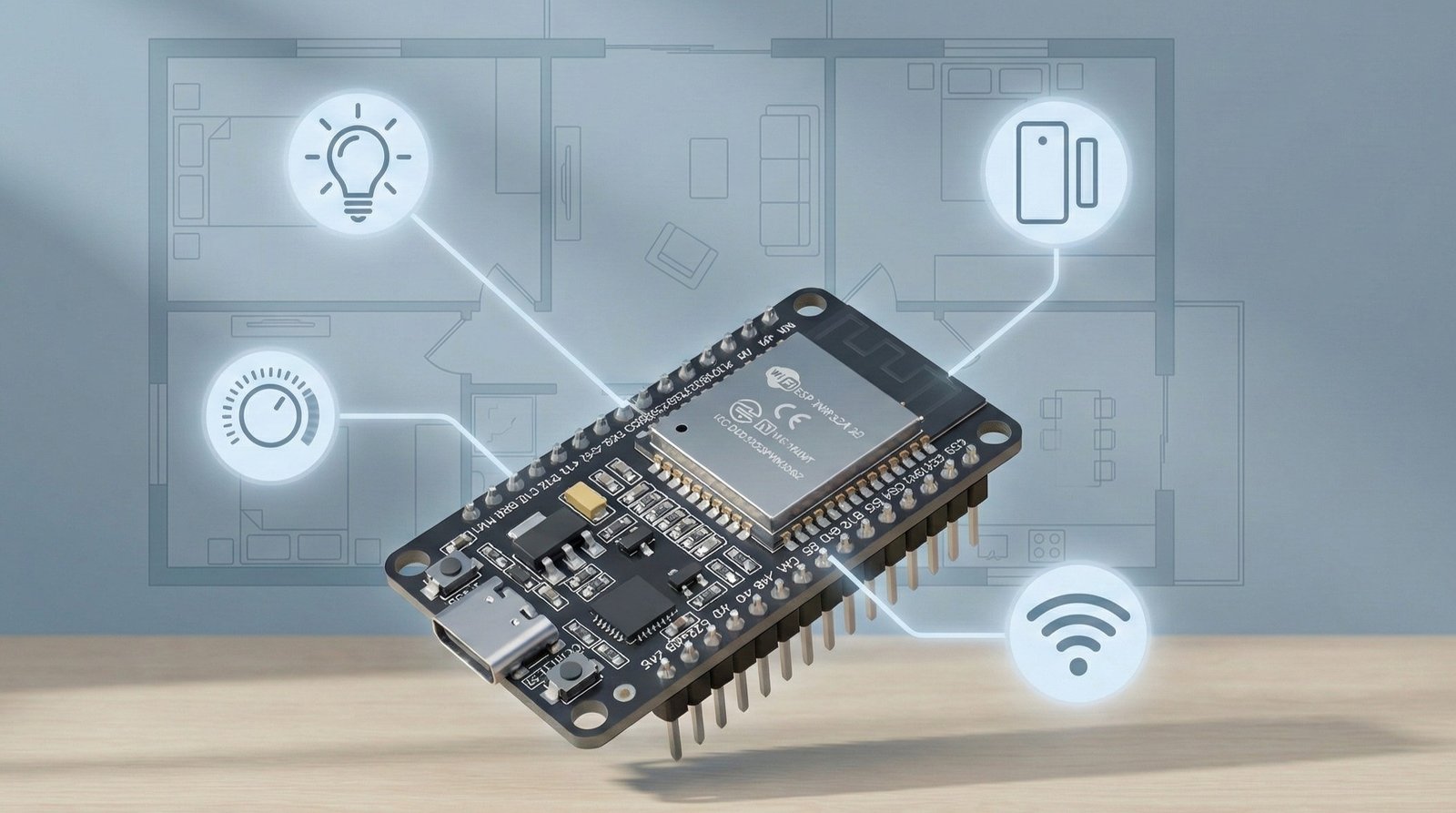
If you’re new to IoT, it’s easy to get stuck in the “what should I build first?” loop.
The best beginner projects have a few things in common: they solve a real problem, they don’t require complex wiring, and you get a result quickly (a dashboard, an alert, or something in your home that works better than it did yesterday).
I’ve kept these 10 projects fairly simple on purpose.
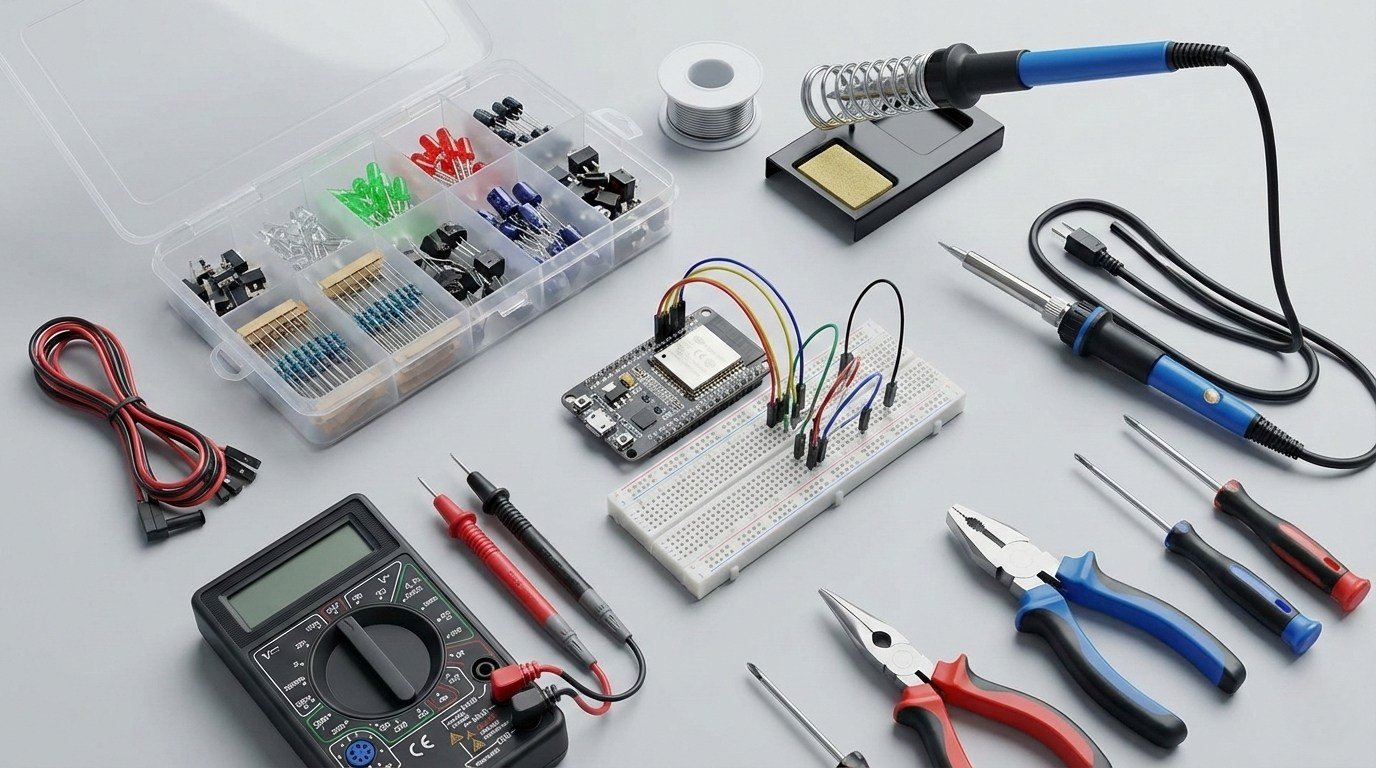
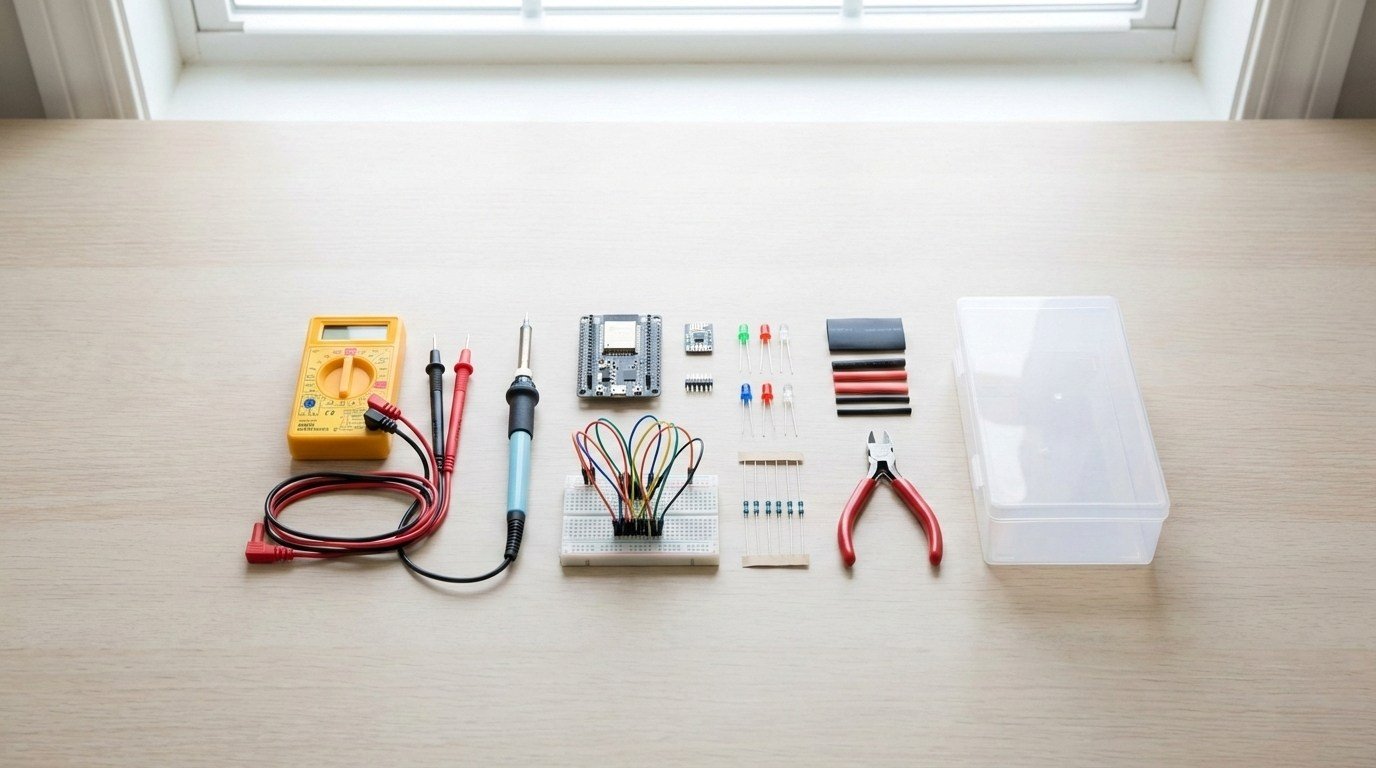
A beginner-friendly parts kit
You do not need much hardware to get through most of this list. A breadboard, jumper wires, a few basic components and one ESP32 will cover several of the projects. If you would rather buy a bundle, I have a separate electronics starter kit guide.
Starter hardware that gets reused across multiple projects:
- ESP32 dev board (one is enough to start; extra boards are useful if you want several projects running at once)
- Jumper wires (male-male + male-female)
- Breadboard
- Assorted resistors (basic kit)
- Heatshrink + small wire kit
- Small plastic enclosures
- USB cables / 5V power supplies
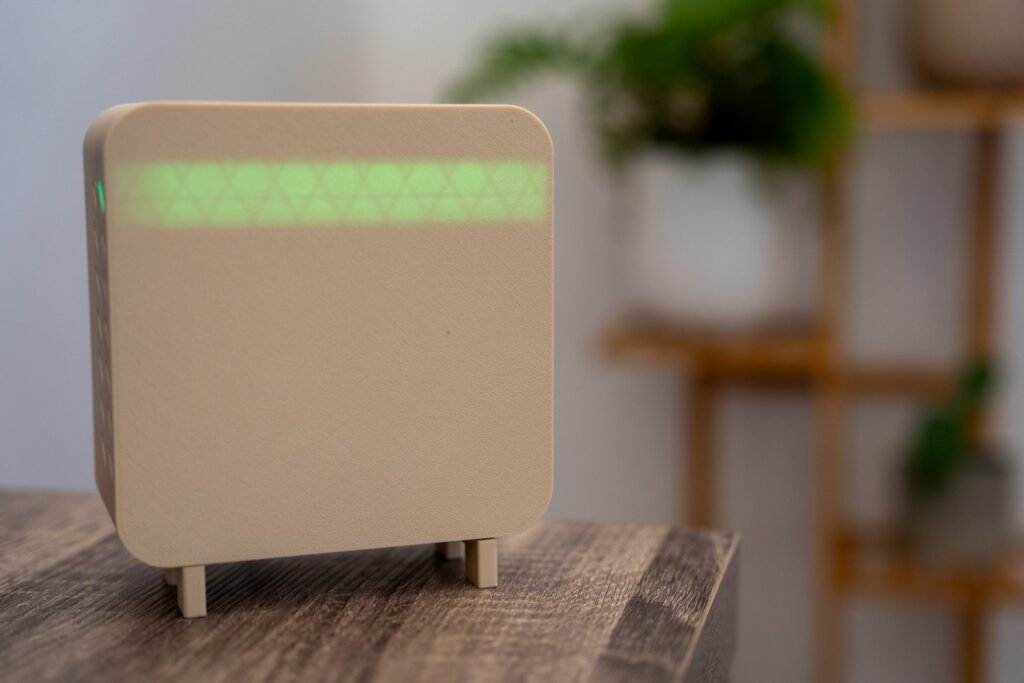
1) Air quality monitor (CO2 + PM2.5 + VOC)
What it does: Measures indoor air quality and tells you when it’s time to ventilate.
An air quality monitor gives you data that changes noticeably throughout the day. CO2 is especially useful in bedrooms and closed offices, while particulate readings react quickly to things like cooking or cleaning. Put the readings into a dashboard and you can see exactly what happened when a window was opened or ventilation improved.
What you need:
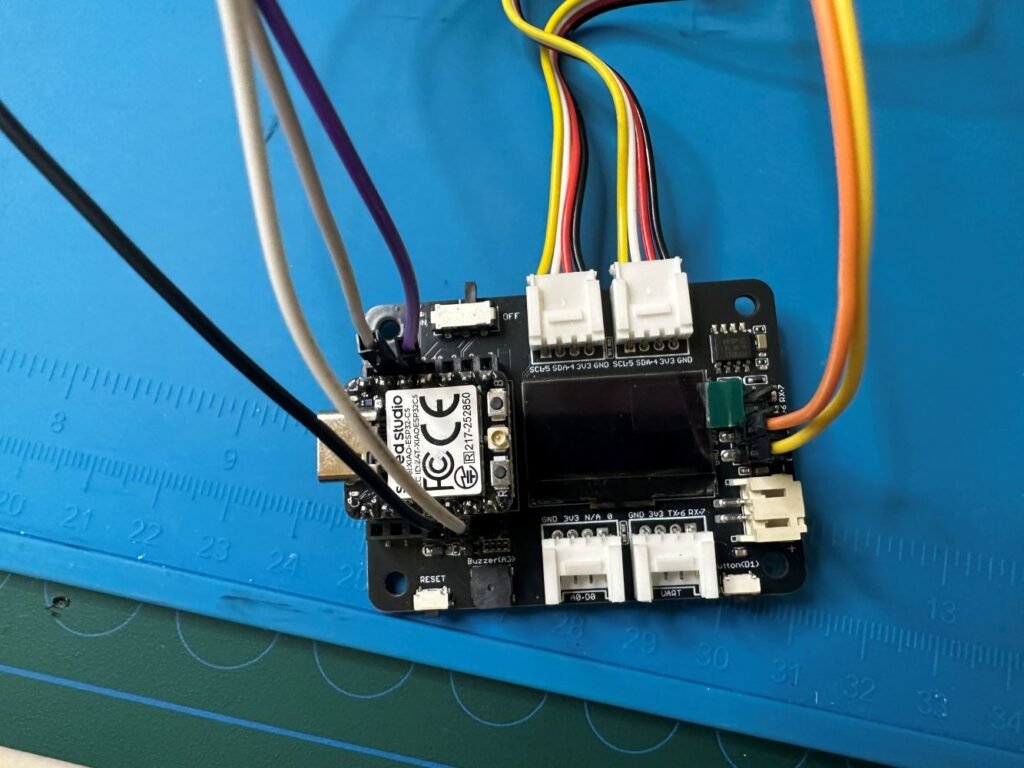
- Microcontroller (ESP32-C3)
- CO2 sensor (NDIR type recommended for proper CO2 readings)
- Grove Laser PM2.5 Sensor (measures PM1.0, PM2.5, and PM10)
- Optional: VOC sensor (for general air quality trends)
- Jumper wires
- Power supply / USB cable
- Optional: OLED display (so it works without a phone)
- Optional: enclosure (especially if you want it to look clean)
Upgrade ideas:
- Turn on a fan when CO2 rises above your threshold
- Overnight bedroom alerts (stale air)
- Trigger an air purifier automatically
- Add an e-ink display for low power
- Add a second sensor in another room to compare patterns
2) Motion-activated lights that feel instant (PIR or mmWave)
What it does: Turns lights on when you enter a space and off when it’s empty.
Hallways, bathrooms, laundries and garages are easy places to try motion lighting because the expected behaviour is obvious: walk in, the light comes on; leave, and it turns off. A basic PIR sensor is cheap and reliable for movement, while mmWave sensors are better suited to rooms where someone may sit still for long periods.
What you need:
- Motion sensor (PIR) or presence sensor (mmWave)
- Smart bulb, smart switch, or smart relay
- Power supply (if your sensor needs one)
- Optional: microcontroller if you’re building the sensor node yourself
Upgrade ideas:
- Only trigger after dark
- Change brightness based on time of day
- Add a shorter “on” time in high-traffic areas
- Use zones/filters (mmWave) to reduce false triggers
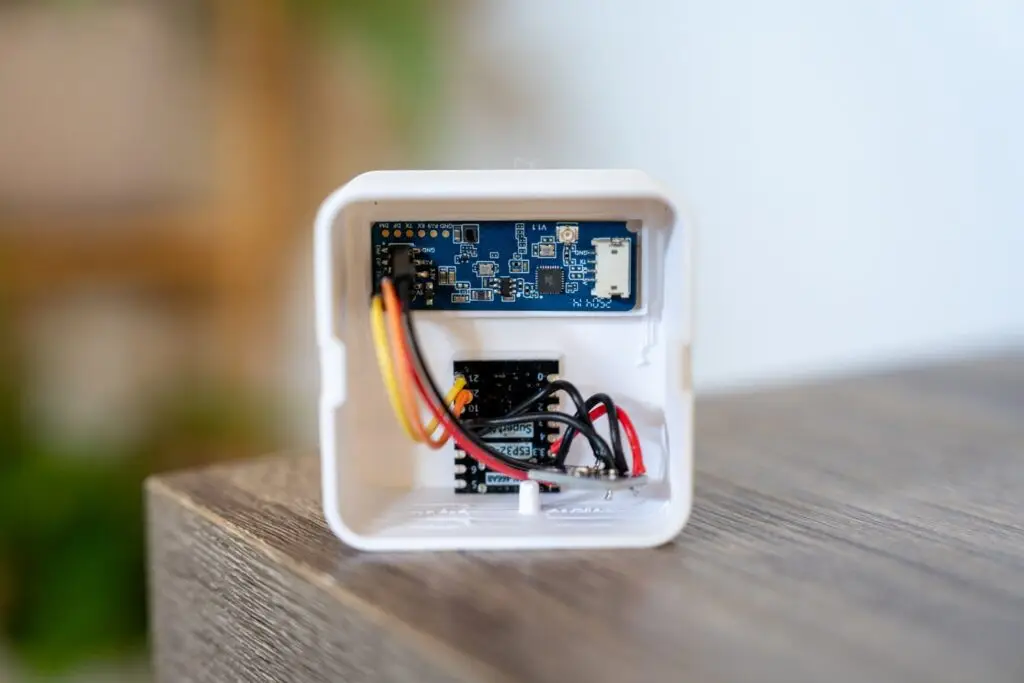
3) Smart fan control
What it does: Turns a fan on/off automatically based on temperature (or humidity), with a manual override.
A fan is a good first device to automate because the control logic can stay simple. Set an upper temperature threshold to turn it on, a lower one to turn it off, and keep a manual override so the automation never gets in the way. That also introduces hysteresis without making the project complicated.
What you need:
- Temperature + humidity sensor (the same type used in project #4, or any equivalent)
- Smart plug rated for your fan’s load. If you use a fixed smart switch, have any mains wiring handled by a qualified electrician.
- Fan (a desk or pedestal fan that resumes running after power is restored works best)
- Optional: microcontroller if your sensor is DIY
Upgrade ideas:
- Different thresholds for day vs night
- Only run when someone is home
- Add a manual “boost” mode for hot days
- Add a timer so it never runs endlessly
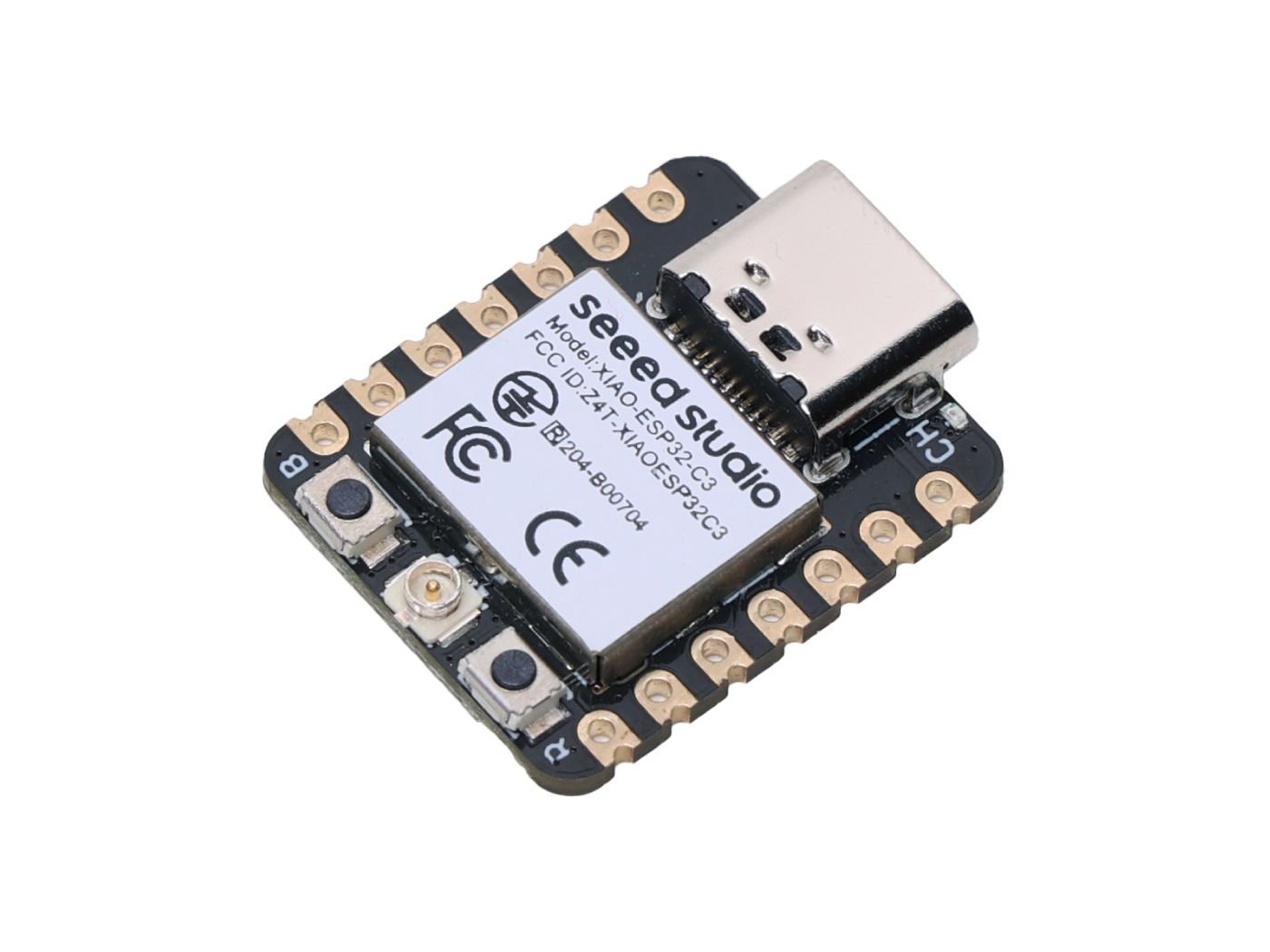
XIAO ESP32-C3
A tiny ESP32-C3 board with Wi-Fi, Bluetooth LE, USB-C and battery charging support, making it a great option for compact IoT and ESPHome projects.
4) Smart temperature + humidity monitor
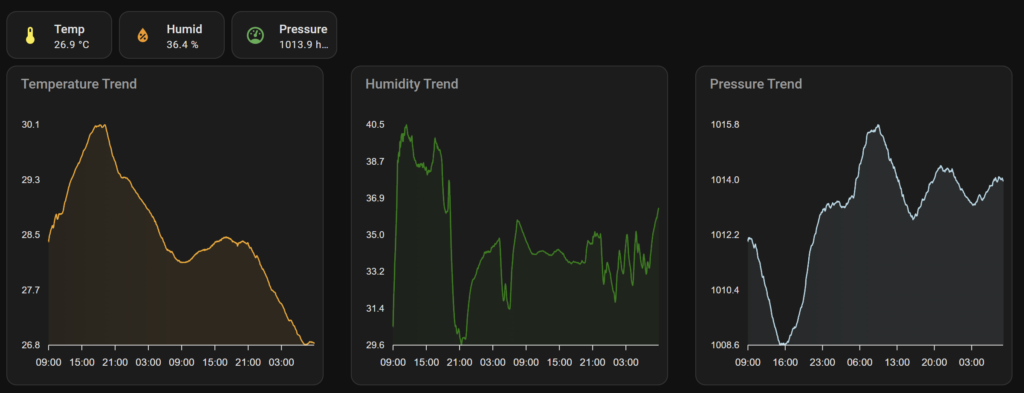
What it does: Tracks temperature and humidity in a room and shows it on a dashboard. You can also set alerts if a room gets too hot, too cold, or too humid.
Temperature and humidity are easy readings to work with, and the trends become useful almost immediately. You can see how a room changes overnight, how long it takes to cool after a hot day, or how sharply humidity rises during showers and cooking. Even without an automation attached, it is a straightforward way to learn sensor wiring, data logging and dashboards.
What you need:
- Microcontroller (ESP32-C3 is the common pick)
- Temperature + humidity sensor (BME280 or SHT31 are popular)
- Jumper wires
- Breadboard (optional, but makes life easier)
- USB cable / power supply
Upgrade ideas:
- Add mould-risk alerts (high humidity for too long)
- Add multiple sensors around the house
- Move it into a small enclosure for a clean install
- Switch to battery + deep sleep for a wireless sensor node
5) Water leak detector under sinks
What it does: Detects water leaks under sinks, behind the fridge, near the hot water system, or in the laundry.
Leak sensors make sense in the places you rarely look until something goes wrong: under sinks, behind a washing machine, beside a hot-water system or near a fridge water line. The hardware is simple, and the useful output is equally simple: dry most of the time, an immediate alert when water reaches the probe.
What you need:
- Leak sensor (prebuilt is easiest)
- Optional DIY route:
- Microcontroller (ESP32-C3)
- Leak probe / water sensor pads
- Enclosure
- Buzzer (optional)
Upgrade ideas:
- Add a loud local alarm plus phone notifications
- Place multiple sensors around the house
- Add a smart shut-off valve (advanced)
- Track “near misses” if you want trend data (slow leaks)
6) Smart doorbell notifications
What it does: Detects the doorbell press and sends a notification, and can also trigger lights or chimes.
You do not need to replace the whole doorbell to make its button useful in Home Assistant. Detect the existing button press, then use that event for a phone notification, a light flash or an extra chime. Confirm the doorbell circuit is low voltage and use electrical isolation rather than connecting it directly to an ESP32 GPIO.
What you need:
- Microcontroller (ESP32-C3)
- An isolated low-voltage input method such as an opto-isolator, after confirming the doorbell circuit voltage
- Low voltage wiring accessories (connectors, heatshrink, etc.)
- Enclosure
- Optional: relay module (if you want to trigger another chime/light)
Upgrade ideas:
- Flash porch lights when pressed
- Different behaviour at night vs day
- Add a camera snapshot in the notification (if you already have a camera)
- Add a second chime inside the house
7) Soil moisture monitor
What it does: Measures soil moisture so you can see when plants actually need watering.
A soil sensor is useful once you stop treating its reading as a universal percentage and watch the trend for a specific pot instead. Over a few watering cycles you can see what the sensor reports when that plant is freshly watered, comfortably moist and actually due for water.
What you need:
- Microcontroller (ESP32-C3)
- Capacitive soil moisture sensor (avoid resistive probes)
- Jumper wires
- Enclosure (optional)
- Optional: battery + charging module if you want it wireless
Upgrade ideas:
- Battery + deep sleep so it lasts ages
- Add a temperature sensor near the plant
- Alert if moisture stays low for a set number of days
- Build a simple “plant dashboard” with trends
8) Garage door status + “left open” alerts
What it does: Tells you if your garage door is open or closed, and alerts you if it’s left open too long.
For a garage door, the important part is mounting the contact or reed sensor so it positively confirms the fully closed position. From there, the useful automations are mostly reminders: warn if the door stays open too long, or if you leave home while it is still open. That keeps it distinct from the general entry alerts in project #10.
What you need:
- Contact sensor (prebuilt) or reed switch + magnet
- Optional DIY route:
- Microcontroller (ESP32-C3)
- Mounting bracket / adhesive mounts
- Enclosure
- Optional: second sensor to confirm fully open and fully closed positions
Upgrade ideas:
- Alert only when you’ve left home
- Notify if it’s left open longer than a set time
- Trigger a camera recording when it opens
- Add a status LED near the internal door
9) IR blaster to control “dumb” devices (TV, aircon and more)
What it does: Controls IR devices through your phone or automations, without replacing the device.
An IR blaster is a cheap way to bring older appliances into a smart-home setup without modifying them. Air conditioners, TVs and other IR-controlled gear are obvious targets. Start with a few reliable commands such as power, temperature or input selection before trying to reproduce every button on the original remote.
What you need:
- Microcontroller (ESP32-C3)
- IR LED + current-limiting resistor + small transistor or MOSFET driver for useful range
- Optional: IR receiver (to learn remote codes)
- Power supply
- Enclosure (optional)
Upgrade ideas:
- Temperature-based aircon control
- Schedules that still allow manual override
- Scenes like “movie mode” (lights + TV)
- Add a physical button for quick control
10) Door/window sensor alerts
What it does: Notifies you when a door or window opens, and can trigger a basic “Away mode.”
A door or window contact only gives you two states, which is exactly why it is easy to build useful automations around. Start with a basic open/closed entity, then add conditions such as nobody being home, a door opening after a certain time, or a window being left open while heating or cooling is running.
What you need:
- Door/window contact sensors (prebuilt)
- Optional DIY route:
- Microcontroller (ESP32-C3)
- Reed switch + magnet
- Wires / small terminal block
- Enclosure
Upgrade ideas:
- Add an entry delay (so you can disarm before alerts)
- Turn on lights when a door opens at night
- Log door open/close history
- Add a “holiday mode” for extra alerts
Where I would start
If I were starting with one board and a breadboard, I would choose the project with the clearest job in my own house rather than the one with the longest parts list.
A good simple path is:
- Start with #4 (temperature/humidity) to learn sensors and dashboards
- Add #6 or #10 for useful alerts
- Then build something with a “wow factor” like #2 (motion/presence lighting) or #1 (air quality)
Once you’ve built one or two of these, you’ll have the confidence to mix them together (for example: air quality triggers a fan, motion lighting only triggers when someone’s home, garage door open triggers a camera recording).
Some of the links in this post may be affiliate links. If you buy through them, I may earn a small commission at no extra cost to you.