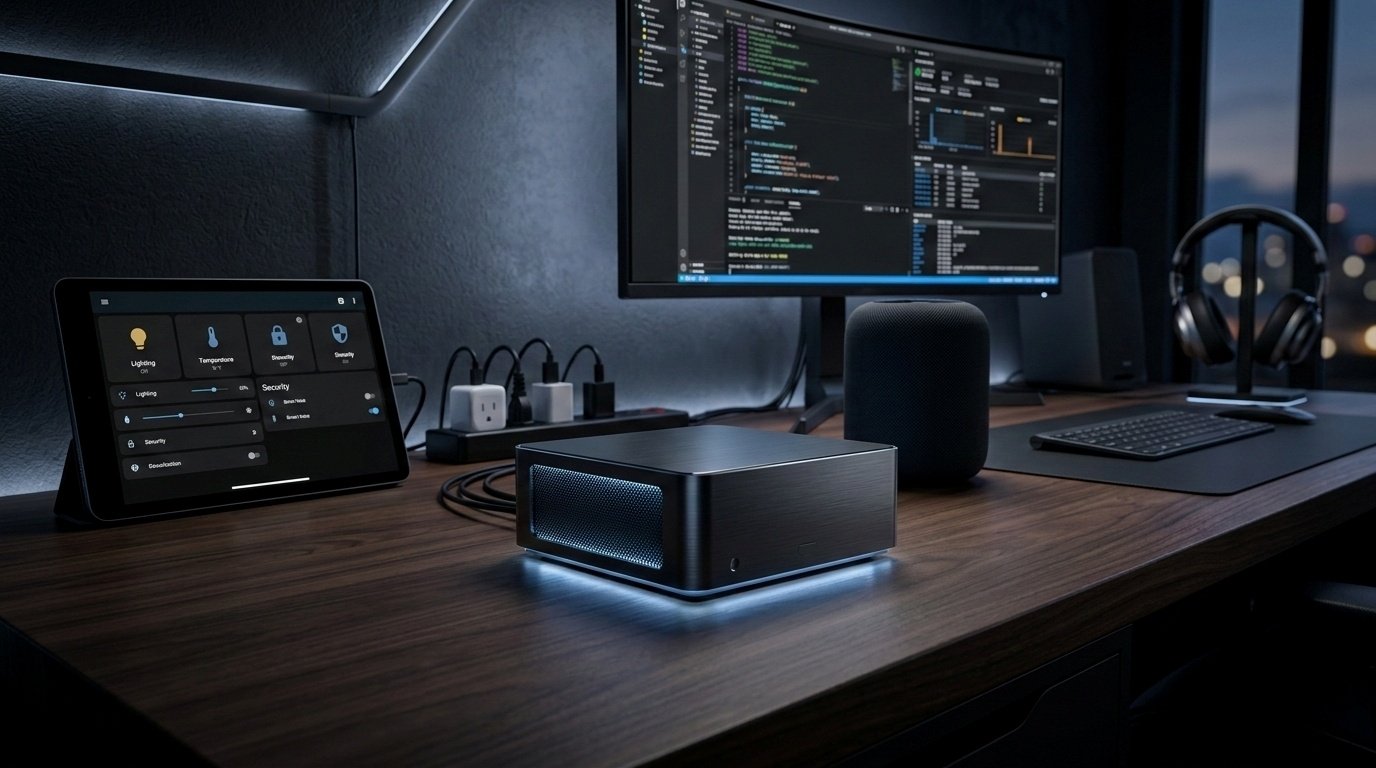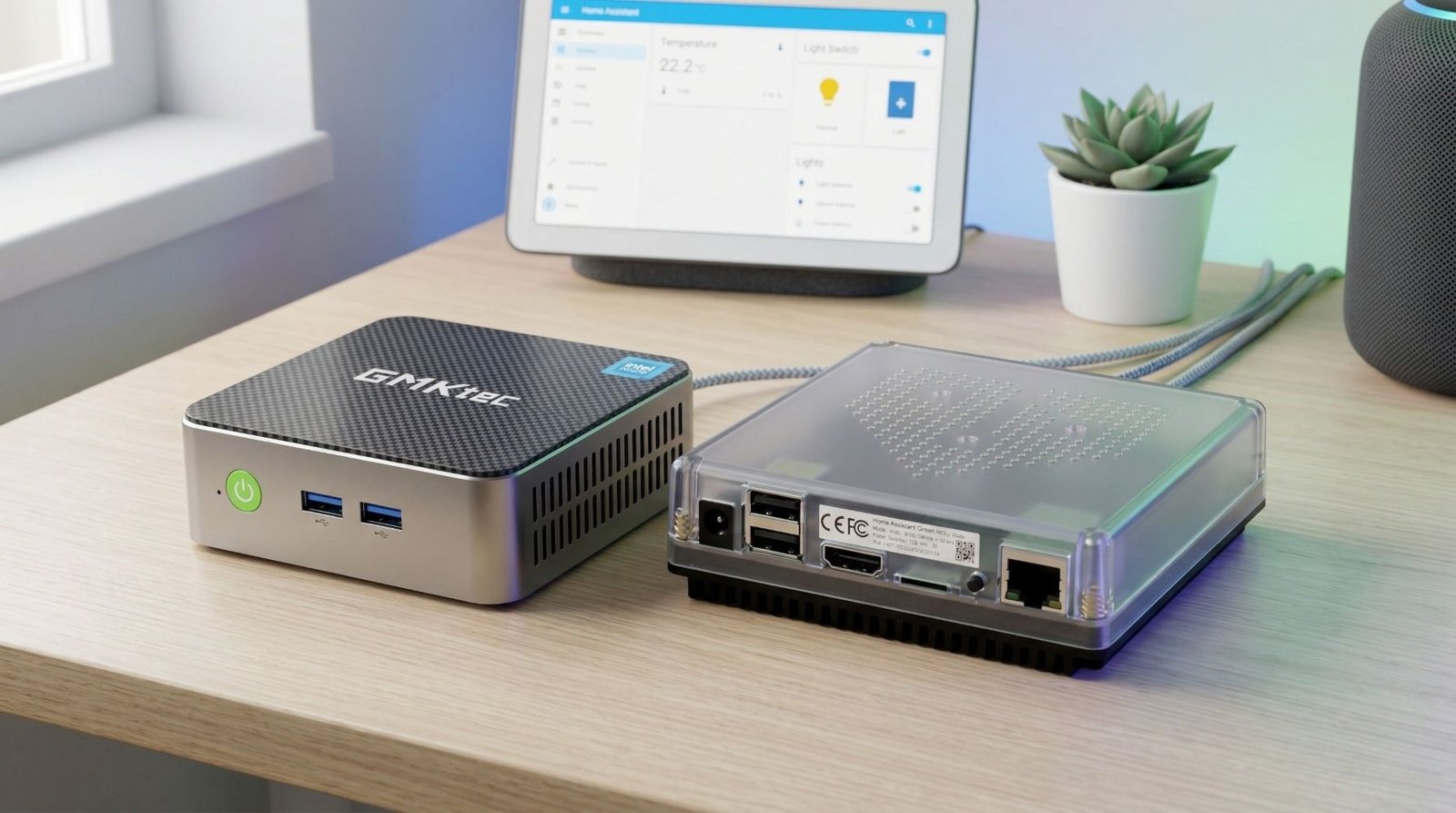
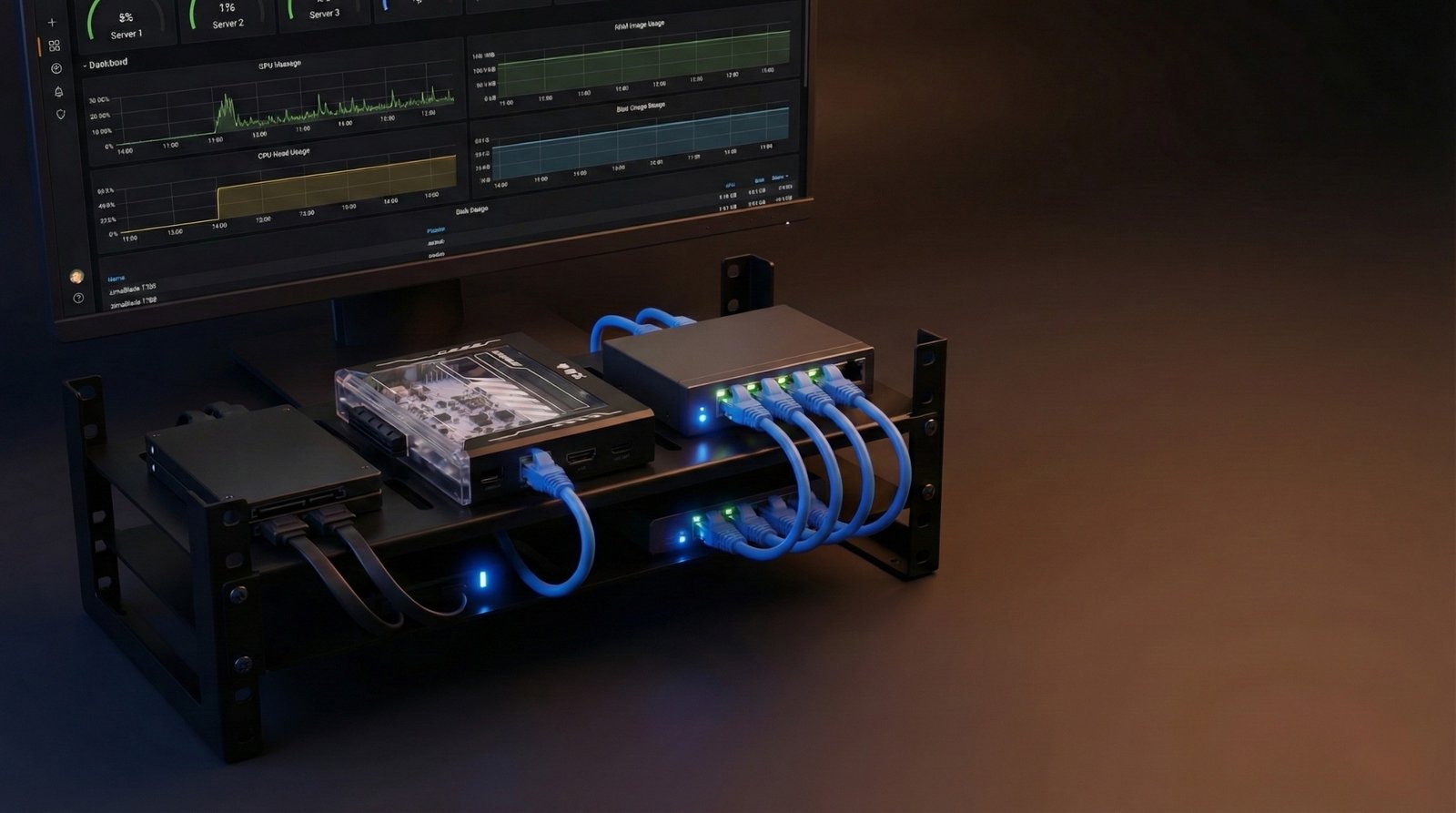
If your Home Assistant setup is starting to outgrow a Raspberry Pi, the ZimaBlade 7700 is an interesting middle ground. It’s a tiny, silent x86 board that promises NAS-style features without the size, noise, or power draw of a full mini PC.
I’ve been running Home Assistant on the ZimaBlade 7700 for a few days, alongside CasaOS, Portainer and MQTT. Here’s how it’s actually performing, and whether I’m keeping it as my main Home Assistant host.
If you want to check it out for yourself, you can find the ZimaBlade 7700 on Amazon here.
ZimaBlade 7700 Review TL;DR
- Power draw: ~2–2.3 W with multiple containers
- Thermals: ~32°C after 48+ hours uptime, completely passive
- Performance: Noticeably faster and smoother than my Raspberry Pi 4
- Noise: Fully silent (no fans)
- Best for: Always-on Home Assistant + a few extra services (Zigbee2MQTT, backups, etc.)
If you want something more capable than a Pi but smaller and more efficient than a NUC, the ZimaBlade 7700 hits a very nice sweet spot.
Some of the links in this post may be affiliate links. If you buy through them, I may earn a small commission at no extra cost to you.
What Is the ZimaBlade 7700?
The ZimaBlade 7700 is a small x86-based single-board server aimed at home labs, NAS builds, and self-hosted projects.
Core specs
- CPU: Intel E3950 quad-core (similar class to the J3455)
- RAM: Up to 16 GB DDR3L (I’m using 16 GB)
- Storage: 32 GB eMMC onboard for the OS
- Connectivity & expansion:
- 2 × SATA ports for SSDs or HDDs
- 1 × PCIe slot for a faster NIC or small GPU
- Gigabit Ethernet
- USB 3.0
- USB-C for power
- Cooling: Passive – no fans, no moving parts
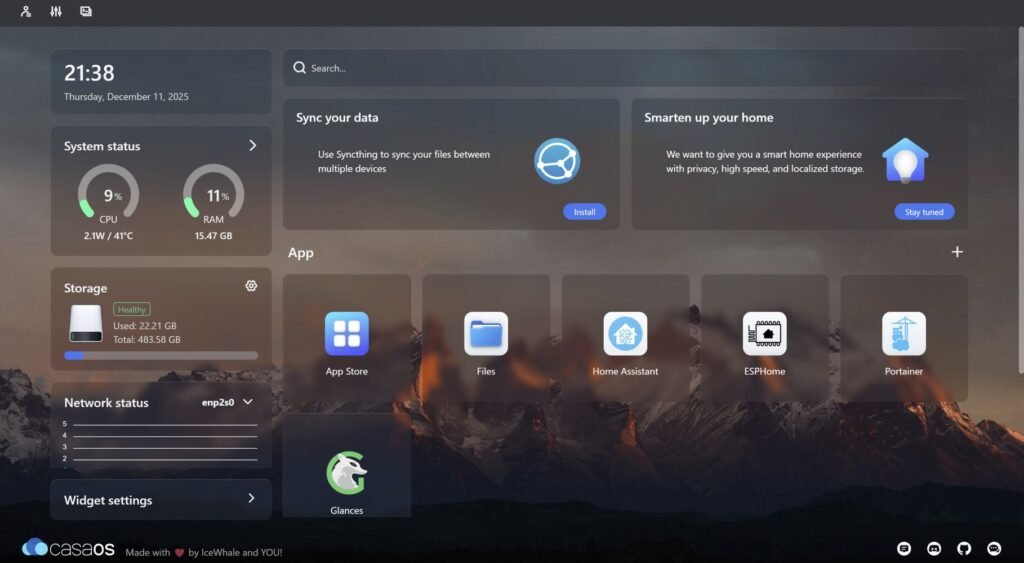
The board ships with CasaOS, a lightweight, web-based platform that sits on top of Linux and makes it easy to run Docker containers and manage apps from a browser.
Because it’s x86, not ARM like a Raspberry Pi, it has better compatibility with desktop Linux, Docker images, and various tools that sometimes need workarounds on ARM.
Why I Put Home Assistant on It
My Home Assistant instance previously lived on a Raspberry Pi 4. It worked fine, but over time:
- Add-ons and containers built up
- The database grew
- Dashboards and automations occasionally felt sluggish
I wanted:
- More CPU headroom
- Better storage options than microSD
- Something that stays silent and low-power 24/7
A full mini PC or NUC would definitely handle the load, but that’s more power, more heat, and usually fans. The ZimaBlade looked like a good “step up” instead of a full jump.
How I Set It Up
Here’s the basic setup I’m running:
- Base OS: CasaOS (stock, as shipped)
- Home Assistant: Running in Docker, installed via CasaOS
- Other containers:
- Portainer for extra Docker management
- MQTT broker
- Storage: Using the internal storage for now (SATA storage will come later)
- Network:
- Wired Ethernet to the router
- Static IP reserved so Home Assistant always lives at the same address
I deliberately kept the initial setup simple to get a feel for:
- UI responsiveness
- Stability over a few days
- Power draw and temperature under normal use
Performance & Day-to-Day Experience
With Home Assistant up and running, plus CasaOS, Portainer and MQTT, the ZimaBlade feels like a clear upgrade from the Raspberry Pi 4.
Interface responsiveness
- Dashboards load quickly
- Switching between views and settings is smooth
- Editing automations and navigating the UI feels snappy
It’s not trying to be a high-end workstation; it just feels consistently responsive, which is exactly what you want for a home automation hub.
Power Consumption & Thermals
This is where the ZimaBlade is surprisingly strong.
Power draw
With:
- CasaOS
- Home Assistant
- Portainer
- MQTT
…all running at once, power usage sits around:
- 2–2.3 W
For an x86 box running multiple containers, that’s very low. It’s firmly in the “just leave it on and forget about it” category.
Temperatures
After 48+ hours of continuous uptime:
- Temperature sits at around 32°C
- No noticeable spikes
- No hints of thermal throttling
The aluminium housing and passive cooling do enough to keep it cool under this kind of load.
CPU, RAM and Headroom for More
With my current stack:
- CPU usage: ~4–5% on average
- RAM usage: Under 10% of 16 GB
That leaves plenty of room for:
- Zigbee2MQTT
- Google Drive backups
- Extra Home Assistant add-ons
- Additional services or containers
The main feeling is: there’s a lot of headroom left. It doesn’t feel like it’s working hard at all yet.
Pros: What the ZimaBlade Gets Right
1. Silent, fanless operation
No fans, no spinning drives by default, no noise. For a device that lives in a cupboard or office and runs 24/7, that’s a big plus.
2. Easy container management with CasaOS
CasaOS makes it straightforward to:
- Install and update apps
- Spin up Docker containers
- Monitor basic system stats
You can do most of your day-to-day management from a browser, which lowers the barrier if you’re not keen on living in the terminal.
3. Real storage and expansion options
- Dual SATA ports mean proper SSD/HDD options for:
- Backups
- Media
- Databases
- The PCIe slot opens the door to:
- Faster network cards
- Lightweight GPU experiments
- Other PCIe expansion cards
It doesn’t feel like a dead-end board, you can grow into it.
4. Noticeable upgrade from a Raspberry Pi 4
In real use:
- Home Assistant feels faster
- Dashboards load more smoothly
- The system remains responsive even with multiple containers
If your Pi is starting to feel stretched, this is a nice step up without going all the way to a power-hungry mini PC.
Cons: Things to Be Aware Of
1. Single Ethernet port
There’s only one Ethernet port:
- No built-in redundancy
- No link aggregation
For most home setups this is fine, but if you’re planning a more complex network layout, you’ll need extra hardware.
2. No built-in Wi-Fi
You’ll need:
- A wired connection, or
- A USB Wi-Fi dongle
Not a huge problem, but worth knowing if your router isn’t nearby.
3. Onboard storage feels tight long-term
The 32 GB eMMC is fine to start with, but:
- Backups
- Media
- Database-heavy add-ons
…will push you to add SATA storage fairly early on. That’s expected with this type of device, but it’s something to plan for.
4. CasaOS still assumes some comfort with Docker
CasaOS is friendly, but if you want to:
- Run custom containers
- Tweak networking
- Do more advanced setups
…you’ll still benefit from basic Docker knowledge. It’s not “set and forget everything forever”, just “set and forget once you know what you’re doing”.
ZimaBlade vs Raspberry Pi vs Mini PC/NUC
Here’s where it lands in the usual Home Assistant hardware lineup.
vs Raspberry Pi (4/5)
- Raspberry Pi 4/5
- Great for beginners
- ARM-only quirks with some images
- Storage mainly via microSD (or extra work for SSD)
- Newer Pi 5 is fast but hotter and more power-hungry
- ZimaBlade 7700
- x86, so better compatibility with many Docker images
- Proper SATA storage and PCIe expansion
- Fully passive and silent
- Very low power draw in real use
If you’ve hit the ceiling on your Pi, the ZimaBlade feels like a natural upgrade.
vs Mini PC / NUC
- Mini PC / NUC
- Much higher performance
- More power usage
- Usually active cooling (fans, noise)
- ZimaBlade 7700
- Less raw performance
- Much more efficient
- Completely silent
- Still more than enough for Home Assistant and a handful of services
For a pure Home Assistant + light home-lab workload, that efficiency often matters more than extra CPU power you’ll never fully use.
Final Verdict: Is the ZimaBlade 7700 Worth It for Home Assistant?
For my setup, yes – I’m keeping it as my main Home Assistant host.
What I’m getting:
- Silent operation
- Very low power use (~2–2.3 W)
- Stable thermals (~32°C)
- A smooth, responsive Home Assistant experience
- Plenty of room to grow with extra containers and storage
It’s not the flashiest or most powerful board, but that’s not the point. As a small, efficient, always-on smart home brain, it does exactly what I want:
- It runs quietly in the background
- It doesn’t overheat
- It doesn’t slow down as more services are added
If you’re looking for a middle ground between a Raspberry Pi and a full mini PC for Home Assistant, the ZimaBlade 7700 fits that role really well.
If you’ve decided the ZimaBlade 7700 is a good fit for your home lab, you can grab it from Amazon using my affiliate link here. It helps support my projects and doesn’t cost you anything extra.